Baraat Dhol Dance Shot
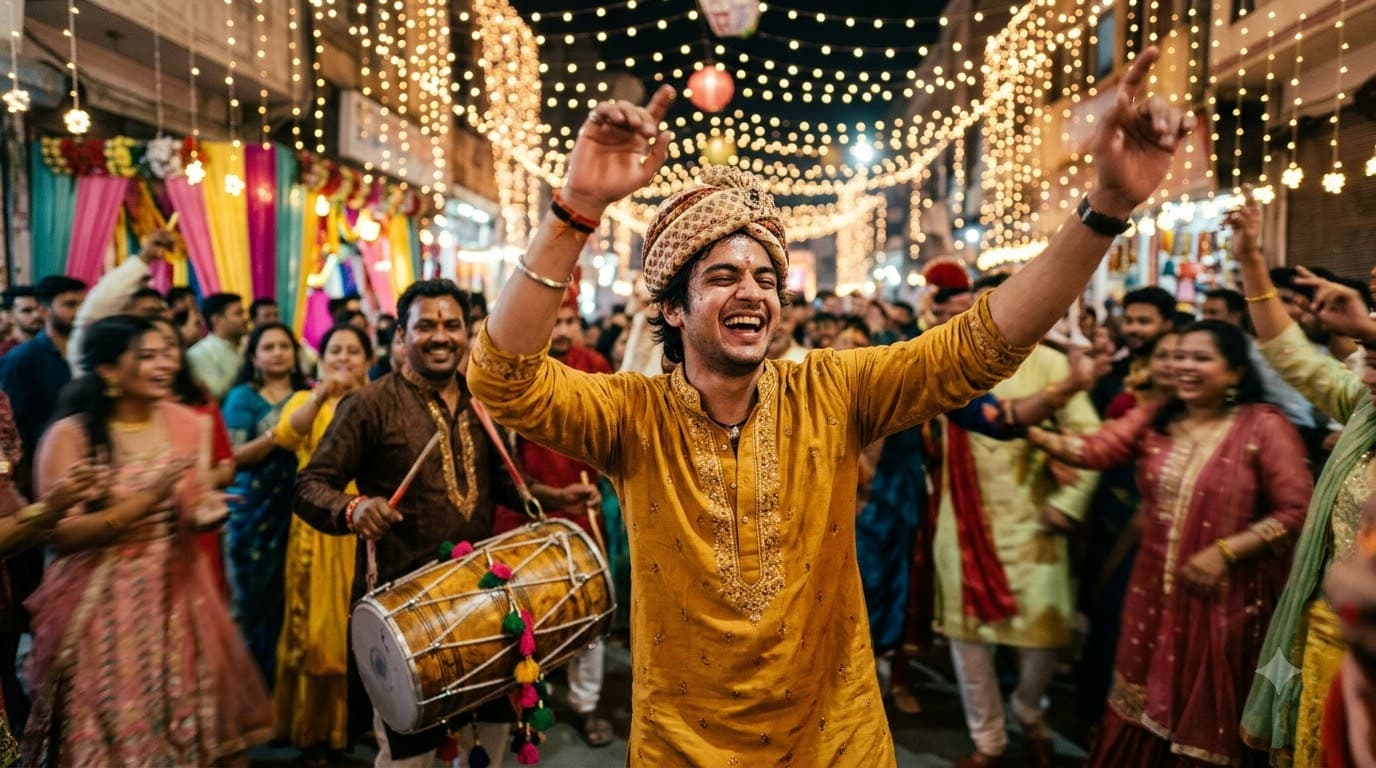
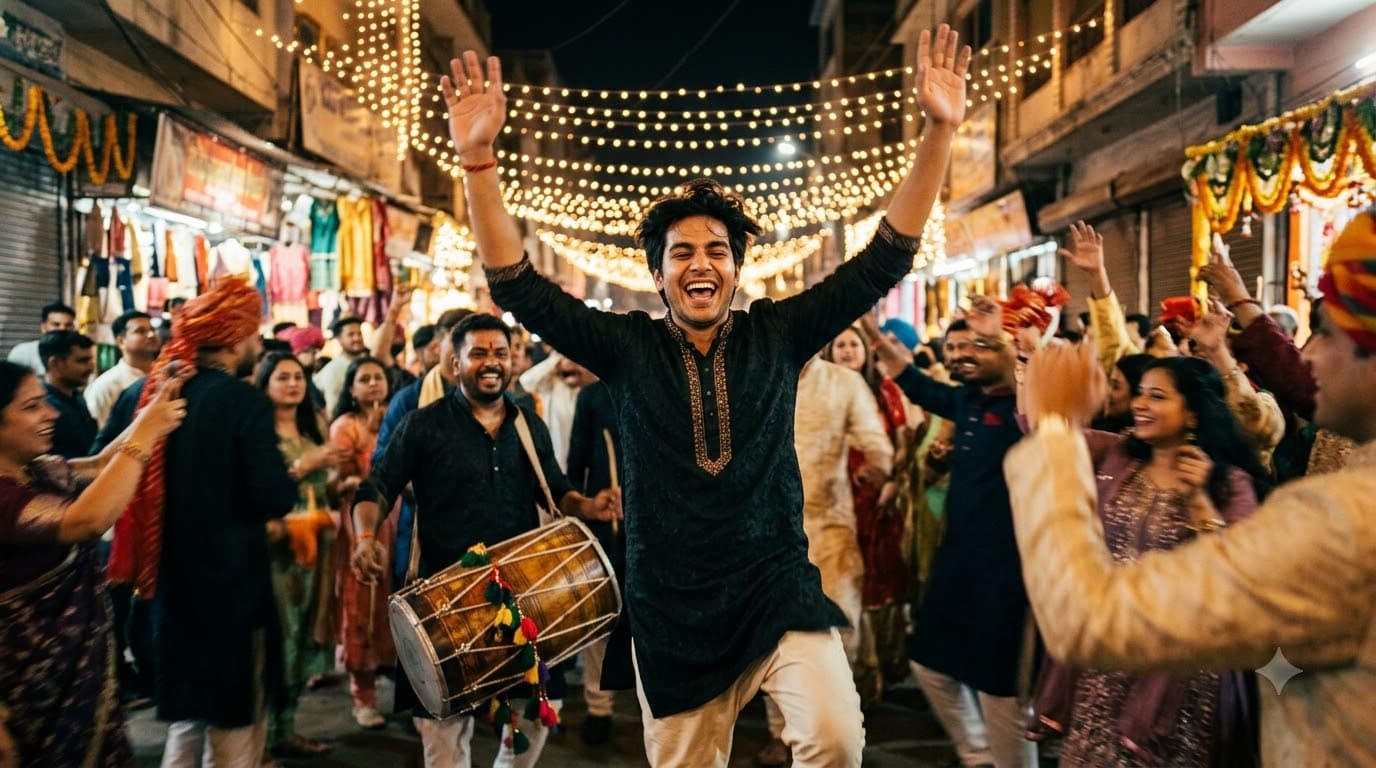
Upload your own photo and Gemini or ChatGPT edits it into you mid-dance in the baraat procession, dhol player behind, string lights overhead — your real face stays, only the procession is added around you. Loud, energetic, and full of motion by design.
This prompt edits your own photo instead of drawing a new person. Upload a clear, well-lit selfie into the AI tool first, then paste this prompt alongside it — the model keeps your face and changes everything around it.
Your details
Your prompt
Edit the uploaded photo — do not generate a new face or a different person. Keep the exact facial identity from the reference photo completely unchanged: same face shape, same eyes, same eyebrows, same nose, same lips, same jawline, same skin tone, same hairline, and any visible moles or marks. Keep the exact same body type, height, and build — do not slim, bulk up, or reshape the body in any way. The subject is 22 years old. Preserve natural, realistic skin texture with visible pores and fine detail, natural minor asymmetry, and a completely unedited look — no beauty filter, no skin smoothing, no airbrushing, no plastic or waxy skin, nothing that looks artificially perfect or AI-generated. This must read as a real, untouched photograph of this exact person, with only the setting and motion changed. Dancing joyfully in the middle of a baraat procession, a dhol player visible behind, string lights strung overhead, other dancers softly blurred around, night-time warm lighting, arms raised mid-dance, motion blur in the movement, shot on 35mm lens, ultra realistic, 8k.
Open in
Opens the tool in a new tab with your prompt on the clipboard.
Tips for better results
- "Motion blur in the movement" is what separates a real dance shot from a stiff, posed baraat photo.
- String lights overhead are the single detail that most reliably signals a night baraat scene.
- Upload a clear photo of your face and upper body — motion blur is added in the edit, so a sharp starting photo holds up better.
More in this category
 +1Upload your photo
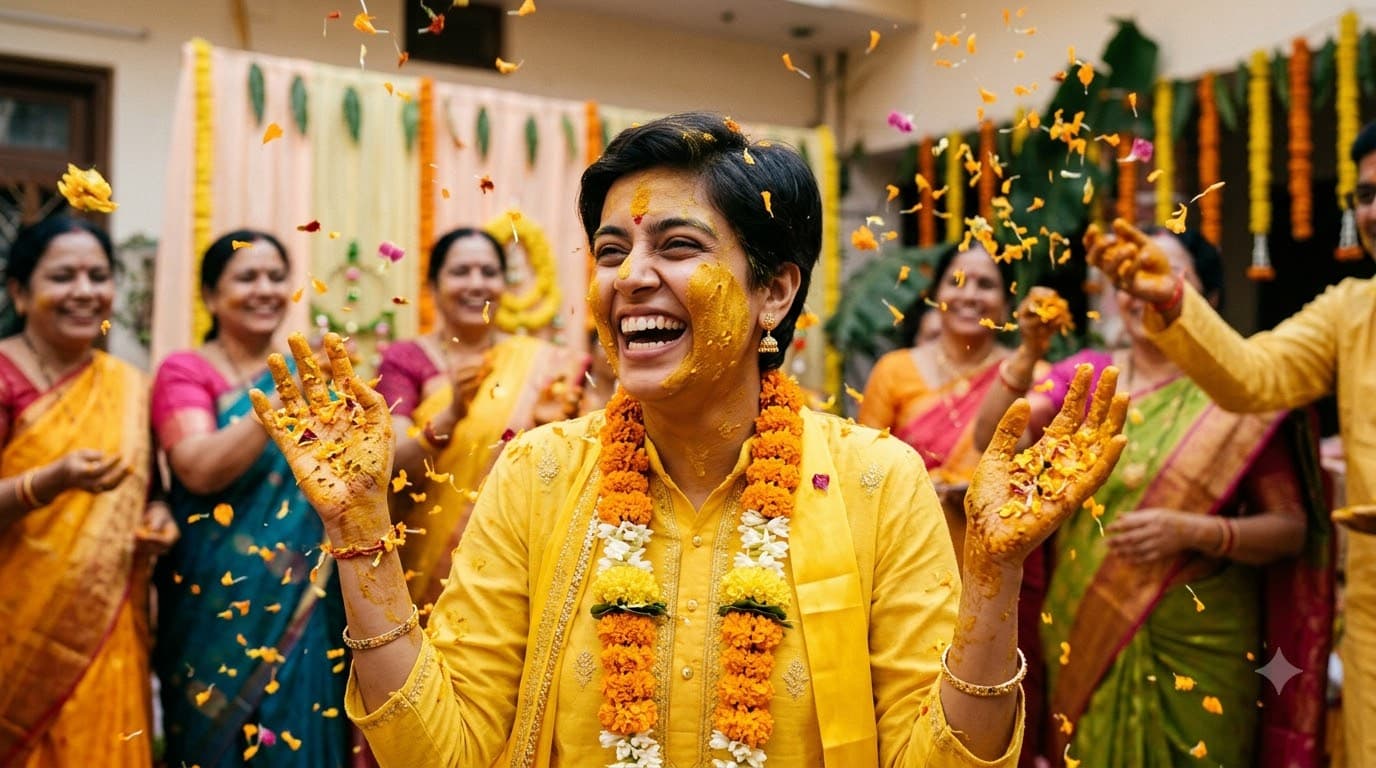
Haldi Ceremony Portrait
Upload your own photo and Gemini or ChatGPT edits it into your haldi ceremony — turmeric paste on the cheeks and hands, marigold garlands, bright yellow everywhere, your real face kept intact. Messy and joyful by tradition — this is not a clean, polished shot.
 +1
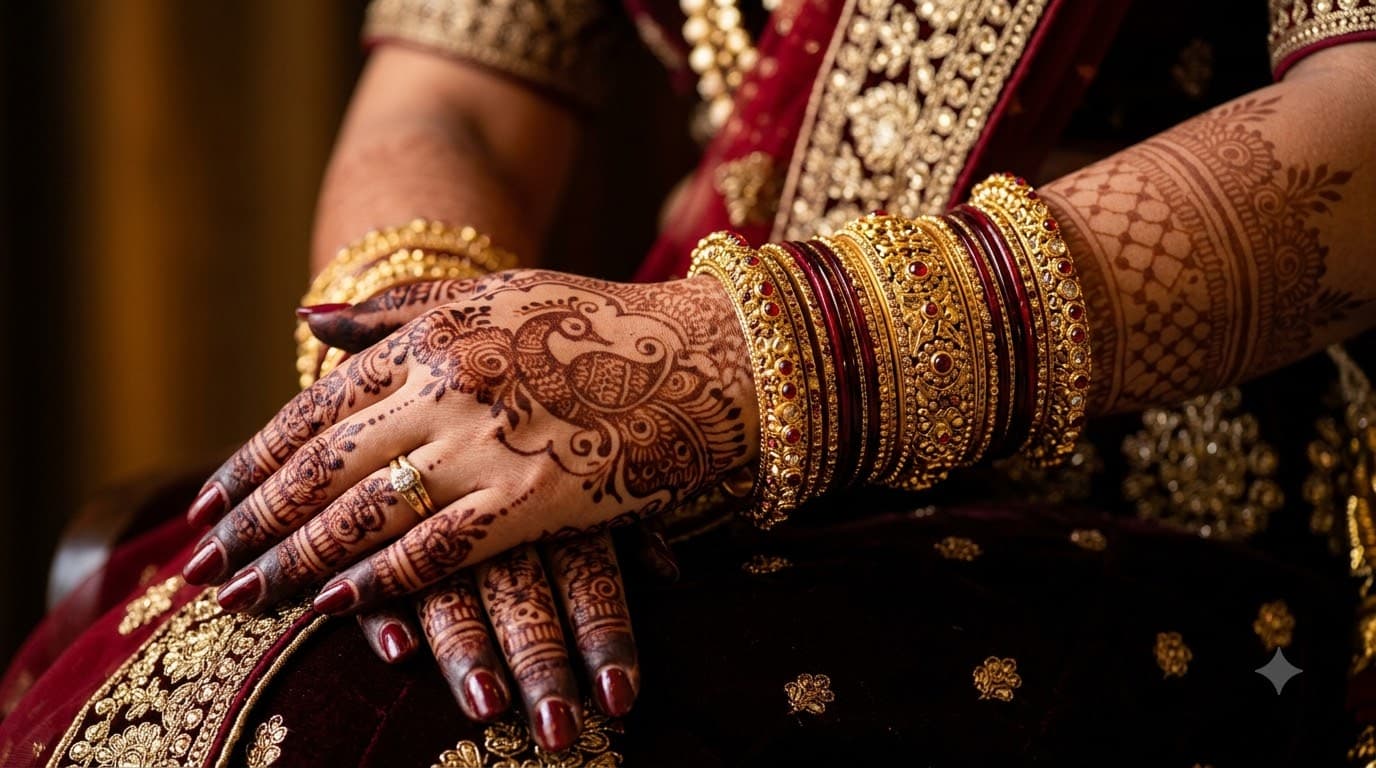
+1Bridal Mehendi Close-Up
A close macro shot of bridal mehendi covering the hands up to the elbow, bangles resting nearby. No face to render, so this is the most dependable wedding image in the site.
 +1Upload your photo
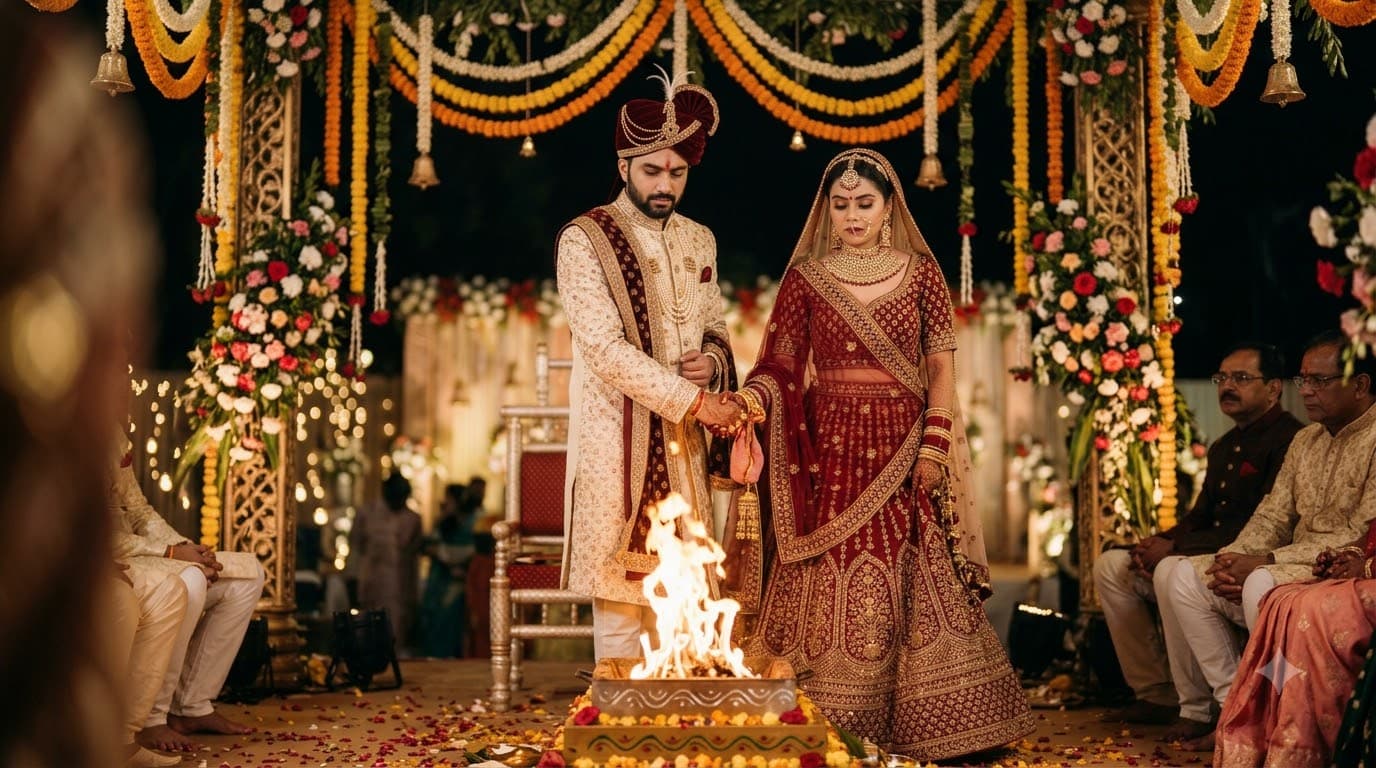
Pheras at the Mandap
Upload a photo of each of you and Gemini or ChatGPT blends you into the sacred fire ritual under a flower-draped mandap — both your real faces kept intact, lit by firelight. A still, reverent moment rather than a busy wedding-hall scene.