Black & White Scrapbook Collage
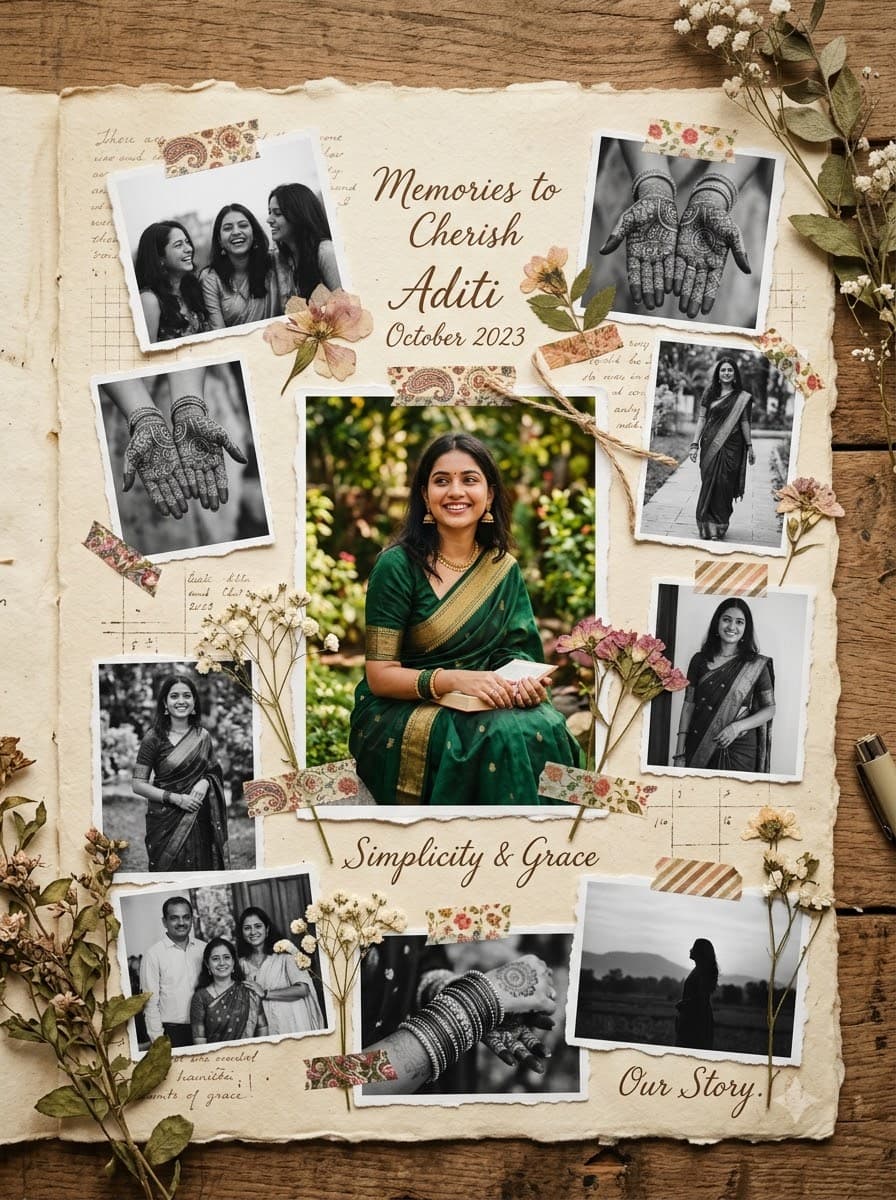
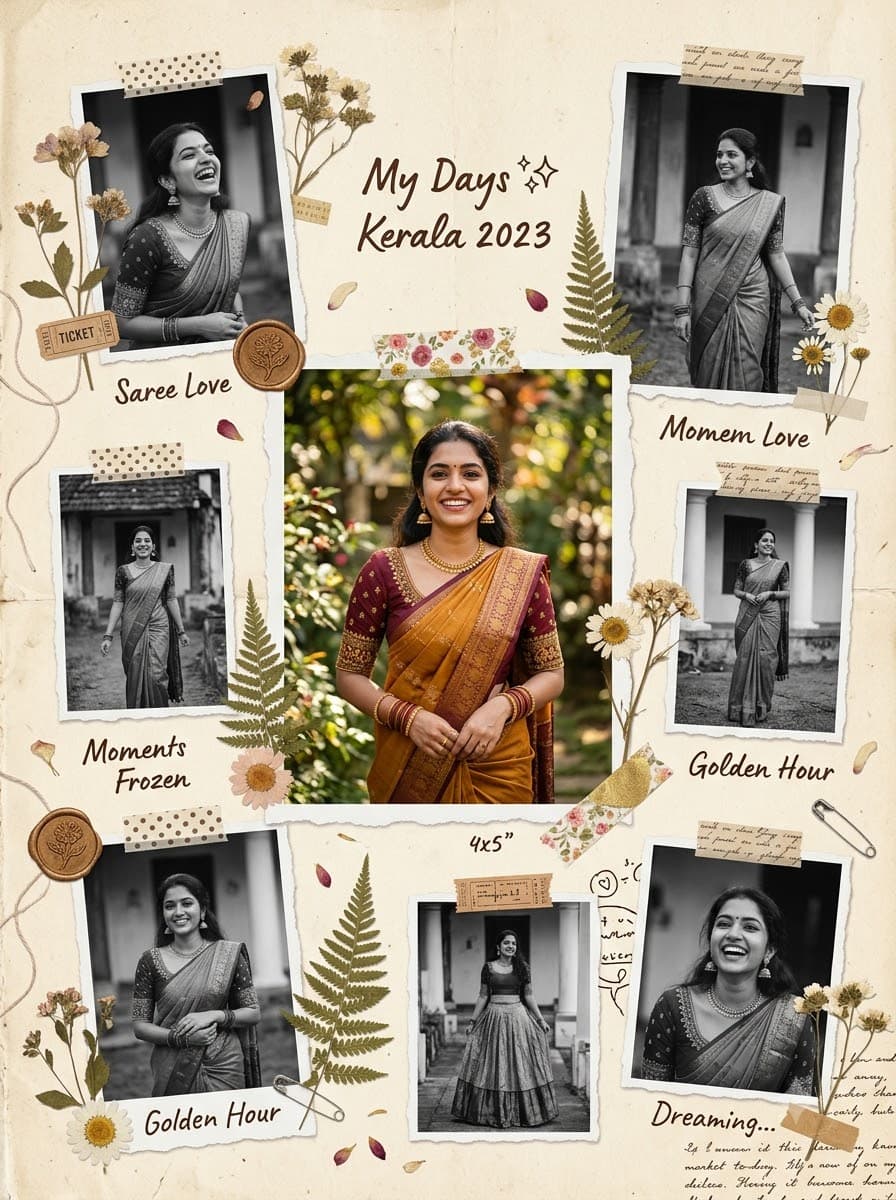
The vintage-diary collage look every aesthetic Pinterest board is full of — upload a few of your own photos and get one kept in full colour at the centre while the rest turn black-and-white around it, your real face and body untouched throughout.
This prompt edits your own photo instead of drawing a new person. Upload a clear, well-lit selfie into the AI tool first, then paste this prompt alongside it — the model keeps your face and changes everything around it.
Your details
Your prompt
Edit the uploaded photos into a single scrapbook-style collage — do not generate new faces or different people, and do not change the pose, expression, or framing of any individual photo. Keep the exact facial identity of the subject unchanged across every photo used: same face shape, same eyes, same eyebrows, same nose, same lips, same jawline, same skin tone, same hairline, and any visible moles or marks. Keep the exact same body type, height, and build in every photo — do not slim, bulk up, or reshape the body in any way. The subject is 24 years old. Preserve natural, realistic skin texture with visible pores and fine detail, no beauty filter, no skin smoothing, nothing that looks artificially perfect or AI-generated. Arrange the uploaded photos in a clean, layered scrapbook layout on a warm cream paper-textured background, keeping one main central photo in full natural colour and converting all the surrounding photos to black-and-white, decorated with dried flowers and washi tape tucked around the edges, soft torn-paper photo borders, dreamy cinematic mood with gentle shadows, vintage aesthetic, elegant Pinterest-style composition. Composed in a portrait 4:5 frame, ideal for an Instagram feed post.
Open in
Opens the tool in a new tab with your prompt on the clipboard.
Tips for better results
- Upload 3-5 clear photos of yourself for the best collage — a mix of close-up and half-body shots gives the layout more variety.
- The photo you want to stay in full colour should be your sharpest, best-lit shot — that's the one the eye lands on first.
- This works beautifully as a 'photo dump' caption image — it's built to look like a page from a personal diary, not a posed shoot.
More in this category
 +1Upload your photo
Saree AI Photoshoot
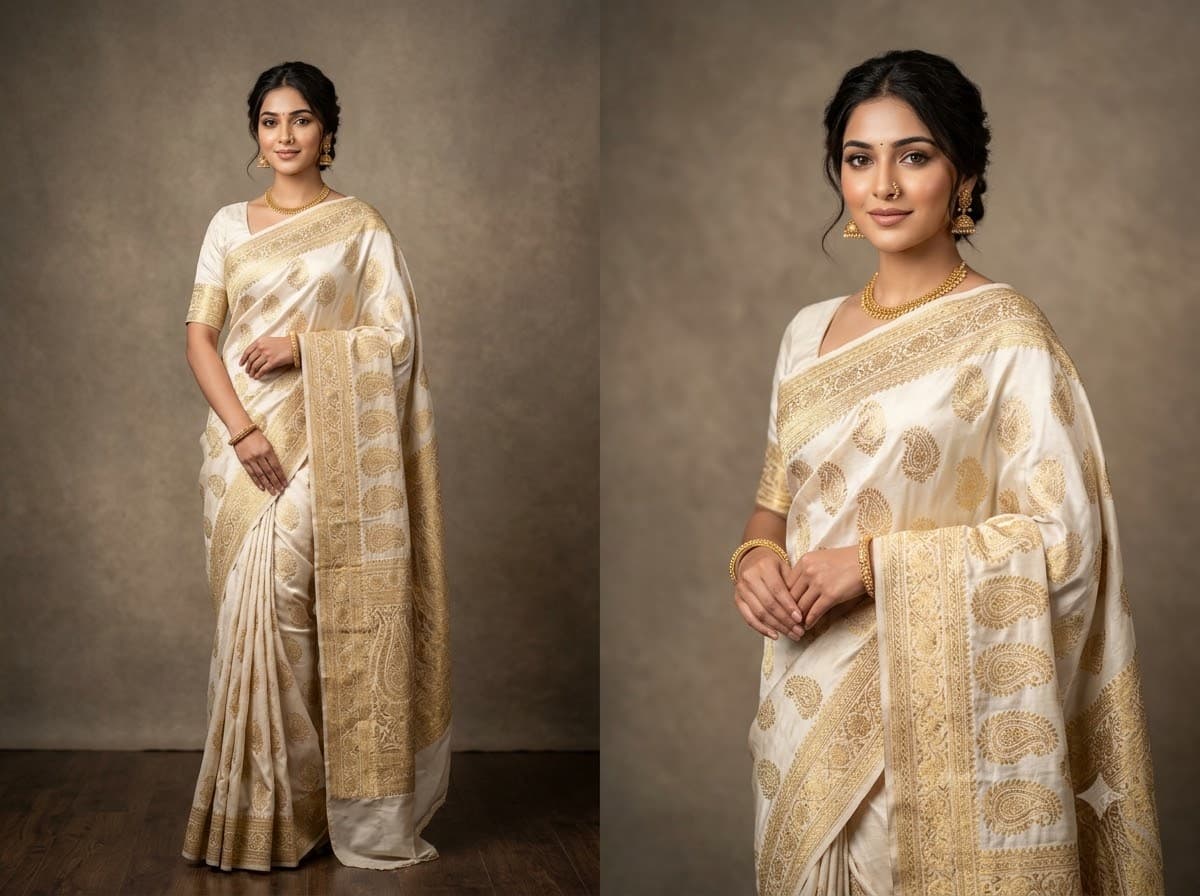
The trend every Indian woman's feed has right now — upload your own photo and Gemini or ChatGPT redresses you in a magazine-quality saree studio look, keeping your real face and body. Consistently one of the highest-shared prompts on the site.
 +1Upload your photo
Old Money Aesthetic Portrait
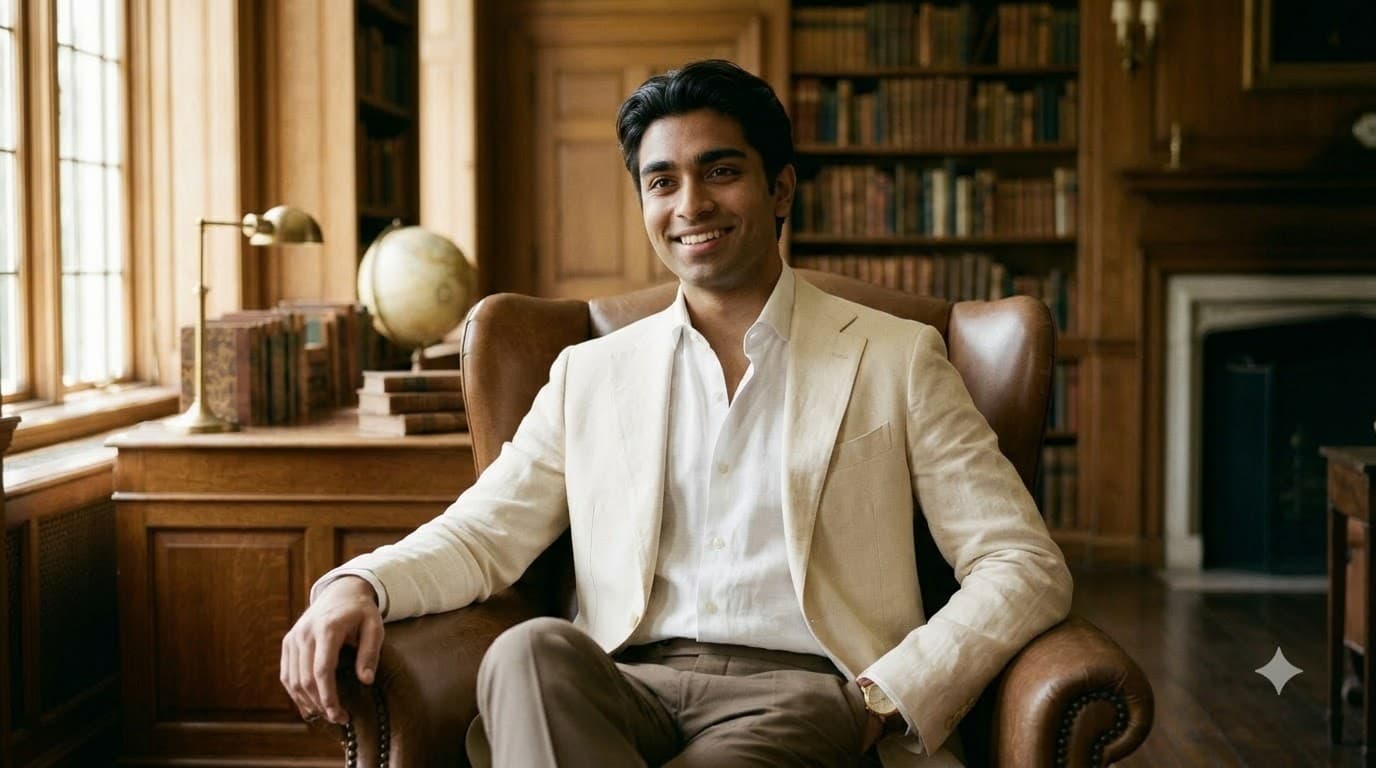
The quiet-luxury look everyone's profile picture wants right now — upload your own photo and get muted neutrals, natural light and effortless posture, with your real face and body untouched.
 +1Upload your photo
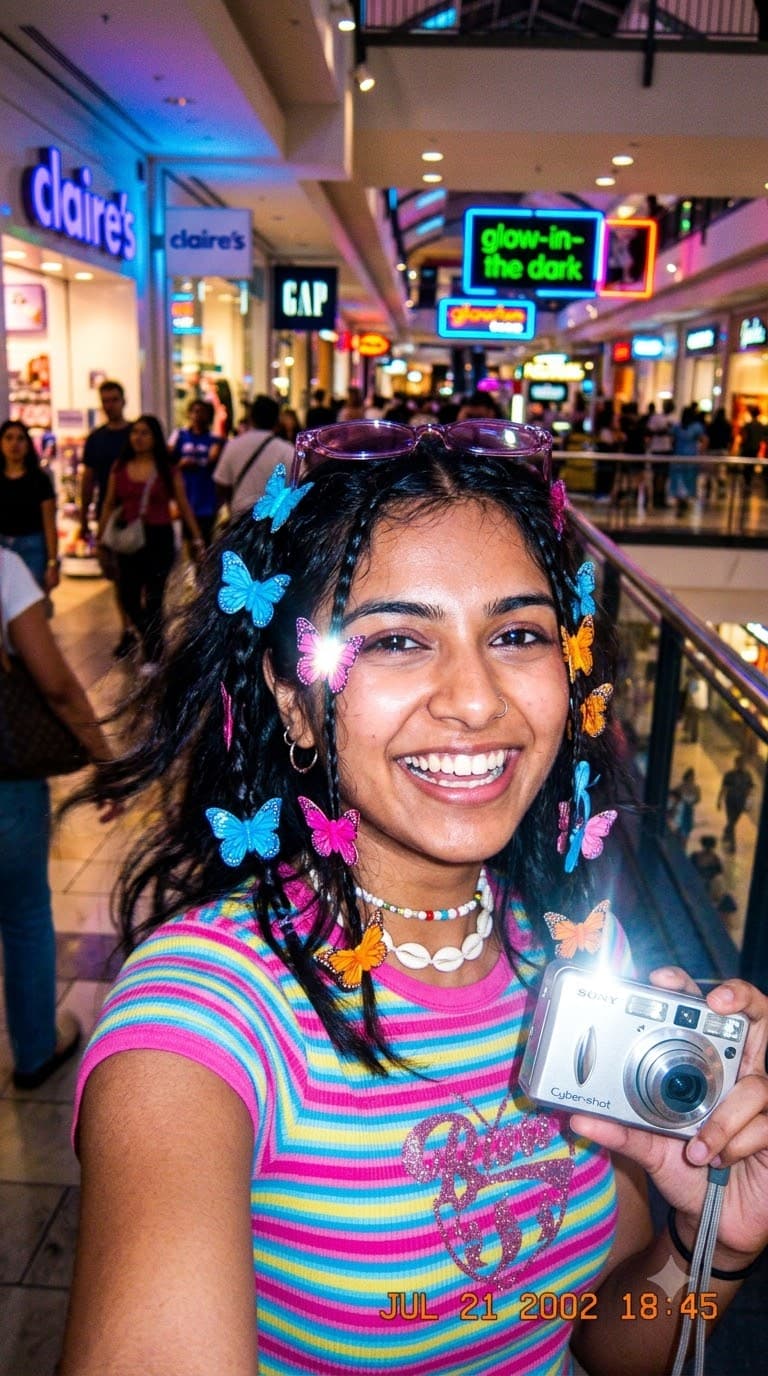
Y2K Digicam Aesthetic Selfie
The early-2000s flash-and-grain look that's taken back over everyone's story — upload your own photo and get this deliberately low-fi, deliberately fun edit, with your real face and body kept exactly the same.