Convocation Gown & Cap Portrait
Upload your own photo and get a formal, proud portrait in cap and gown, degree scroll in hand, campus softly blurred behind — your real face stays, only the outfit and setting change. The dignified counterpart to the cap-toss action shot.
This prompt edits your own photo instead of drawing a new person. Upload a clear, well-lit selfie into the AI tool first, then paste this prompt alongside it — the model keeps your face and changes everything around it.

Your details
Your prompt
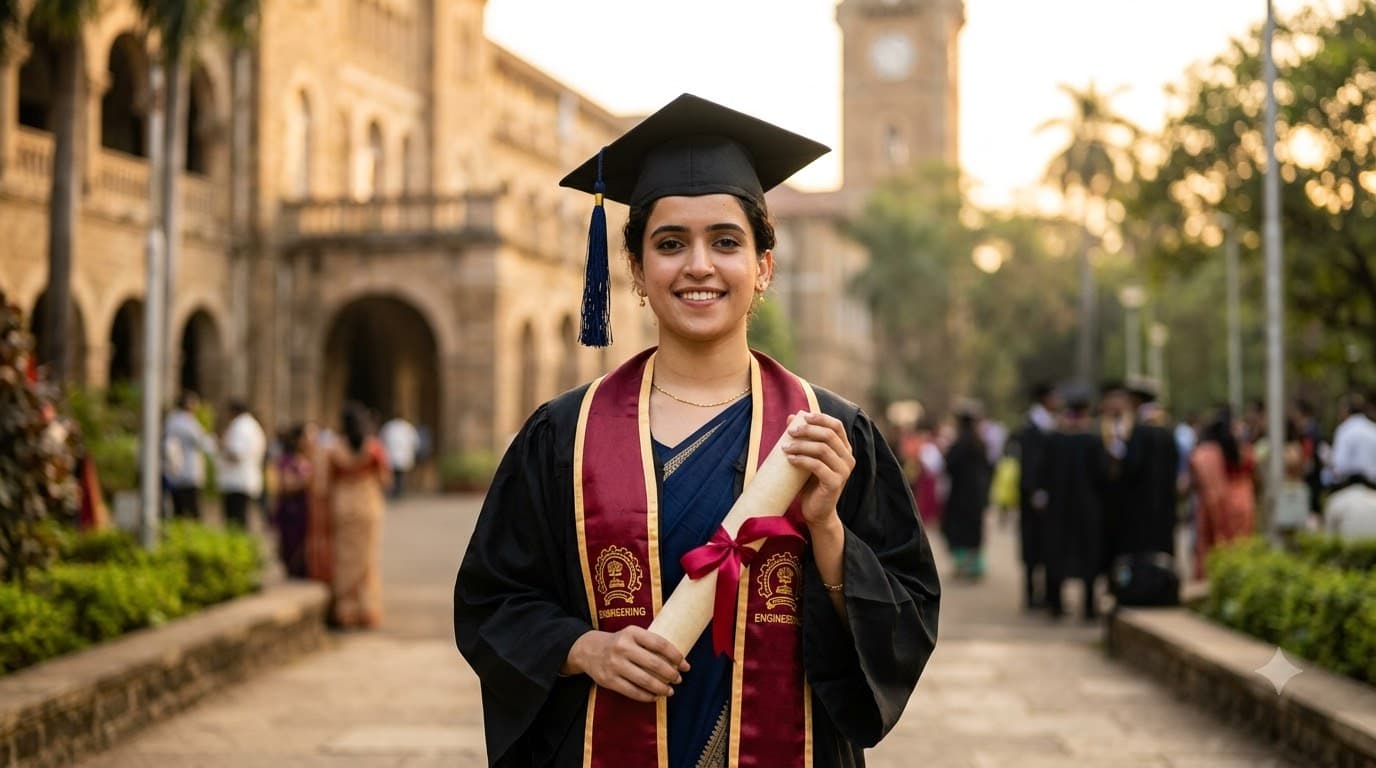
Edit the uploaded photo — do not generate a new face or a different person. Keep the exact facial identity from the reference photo completely unchanged: same face shape, same eyes, same eyebrows, same nose, same lips, same jawline, same skin tone, same hairline, and any visible moles or marks. Keep the exact same body type, height, and build — do not slim, bulk up, or reshape the body in any way. The subject is 22 years old. Preserve natural, realistic skin texture with visible pores and fine detail, natural minor asymmetry, and a completely unedited look — no beauty filter, no skin smoothing, no airbrushing, no plastic or waxy skin, nothing that looks artificially perfect or AI-generated. This must read as a real, untouched photograph of this exact person, with only the outfit and setting changed. Redress the subject in a graduation cap and gown for a Engineering degree, holding a rolled degree scroll tied with ribbon. A university building softly blurred in the background, warm golden hour light, confident dignified smile, shallow depth of field, shot on 85mm lens at f/2, ultra realistic, 8k.
Open in
Opens the tool in a new tab with your prompt on the clipboard.
Tips for better results
- Golden hour light gives graduation portraits a warm, celebratory feel that flat midday light lacks.
- A softly blurred campus building behind adds context without competing with the subject for attention.
- Upload a clear, front-facing photo — the edit adds the cap, gown and campus background, so a sharp well-lit starting photo keeps the face-preservation step clean.