Ganpati Pandal Photo
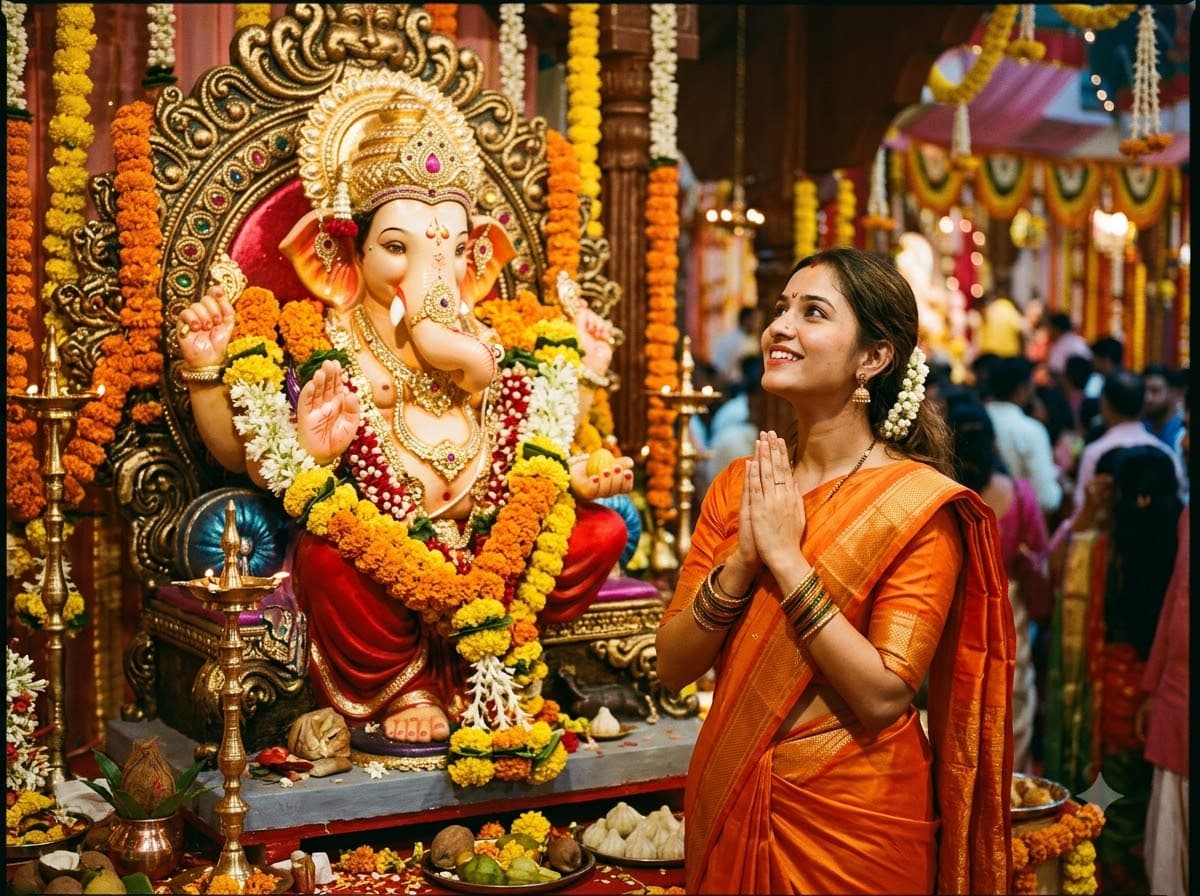
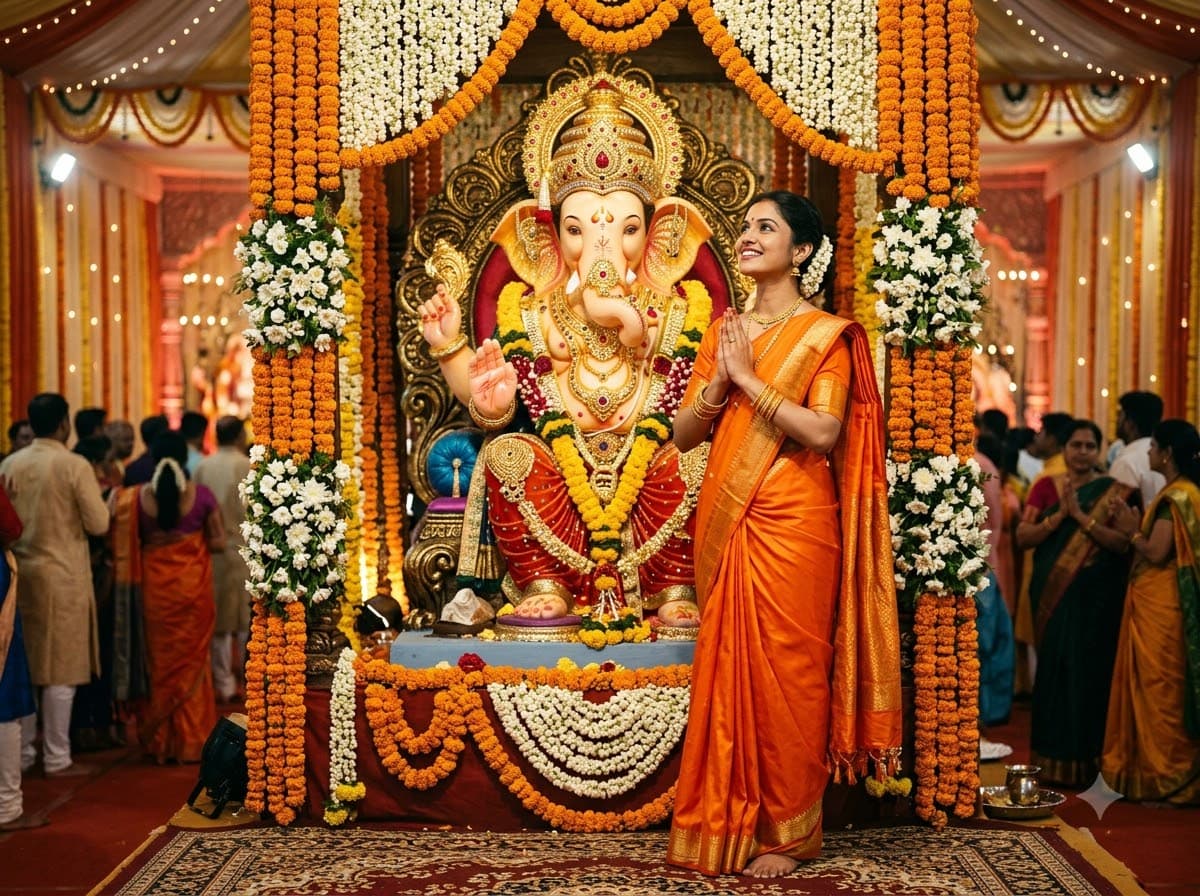
Upload your own photo and get you standing before a decorated Ganpati idol at a pandal, hands folded — your real face stays, only the outfit and setting change. The idol has to be grand and the person small in frame — that scale difference is what makes the photo feel like Ganesh Chaturthi.
This prompt edits your own photo instead of drawing a new person. Upload a clear, well-lit selfie into the AI tool first, then paste this prompt alongside it — the model keeps your face and changes everything around it.
Your details
Your prompt
Edit the uploaded photo — do not generate a new face or a different person. Keep the exact facial identity from the reference photo completely unchanged: same face shape, same eyes, same eyebrows, same nose, same lips, same jawline, same skin tone, same hairline, and any visible moles or marks. Keep the exact same body type, height, and build — do not slim, bulk up, or reshape the body in any way. The subject is 22 years old. Preserve natural, realistic skin texture with visible pores and fine detail, natural minor asymmetry, and a completely unedited look — no beauty filter, no skin smoothing, no airbrushing, no plastic or waxy skin, nothing that looks artificially perfect or AI-generated. This must read as a real, untouched photograph of this exact person, with only the outfit and setting changed. Redress the subject in a bright orange saree, standing with folded hands in front of a large beautifully decorated Ganpati idol at a festival pandal. The idol richly ornamented in gold and red, marigold and mogra garlands framing it, warm pandal lighting, soft crowd blurred behind, respectful joyful expression, shot on 35mm lens, ultra realistic, 8k.
Open in
Opens the tool in a new tab with your prompt on the clipboard.
Tips for better results
- Keep the person small in frame — a grand idol behind a small figure is the whole composition.
- Ask for the crowd "blurred behind" so AI does not have to render dozens of faces.
- Upload a clear, front-facing photo — the edit keeps your real face and simply places you in front of the pandal, so a sharp starting photo matters more than the pose.
More in this category
 +1
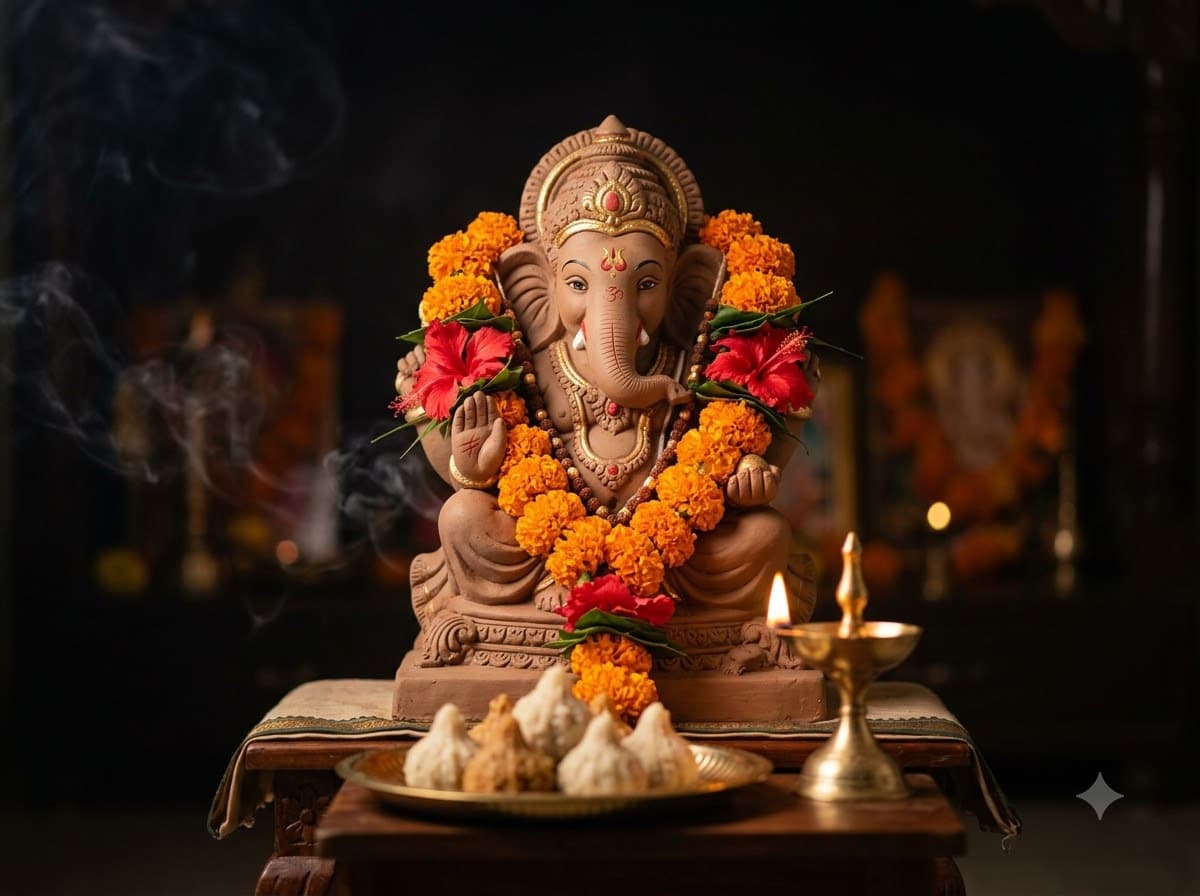
+1Ganpati Idol Close-Up
A close portrait of the idol itself, garlanded and lit by diyas. No human faces means nothing for AI to get wrong — the most dependable image in this category.
 +1Upload your photo
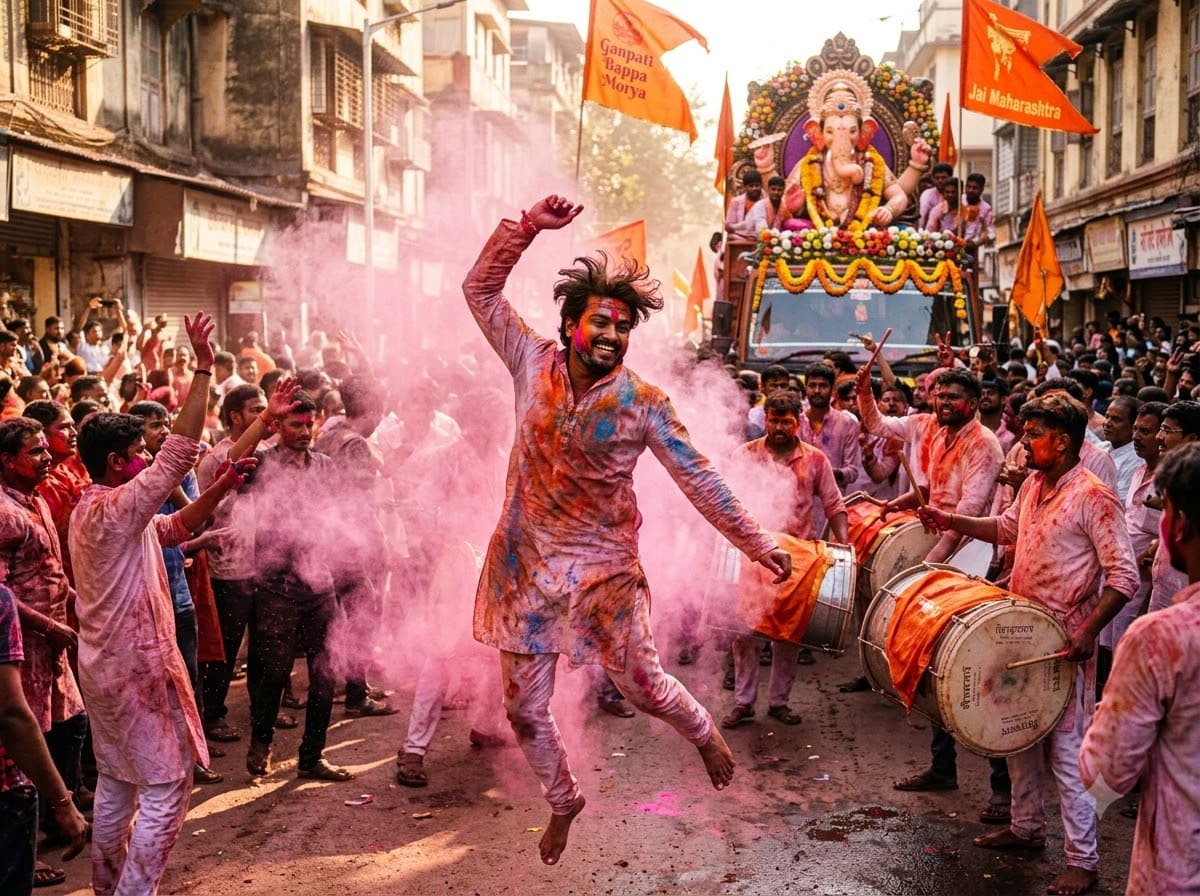
Visarjan Procession Shot
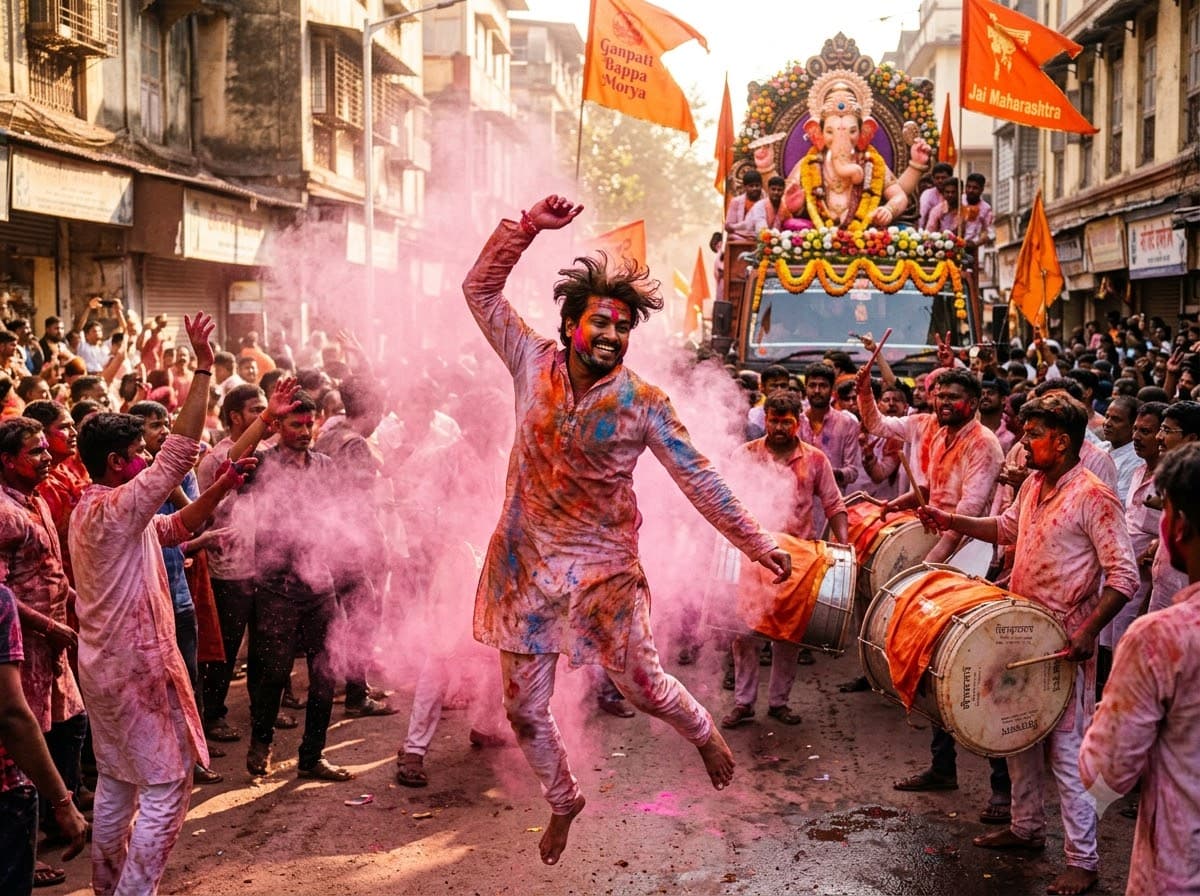
Upload your own photo and get placed into the immersion procession — dhol, gulal in the air, crowds dancing behind the idol, your real face untouched. Chaotic and loud, which is exactly how visarjan actually looks.
 +1
+1Modak Thali Still Life
Food photography of modaks on a banana leaf. Useful for sweet shops, home bakers and food pages, not just for festival posts — which gives it a longer shelf life than the rest.