GQ Studio Portrait Edit (Upload Your Photo)
The magazine-cover studio look — moody rim light, cinematic colour grading — built around your actual face instead of a generated stranger's.
This prompt edits your own photo instead of drawing a new person. Upload a clear, well-lit selfie into the AI tool first, then paste this prompt alongside it — the model keeps your face and changes everything around it.
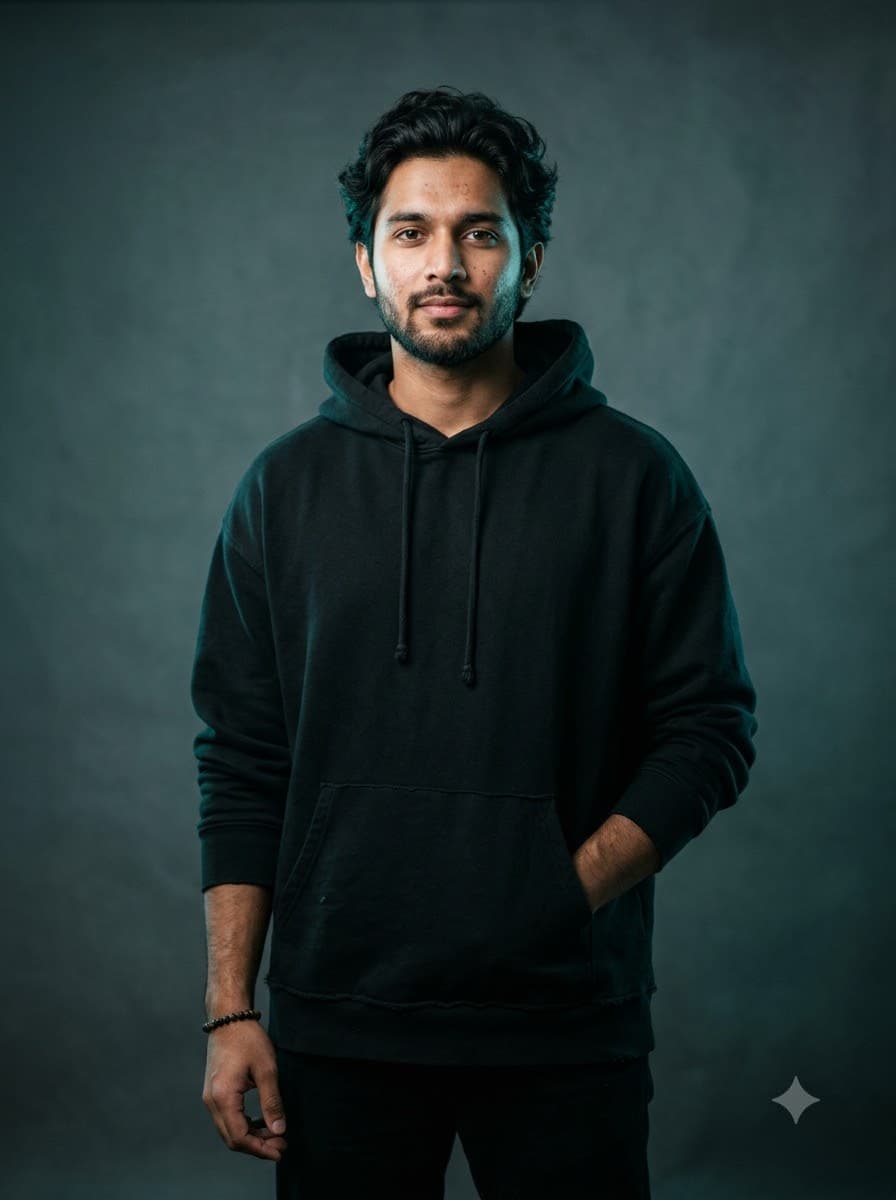
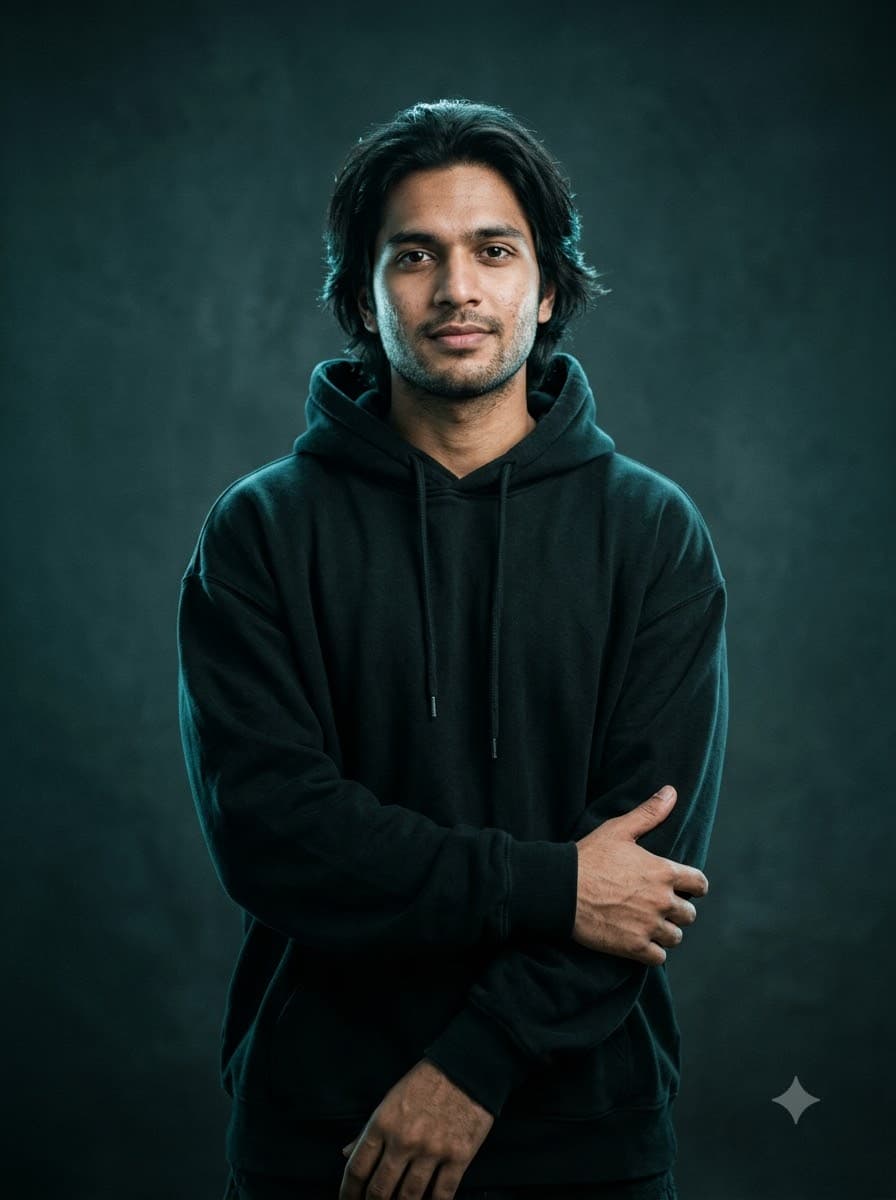
Your details
Your prompt
Edit the uploaded photo — do not generate a new face or a different person. Keep the exact facial identity from the reference photo completely unchanged: same face shape, same eyes, same eyebrows, same nose, same lips, same jawline, same beard shape and density, same skin tone, same hairline, and any visible moles or marks. Keep the exact same body type, height, and build — do not slim, bulk up, or reshape the body in any way. The subject is 24 years old. Preserve natural, realistic skin texture with visible pores and fine detail, natural minor asymmetry, and a completely unedited look — no beauty filter, no skin smoothing, no airbrushing, no plastic or waxy skin, nothing that looks artificially perfect or AI-generated. This must read as a real, untouched photograph of this exact person, with only the clothing and lighting changed. Redress the subject in a black oversized hoodie, standing against a plain studio backdrop under a cool teal-toned lighting with a soft rim light along the shoulders. Shallow depth of field, no retouching, vertical 3:4 aspect ratio, magazine-quality photorealism.
Open in
Opens the tool in a new tab with your prompt on the clipboard.
Tips for better results
- A plain, evenly lit reference photo edits more cleanly than one with a busy background.
- The rim-light instruction is what separates this from a flat ID-photo look — don't drop it.
More in this category
 +1Upload your photo
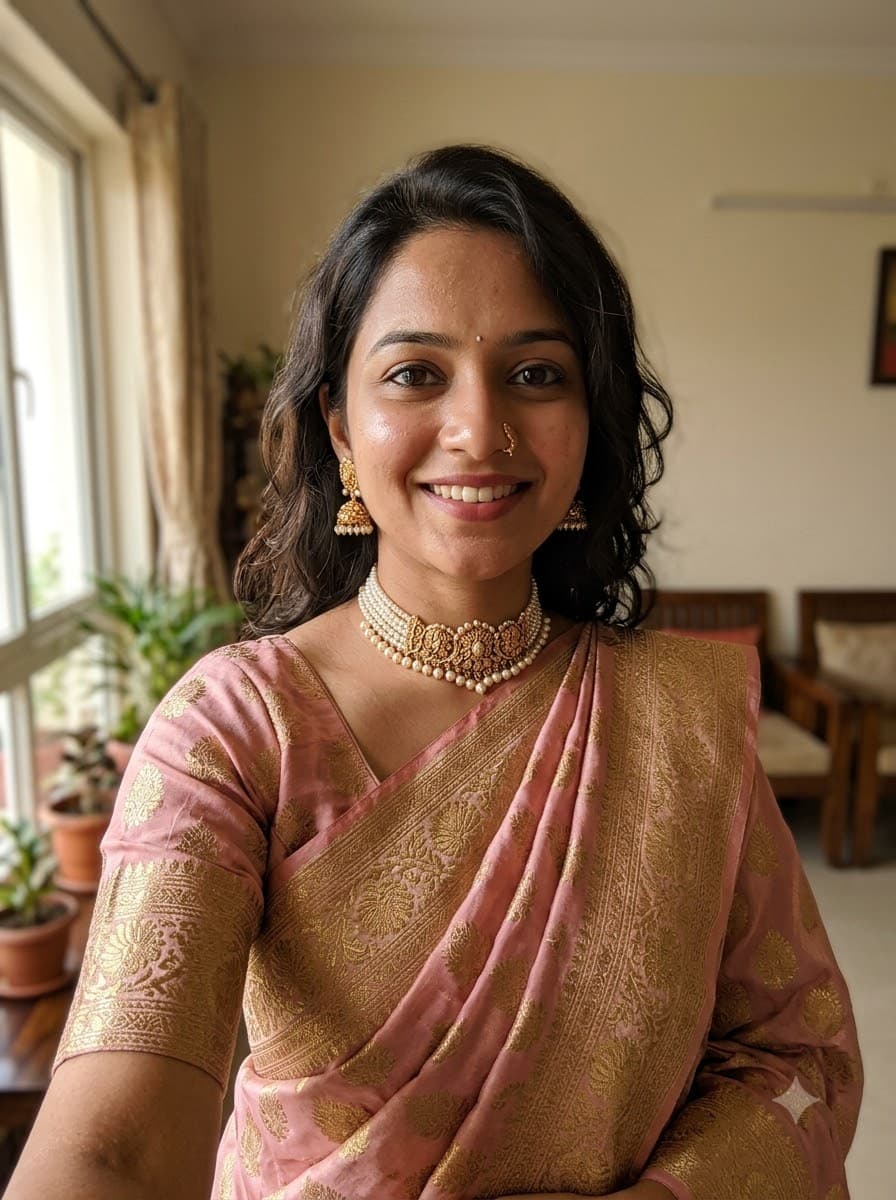
Saree Selfie Edit (Upload Your Photo)
The saree-transformation trend sweeping Instagram — upload your own selfie and let Gemini or ChatGPT redress you in a studio-quality saree look while keeping your actual face. No fictional model, it's really you.
 +1Upload your photo
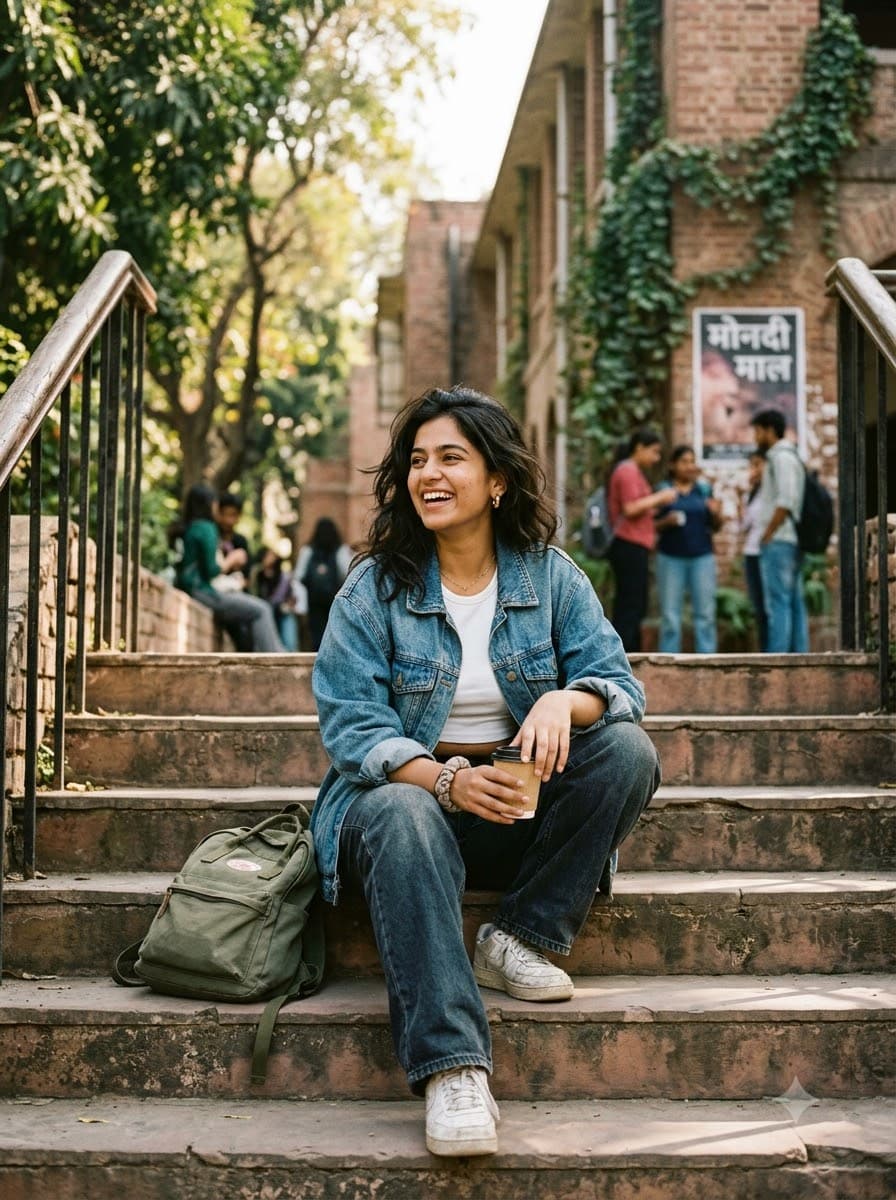
College Aesthetic Photo Edit (Upload Your Selfie)
The candid, unposed "campus core" look filling everyone's Instagram grid. Upload your own photo and get that soft, sunlit, friend-took-this feel — without staging an actual photoshoot.
 +1Upload your photo
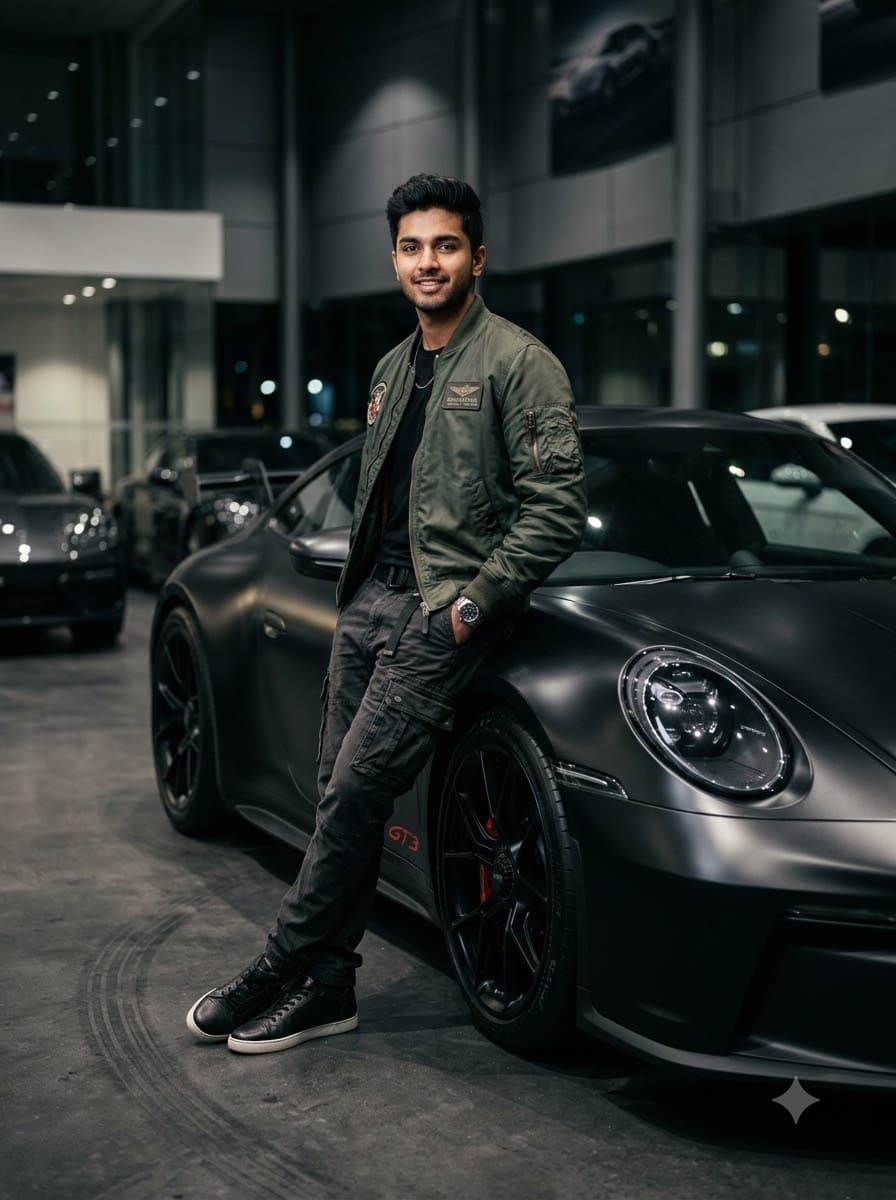
Car Showroom Streetwear Edit (Upload Your Photo)
The automotive-lifestyle look every car-lover's feed wants — you, styled and lit like a showroom campaign, leaning against a car you don't have to actually own.