Holi Colour Splash Portrait
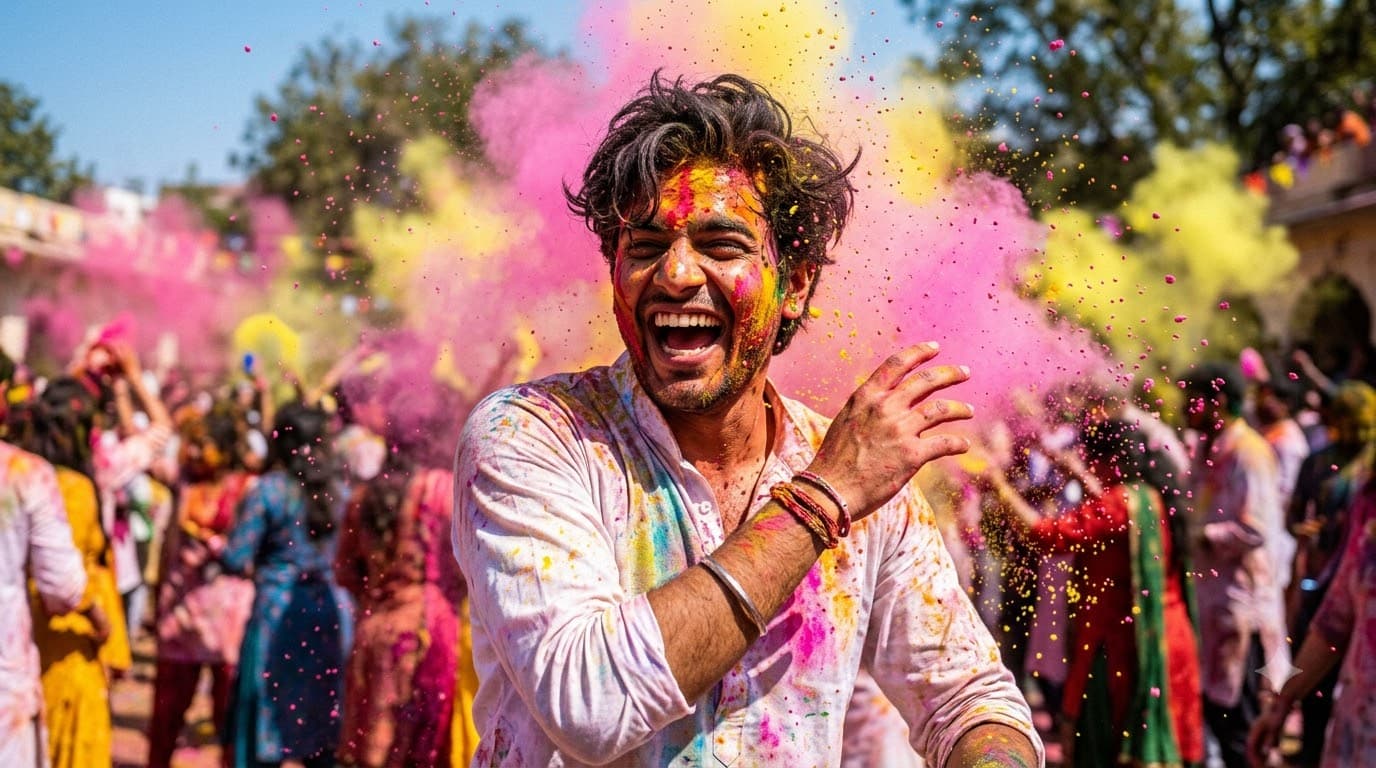
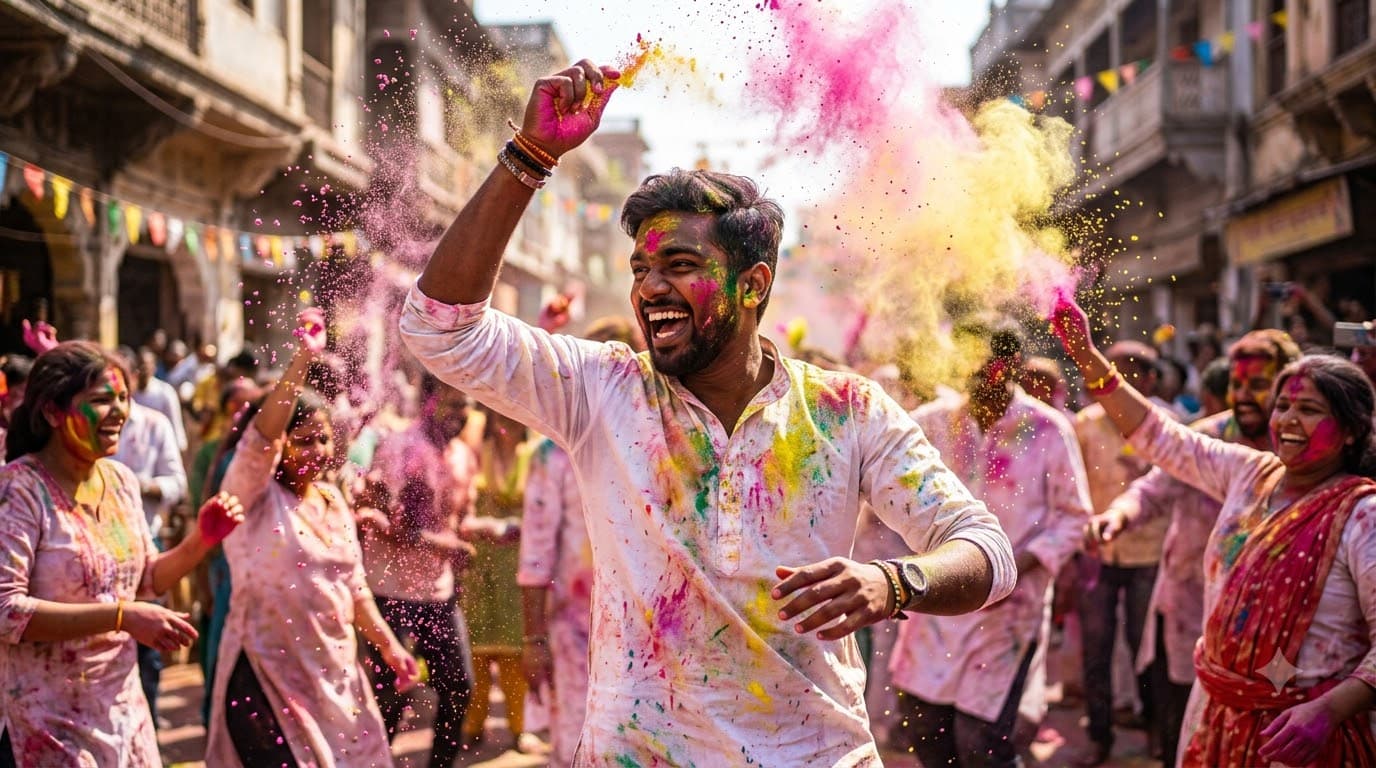
Upload your own photo and get placed into a freeze-frame action portrait with clouds of gulal bursting mid-air, your real face untouched. The high shutter speed instruction keeps the powder particles crisp instead of smearing into a blur — that sharpness is the whole effect.
This prompt edits your own photo instead of drawing a new person. Upload a clear, well-lit selfie into the AI tool first, then paste this prompt alongside it — the model keeps your face and changes everything around it.
Your details
Your prompt
Edit the uploaded photo — do not generate a new face or a different person. Keep the exact facial identity from the reference photo completely unchanged: same face shape, same eyes, same eyebrows, same nose, same lips, same jawline, same skin tone, same hairline, and any visible moles or marks. Keep the exact same body type, height, and build — do not slim, bulk up, or reshape the body in any way. The subject is 22 years old. Preserve natural, realistic skin texture with visible pores and fine detail, natural minor asymmetry, and a completely unedited look — no beauty filter, no skin smoothing, no airbrushing, no plastic or waxy skin, nothing that looks artificially perfect or AI-generated. This must read as a real, untouched photograph of this exact person, with only the setting and colour powder changed. Place the subject celebrating Holi, laughing with joy as clouds of pink and yellow coloured powder burst around them. Powder particles suspended in bright sunlight, white kurta stained with colour, very high shutter speed, vivid saturated tones, shot on 50mm lens, ultra realistic, 8k.
Open in
Opens the tool in a new tab with your prompt on the clipboard.
Tips for better results
- "Freeze-frame" and "high shutter speed" together are what keep the powder sharp — dropping either gives you motion blur.
- Bright sunlight matters; overcast or indoor lighting makes gulal look grey and lifeless.
- Upload a clear, well-lit photo facing the camera — the edit adds the powder burst and motion around your preserved face.
More in this category
 +1
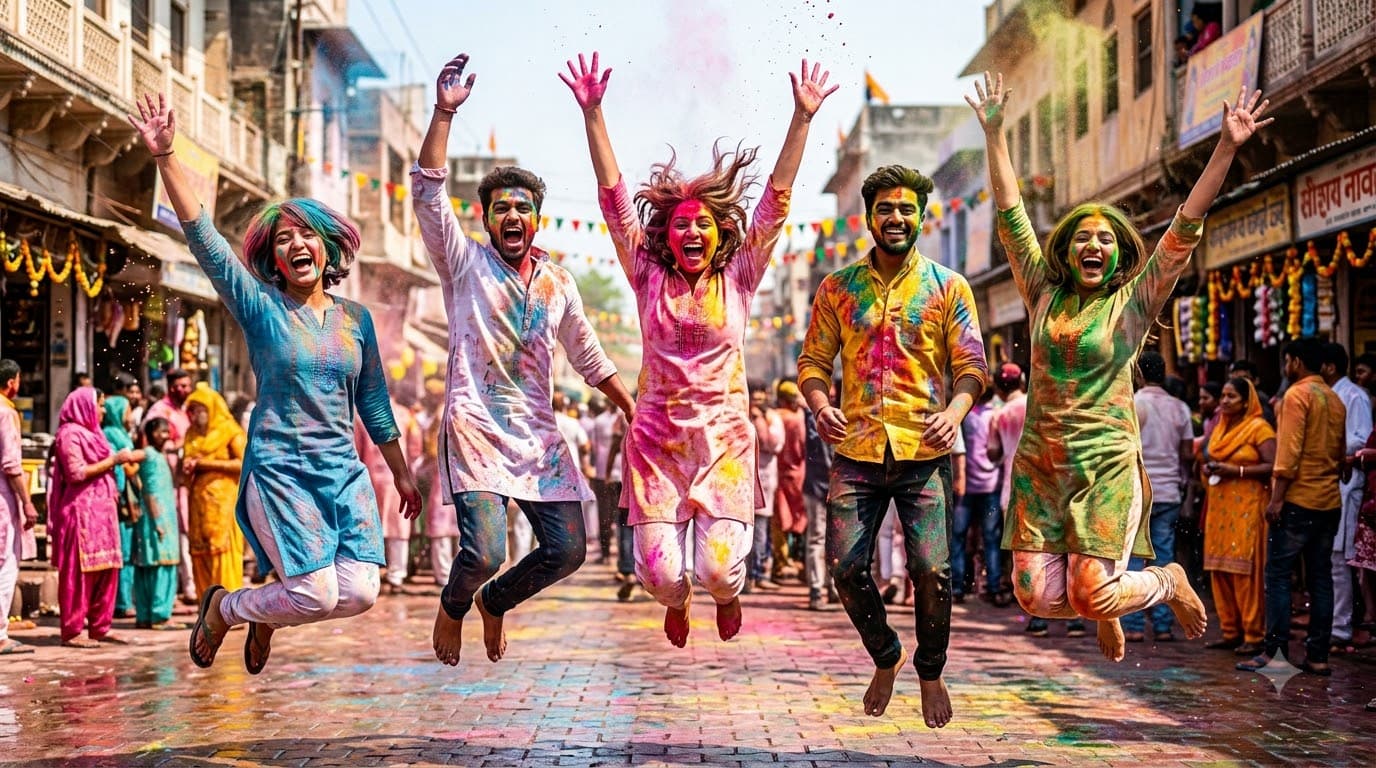
+1Holi Friends Group Photo
A group of friends jumping mid-air, colour powder covering everyone. The most fun image in the category, but also the hardest — groups plus motion plus powder is a lot for AI to hold together at once.
 +1Upload your photo
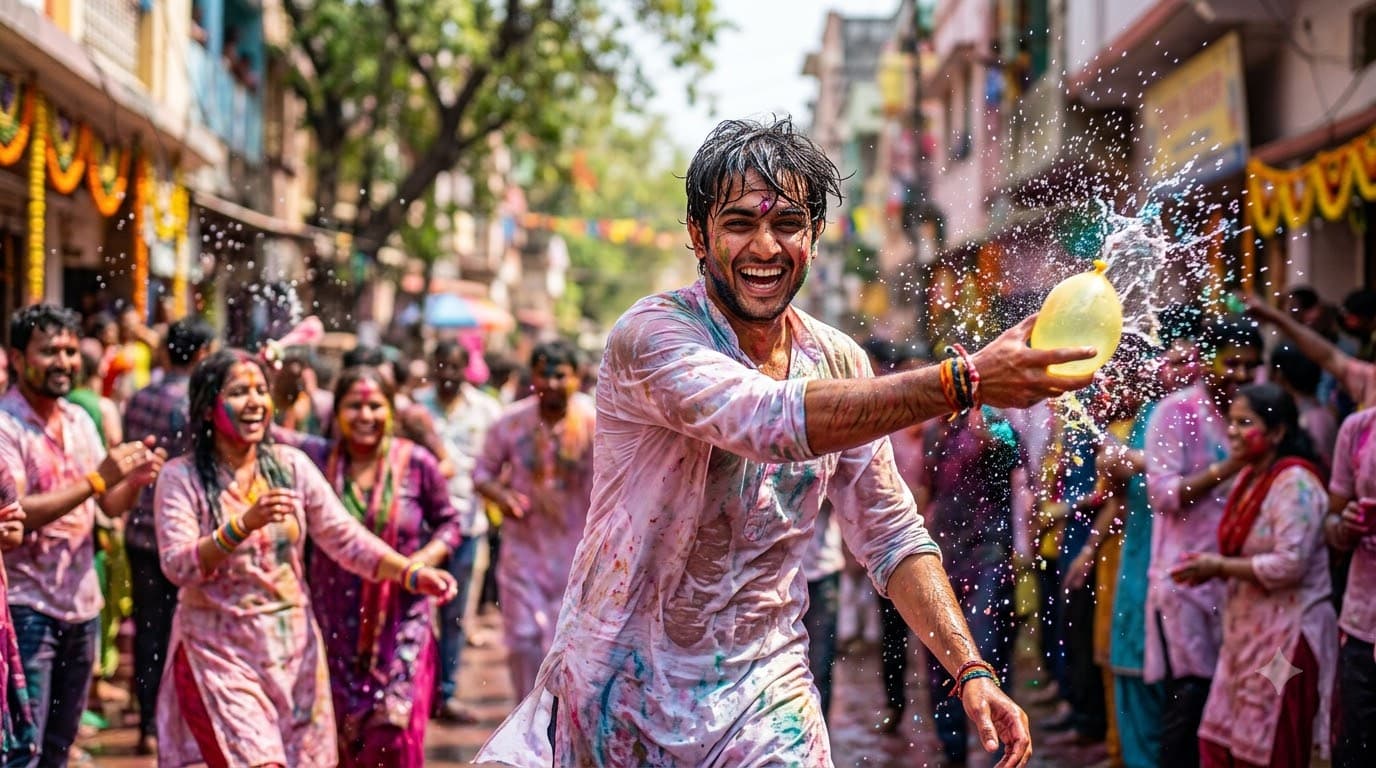
Holi Water Balloon Fight
Upload your own photo and get placed into a mid-action water balloon fight, drenched clothes and colourful splashes frozen in air, your real face untouched. The water is what sells it — dry powder alone reads as posed, water reads as a real fight.
 +1Upload your photo
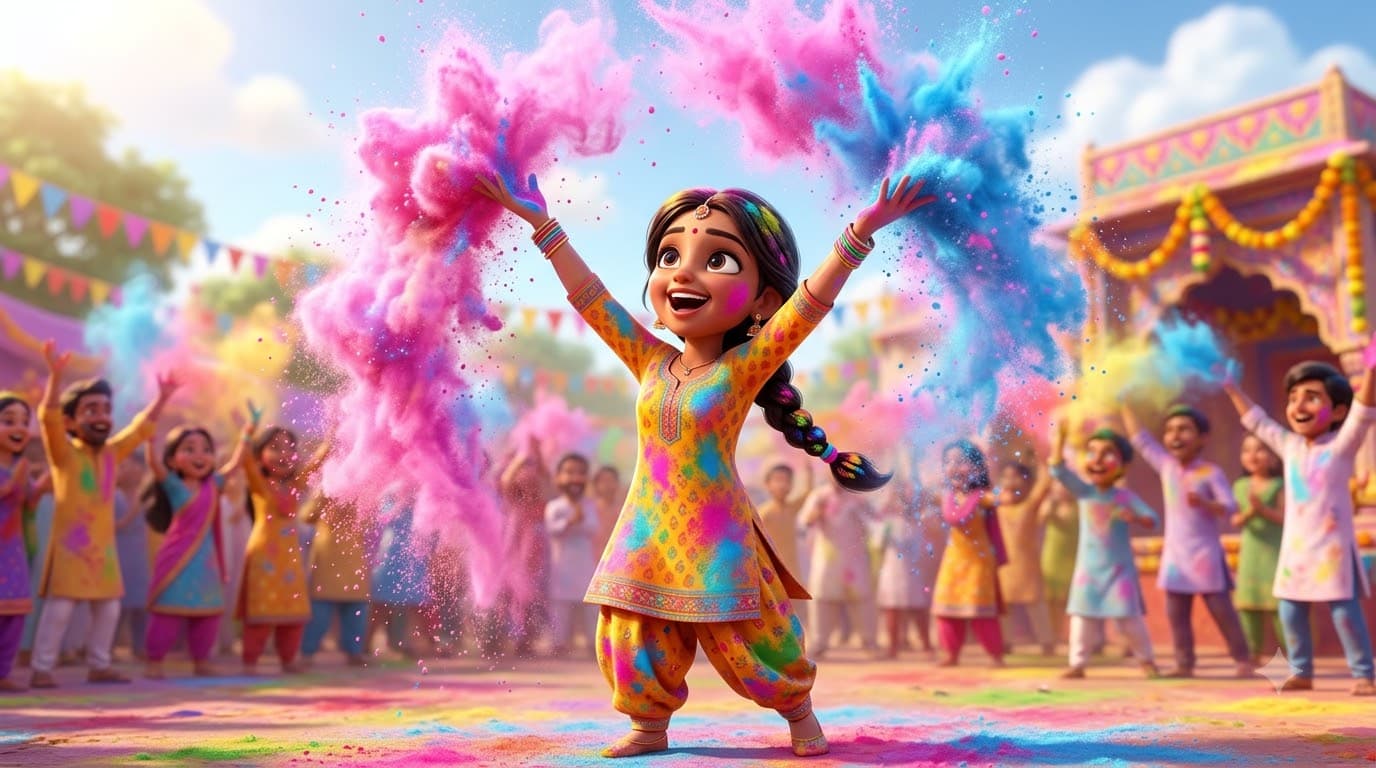
Holi 3D Cartoon Avatar
Upload your own photo and get a glossy Pixar-style version of you mid-colour-throw — your real facial likeness carries over, just restyled as a 3D character. Stylised rendering sidesteps the messy-hair, smeared-powder problems photo-realistic Holi shots run into.