Krishna Flute Riverside Scene
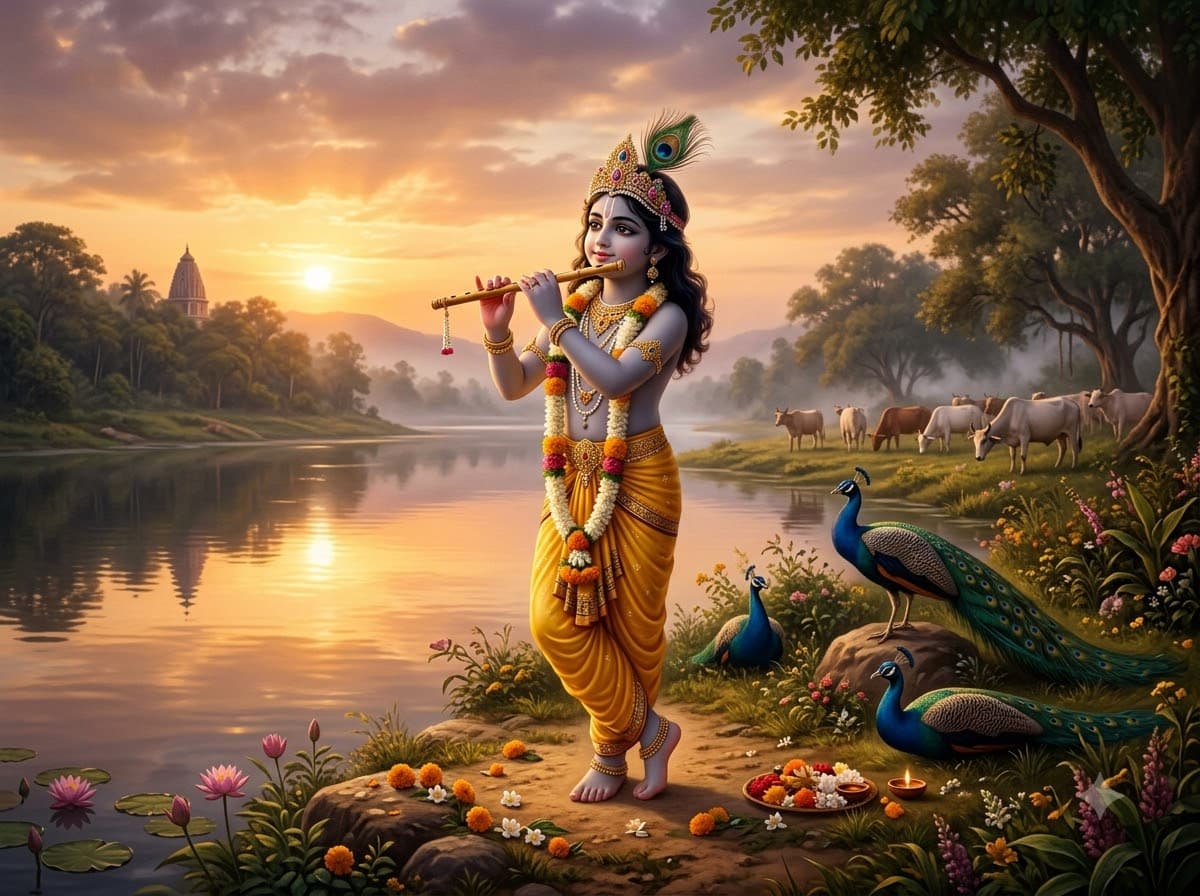
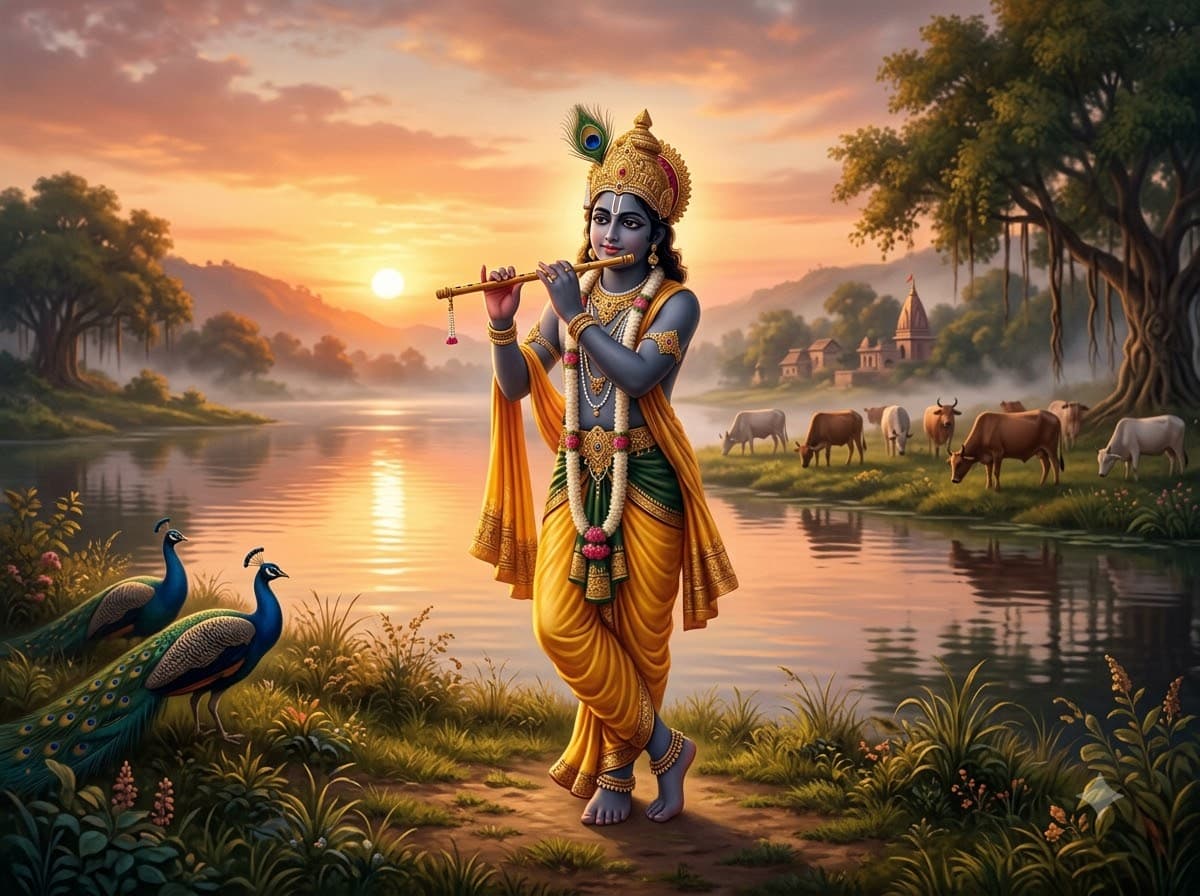
Upload your own photo and Gemini or ChatGPT restyles it into a serene devotional scene by the Yamuna, dressed as Krishna with flute, peacocks and still water — your real face stays. Calm rather than festive, which makes it work as a phone wallpaper long after Janmashtami has passed.
This prompt edits your own photo instead of drawing a new person. Upload a clear, well-lit selfie into the AI tool first, then paste this prompt alongside it — the model keeps your face and changes everything around it.
Your details
Your prompt
Edit the uploaded photo — do not generate a new face or a different person. Keep the exact facial identity from the reference photo completely unchanged: same face shape, same eyes, same eyebrows, same nose, same lips, same jawline, same skin tone, same hairline, and any visible moles or marks. Keep the exact same body type, height, and build — do not slim, bulk up, or reshape the body in any way. The subject is 24 years old. Preserve natural, realistic skin texture with visible pores and fine detail, natural minor asymmetry, and a completely unedited look — no beauty filter, no skin smoothing, no airbrushing, no plastic or waxy skin, nothing that looks artificially perfect or AI-generated. This must read as a real, untouched photograph of this exact person, with only the clothing, setting and styling changed. Restyle the subject as Lord Krishna in a serene devotional painting-like scene, standing by the calm Yamuna river playing a bamboo flute at golden sunset. Yellow silk dhoti, peacock feather crown, peacocks resting nearby, gentle cows in the background, still water reflecting the sky, soft mist, warm divine glow, cinematic lighting, ultra detailed, 8k.
Open in
Opens the tool in a new tab with your prompt on the clipboard.
Tips for better results
- "Still water reflecting the sky" doubles the light in the frame for free.
- Ask for "painting-like" rather than photo-realistic; devotional subjects look better slightly stylised.
- Upload a clear, front-facing photo — devotional restyles hold onto facial detail better from a plain, well-lit reference.
More in this category
 +1Upload your photo
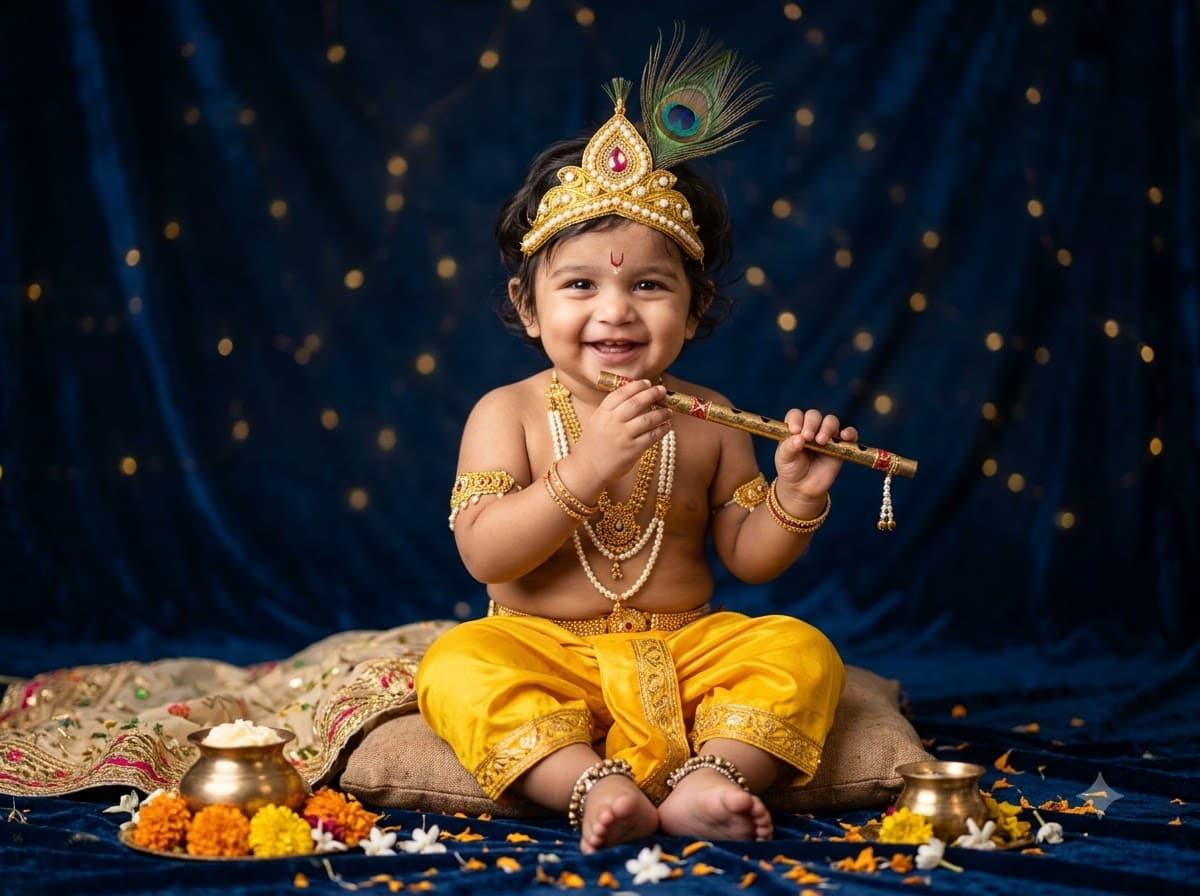
Little Krishna Baby Photoshoot
Upload your toddler's photo and let Gemini or ChatGPT dress them as bal Krishna with flute, mukut and peacock feather — their real face stays untouched. Baby photoshoots are the single most shared Janmashtami image type in Indian family groups.
 +1Upload your photo
Dahi Handi Action Shot
Upload your own photo and get edited into the top of a human pyramid mid-climb, water spraying, crowd roaring — your real face stays. This is the most energetic edit on the site — the motion and the wet skin are what make it feel like a real news photograph.
 +1Upload your photo
Makhan Chor Mischief Portrait
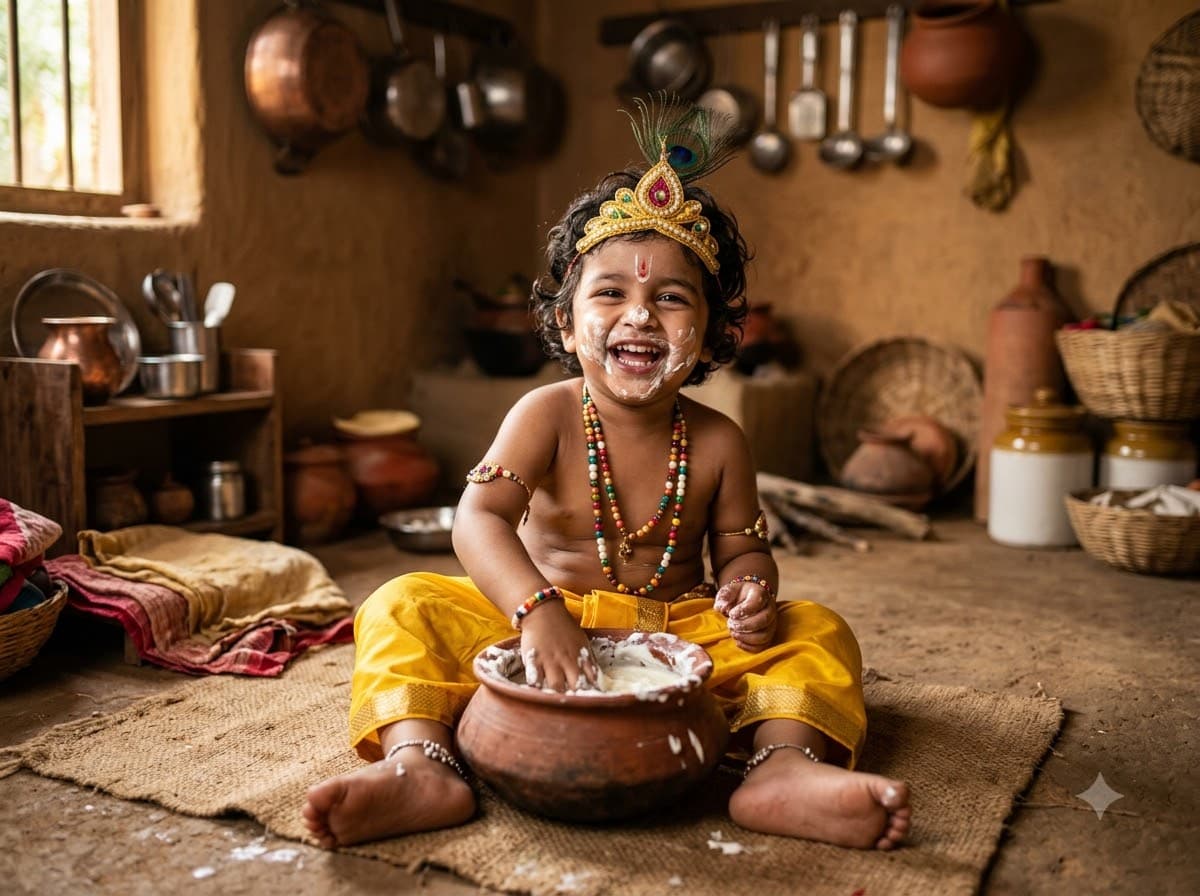
Upload your child's photo and let Gemini or ChatGPT edit them into baby Krishna caught stealing butter, hand in the pot, butter on the face — their real face stays untouched. The mischief is the point — it produces a far more charming photo than a posed devotional one.