Long Distance Rakhi Video Call
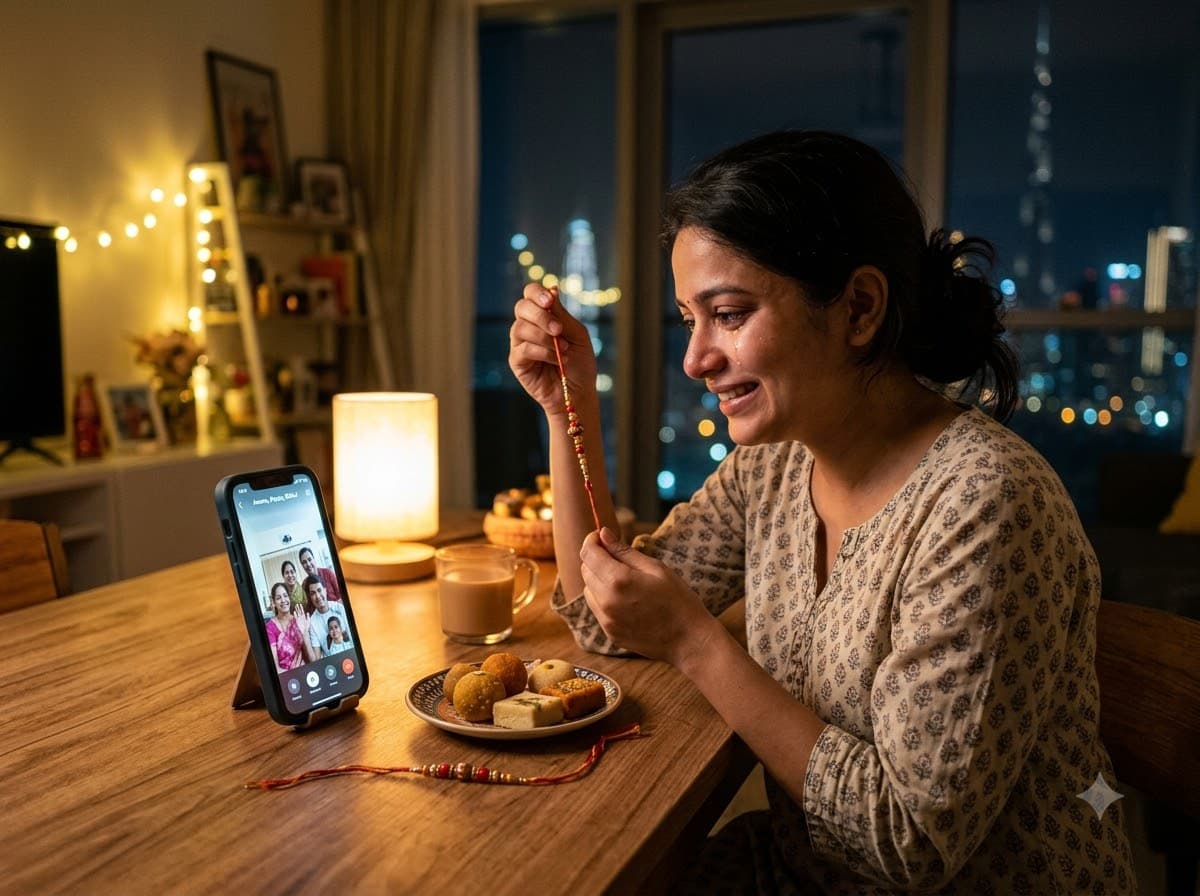
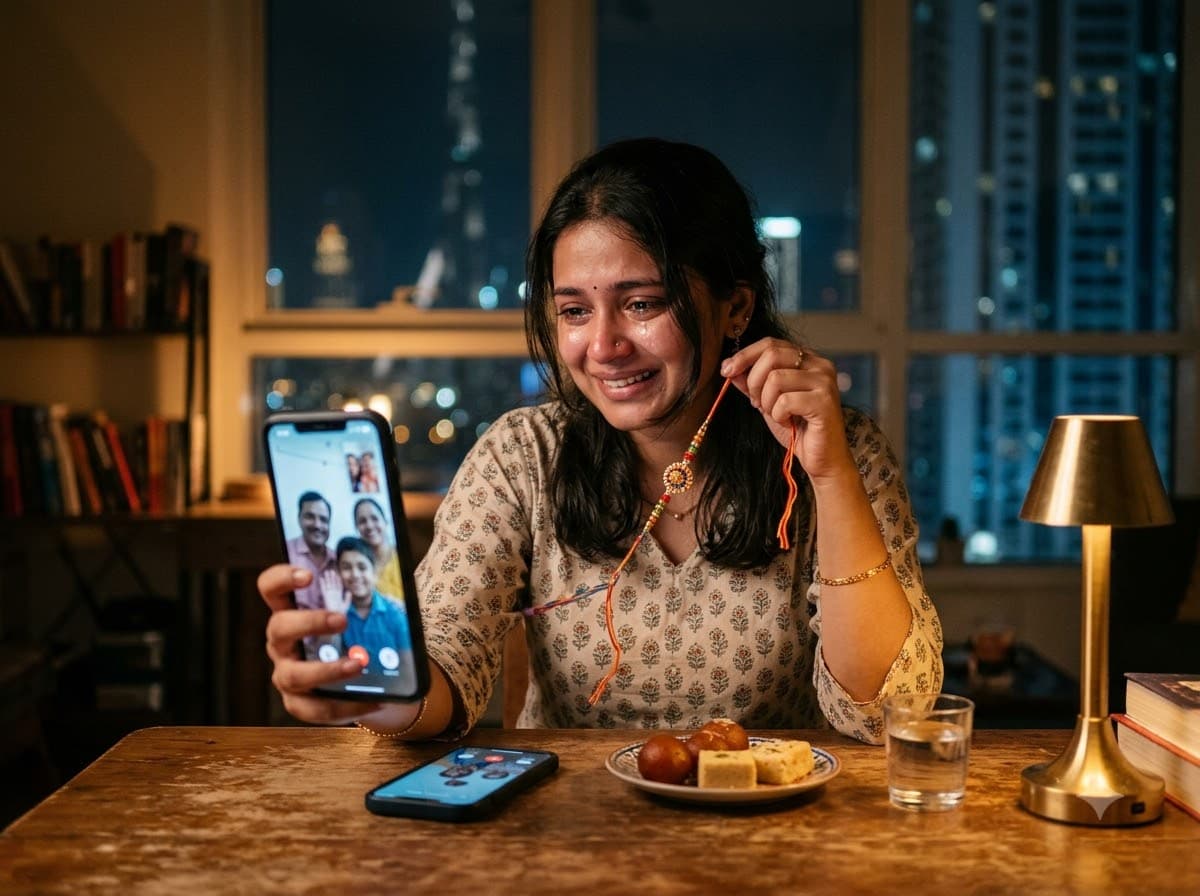
Upload your own photo and Gemini or ChatGPT edits it into the moment of holding a rakhi up to a phone screen on a video call — your real face stays. Quietly emotional, and it is the situation most working Indians are actually in.
This prompt edits your own photo instead of drawing a new person. Upload a clear, well-lit selfie into the AI tool first, then paste this prompt alongside it — the model keeps your face and changes everything around it.
Your details
Your prompt
Edit the uploaded photo — do not generate a new face or a different person. Keep the exact facial identity from the reference photo completely unchanged: same face shape, same eyes, same eyebrows, same nose, same lips, same jawline, same skin tone, same hairline, and any visible moles or marks. Keep the exact same body type, height, and build — do not slim, bulk up, or reshape the body in any way. The subject is 25 years old. Preserve natural, realistic skin texture with visible pores and fine detail, natural minor asymmetry, and a completely unedited look — no beauty filter, no skin smoothing, no airbrushing, no plastic or waxy skin, nothing that looks artificially perfect or AI-generated. This must read as a real, untouched photograph of this exact person, with only the setting and lighting changed. Place them sitting alone in an apartment in Dubai, holding a rakhi up towards a phone screen during a video call with family back home. Soft screen glow lighting the face, a small plate of sweets on the table, warm lamp light, slightly teary happy expression, shallow depth of field, shot on 50mm lens, ultra realistic, 8k.
Open in
Opens the tool in a new tab with your prompt on the clipboard.
Tips for better results
- "Screen glow lighting the face" is the whole mood — plain room light makes it ordinary.
- Keep the room a little empty; the emptiness is what communicates distance.
- Upload a clear, well-lit photo with your face visible from the front — this is what keeps the face-preservation step accurate.
More in this category
 +1Upload your photo
Brother Sister Rakhi Portrait
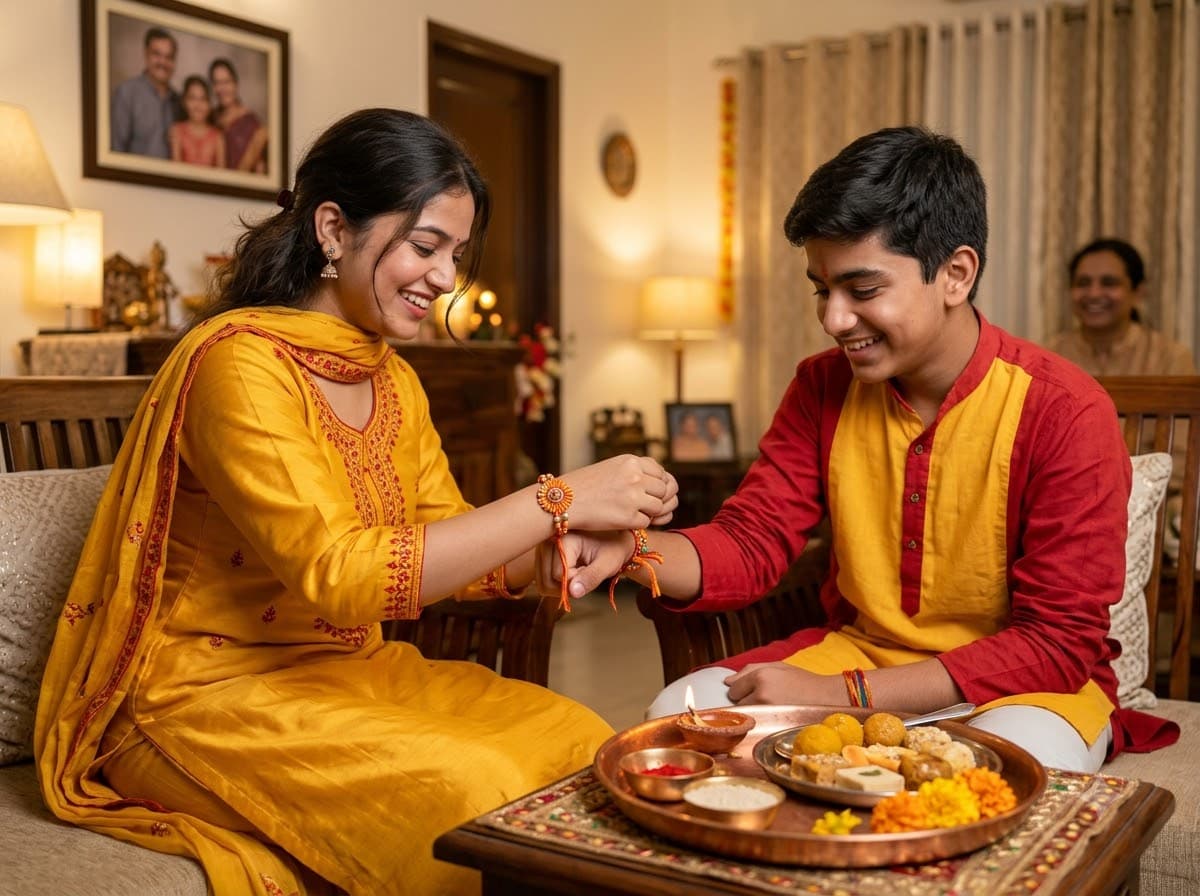
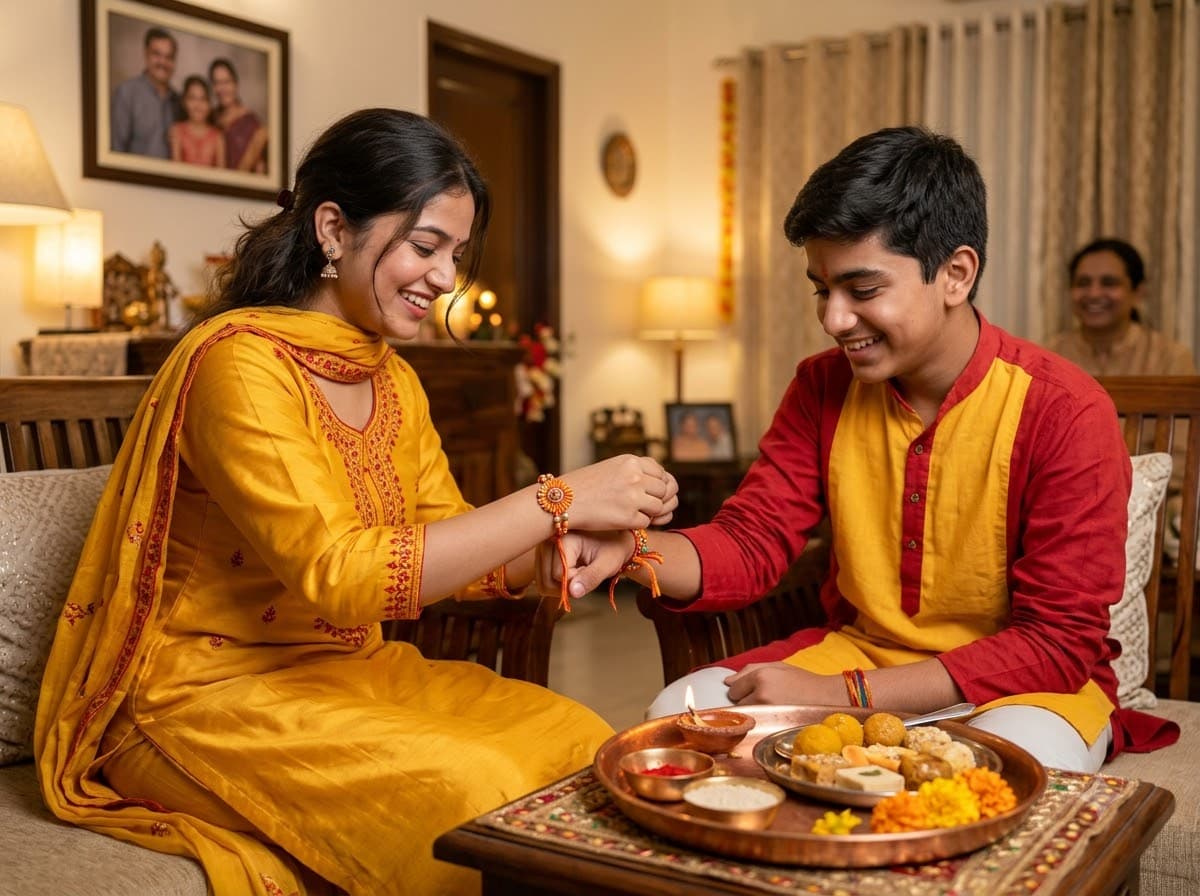
Upload a photo of each of you and Gemini or ChatGPT blends you into the classic Raksha Bandhan moment — a sister tying the rakhi on her brother's wrist, with the puja thali beside them — both your real faces intact. Warm indoor light and genuine expressions are what stop this from looking staged.
 +1
+1Rakhi Thali Close-Up
A still-life of the puja thali — rakhi, roli, rice, diya and sweets. No faces means no AI face errors, which makes this the most reliable Raksha Bandhan image to post.
 +1Upload your photo
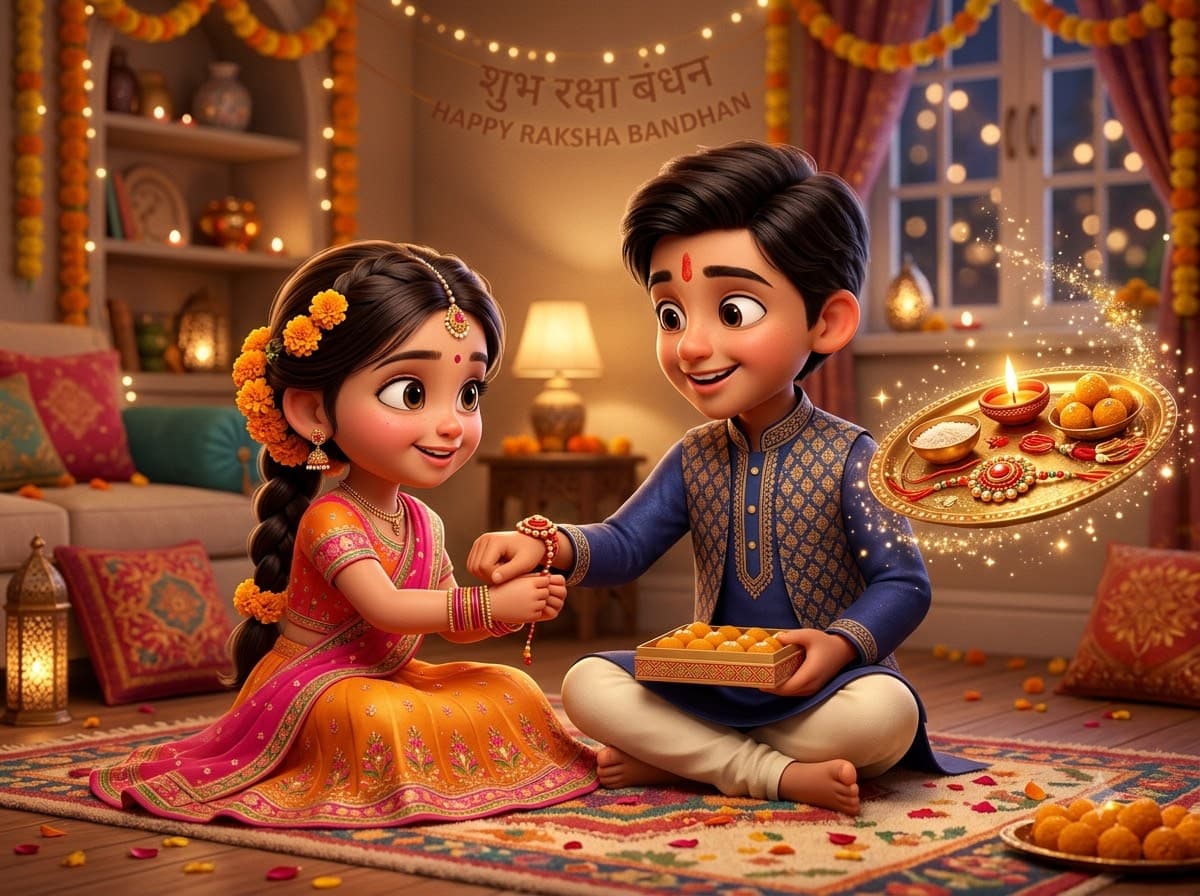
Rakhi 3D Cartoon Siblings
Upload a photo of each sibling and Gemini or ChatGPT turns you both into a Pixar-style version of the rakhi moment. Cartoon faces sidestep the uncanny-valley problem entirely, so this is the safest one to send in a family WhatsApp group.