Milestone Birthday Poster
Upload your own photo and Gemini or ChatGPT edits it into a bold status-worthy poster for a milestone birthday, big number, confetti, confident pose — your real face stays, only the styling changes. Built to be shared, not a candid photo.
This prompt edits your own photo instead of drawing a new person. Upload a clear, well-lit selfie into the AI tool first, then paste this prompt alongside it — the model keeps your face and changes everything around it.


Your details
Your prompt
Edit the uploaded photo — do not generate a new face or a different person. Keep the exact facial identity from the reference photo completely unchanged: same face shape, same eyes, same eyebrows, same nose, same lips, same jawline, same skin tone, same hairline, and any visible moles or marks. Keep the exact same body type, height, and build — do not slim, bulk up, or reshape the body in any way. The subject is 25 years old. Preserve natural, realistic skin texture with visible pores and fine detail, natural minor asymmetry, and a completely unedited look — no beauty filter, no skin smoothing, no airbrushing, no plastic or waxy skin, nothing that looks artificially perfect or AI-generated. This must read as a real, untouched photograph of this exact person, with only the background, typography and styling changed. Turn it into a bold celebratory birthday poster, the subject standing confidently, with the number from their 18th birthday displayed in large glowing modern typography behind them. Colourful confetti and balloons floating around, vibrant party lighting, huge joyful smile, dynamic composition, highly detailed, 8k.
Open in
Opens the tool in a new tab with your prompt on the clipboard.
Tips for better results
- Upload a clear, well-lit photo with your face fully visible — side angles or heavy shadows confuse the face-preservation step.
- Simple two-digit numbers render far more reliably than spelled-out age text — let the dropdown do the work.
- If the number comes out distorted, generate without it and add the text yourself in any phone editor.
More in this category
 +1Upload your photo
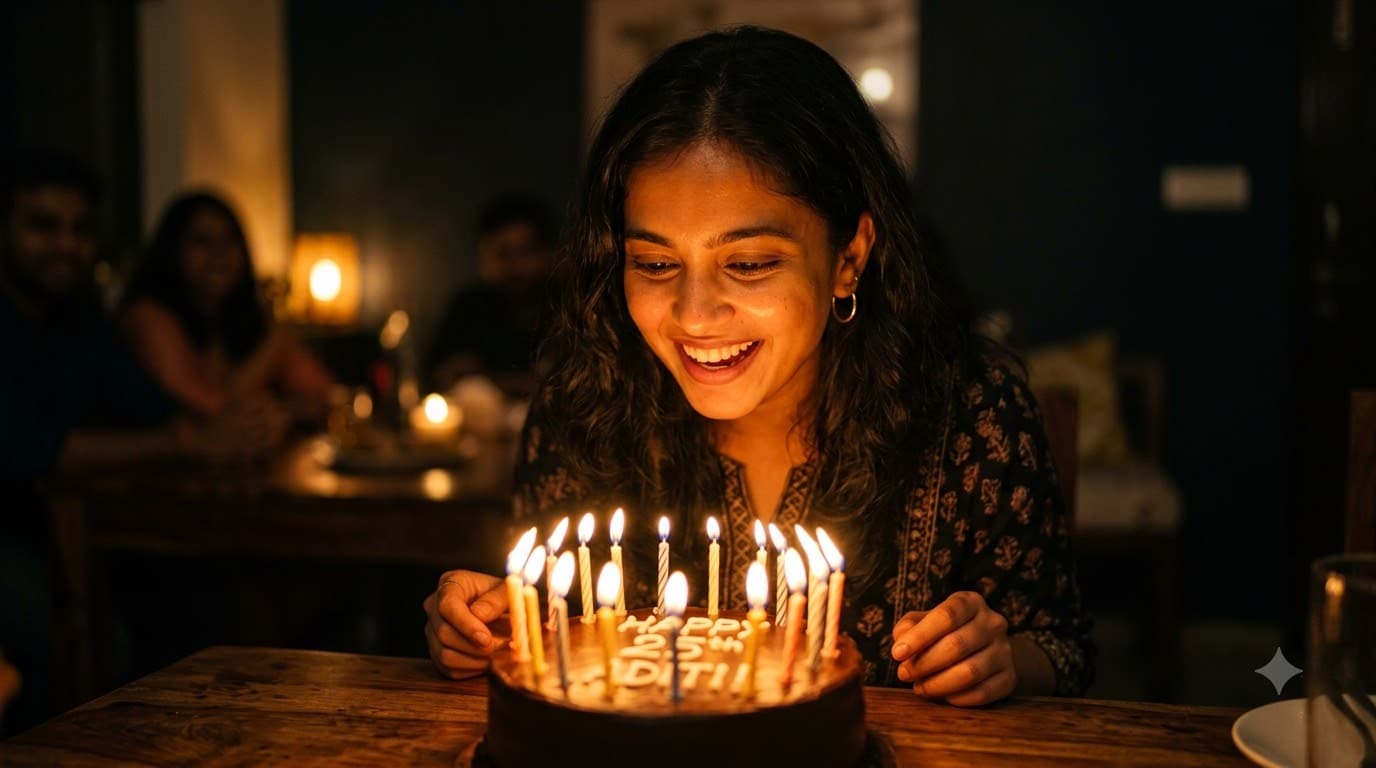
Cake-Cutting Candlelight Portrait
Upload your own photo and Gemini or ChatGPT edits it into the classic candle-blowing moment, face lit entirely by the candle glow — your real face stays, only the lighting and scene change. A single warm light source is what gives this its intimate, cosy feel.
 +1Upload your photo
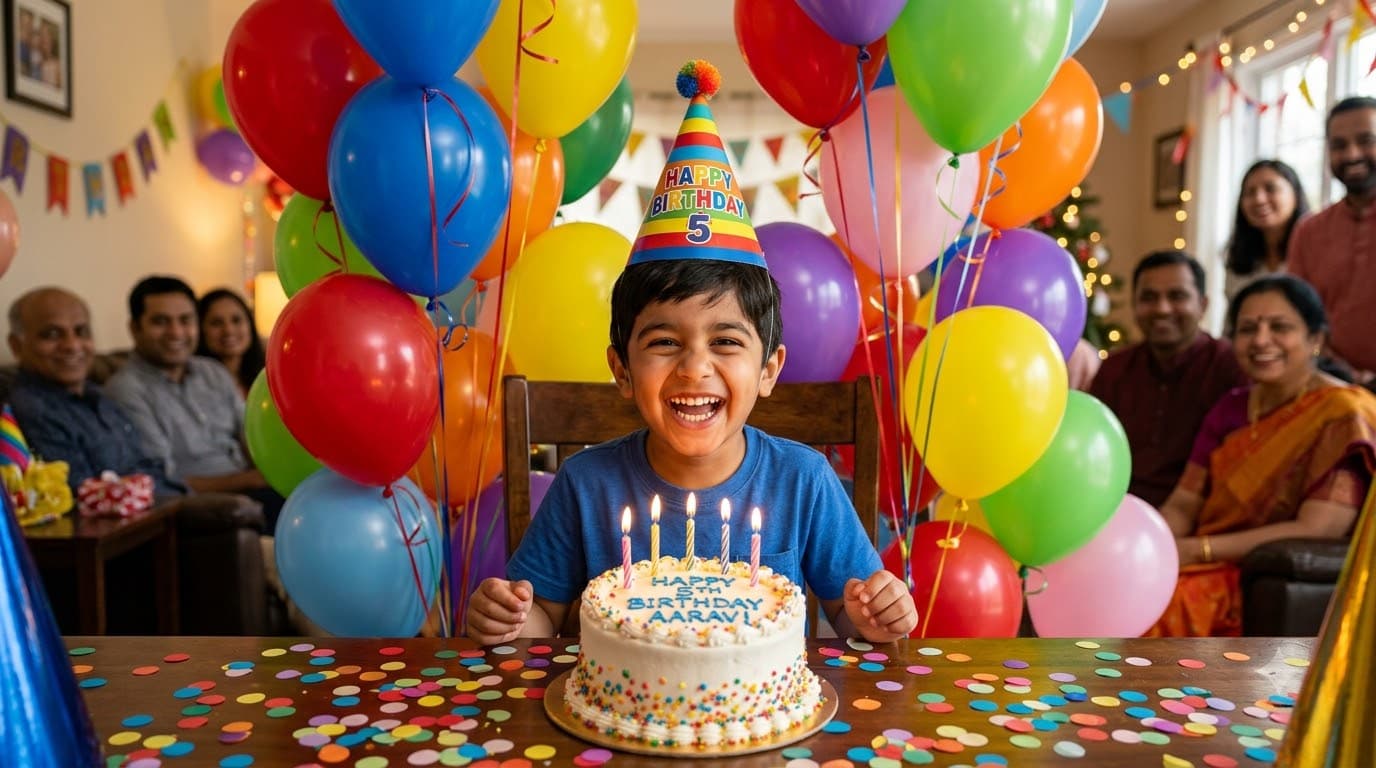
Kids Birthday Balloon Party
Upload your child's own photo and Gemini or ChatGPT edits it into a cheerful scene surrounded by balloons and a party hat, mid-laugh — their real face stays untouched. Bright, colourful and unmistakably a kid's party rather than an adult celebration.