Monsoon Chai by the Window
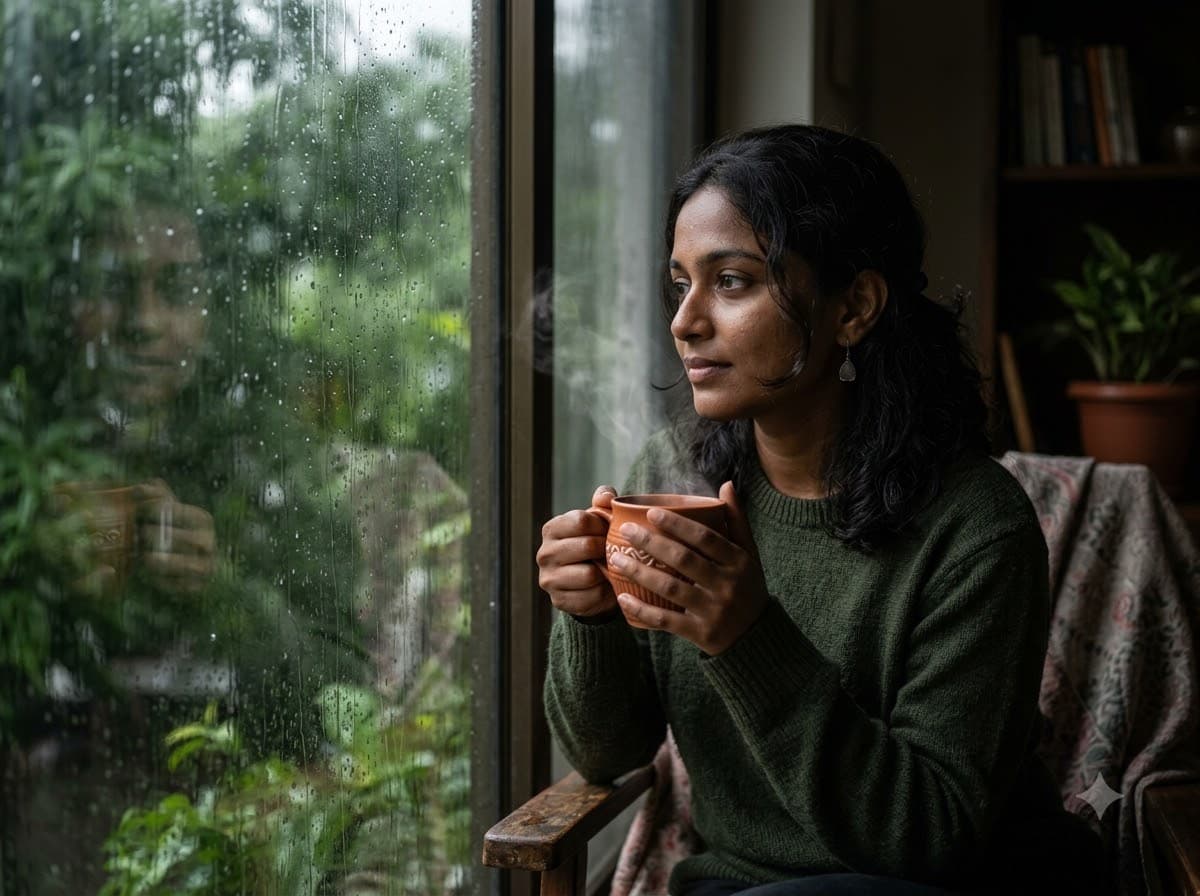
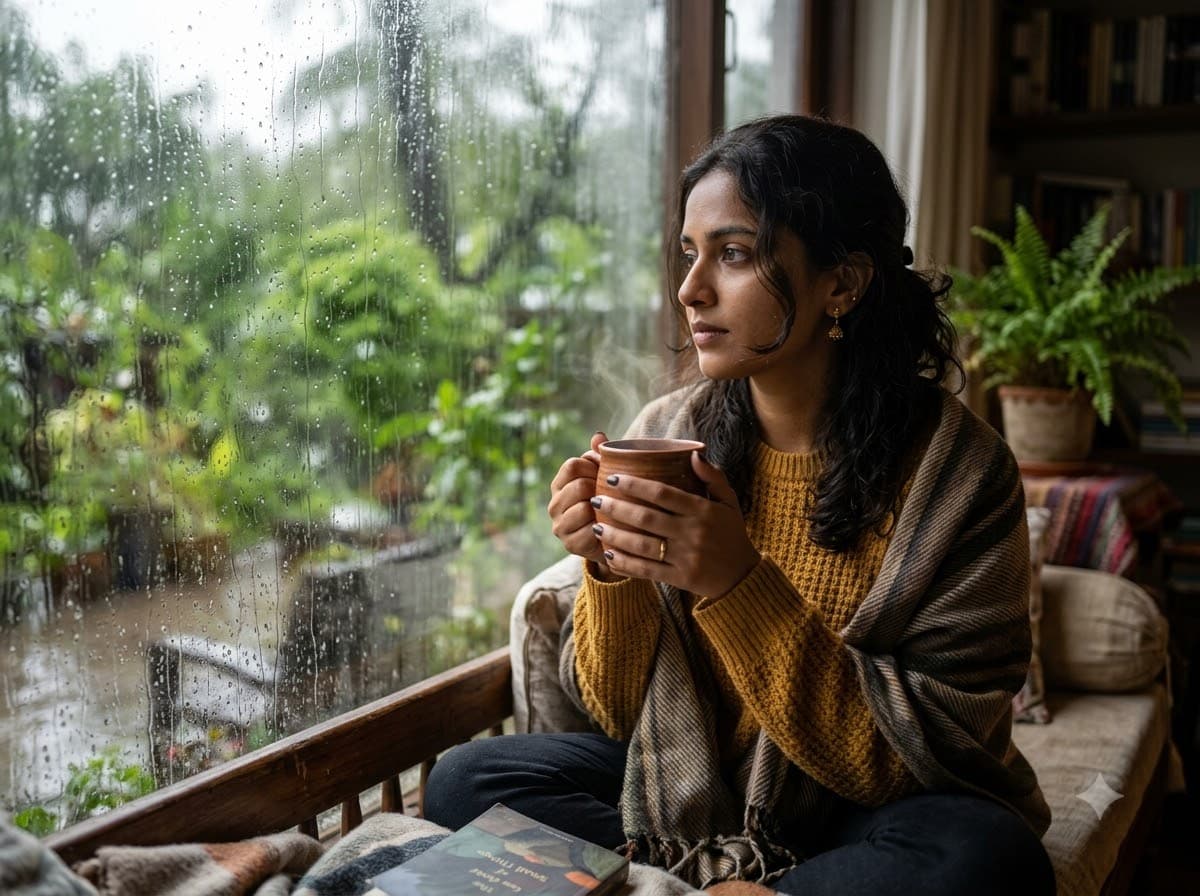
Upload your own photo and Gemini or ChatGPT edits it into the most Indian monsoon image there is — chai, a rain-streaked window and grey afternoon light — your real face stays. Soft and quiet rather than dramatic, which is exactly why it works as a WhatsApp status during the rains.
This prompt edits your own photo instead of drawing a new person. Upload a clear, well-lit selfie into the AI tool first, then paste this prompt alongside it — the model keeps your face and changes everything around it.
Your details
Your prompt
Edit the uploaded photo — do not generate a new face or a different person. Keep the exact facial identity from the reference photo completely unchanged: same face shape, same eyes, same eyebrows, same nose, same lips, same jawline, same skin tone, same hairline, and any visible moles or marks. Keep the exact same body type, height, and build — do not slim, bulk up, or reshape the body in any way. The subject is 25 years old. Preserve natural, realistic skin texture with visible pores and fine detail, natural minor asymmetry, and a completely unedited look — no beauty filter, no skin smoothing, no airbrushing, no plastic or waxy skin, nothing that looks artificially perfect or AI-generated. This must read as a real, untouched photograph of this exact person, with only the setting changed. Place the subject sitting beside a rain-streaked window, holding a steaming cup of masala chai close to their chest. Water droplets running down the glass, grey monsoon light filling the room, warm steam rising, blurred green trees outside, cosy and quiet atmosphere, shot on 50mm lens at f/1.8, photorealistic quality, 8k.
Open in
Opens the tool in a new tab with your prompt on the clipboard.
Tips for better results
- "Grey monsoon light" matters — asking for sunlight kills the rainy-day mood entirely.
- Add "steam rising" explicitly; without it the chai looks cold and the picture loses its warmth.
- Upload a clear photo in soft, even light — the grey monsoon tone gets applied on top, so a neutral starting photo blends more naturally.
More in this category
 +1Upload your photo
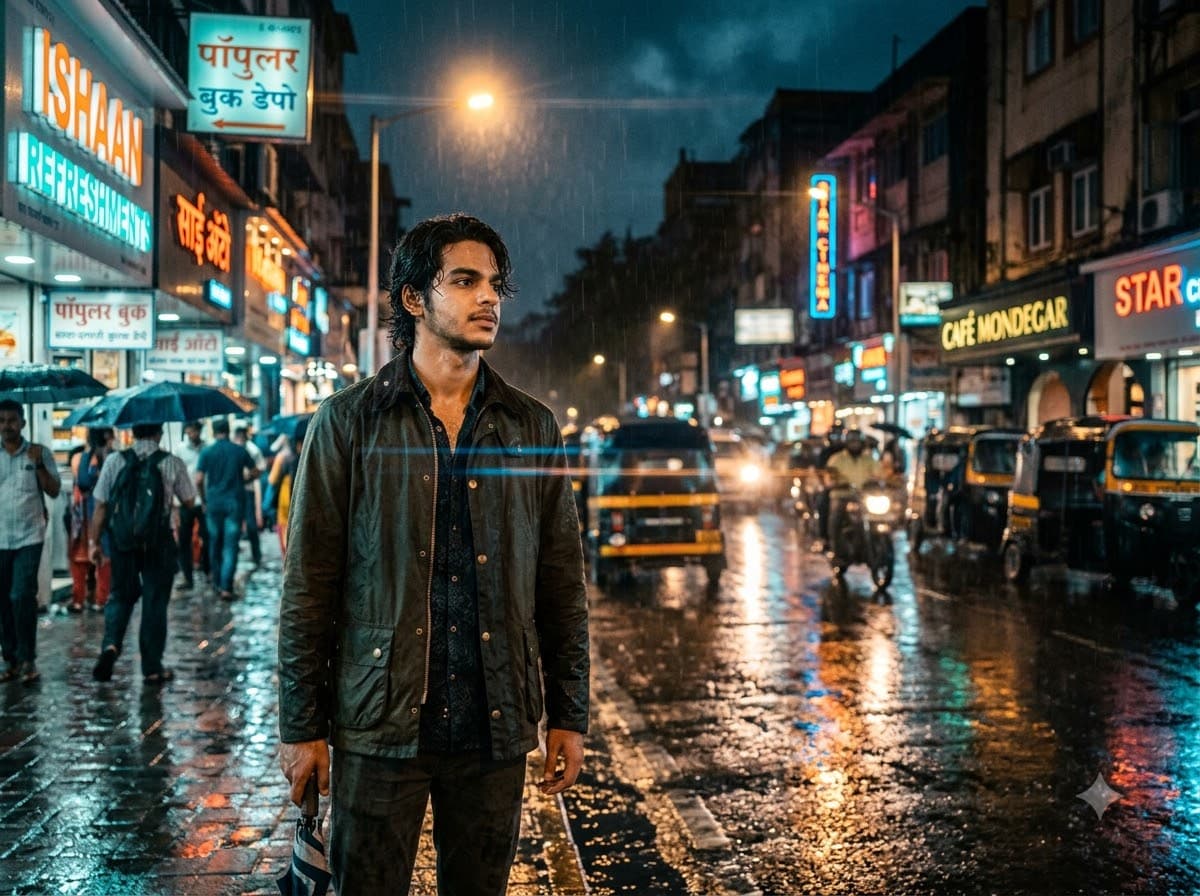
Rainy Night Street Portrait
Upload your own photo and get edited onto a neon-lit, rain-soaked street, graded in teal and orange — your real face stays. Wet ground doubles every light source as a reflection, which is why rain scenes look richer than dry ones for almost no extra prompt length.
 +1Upload your photo
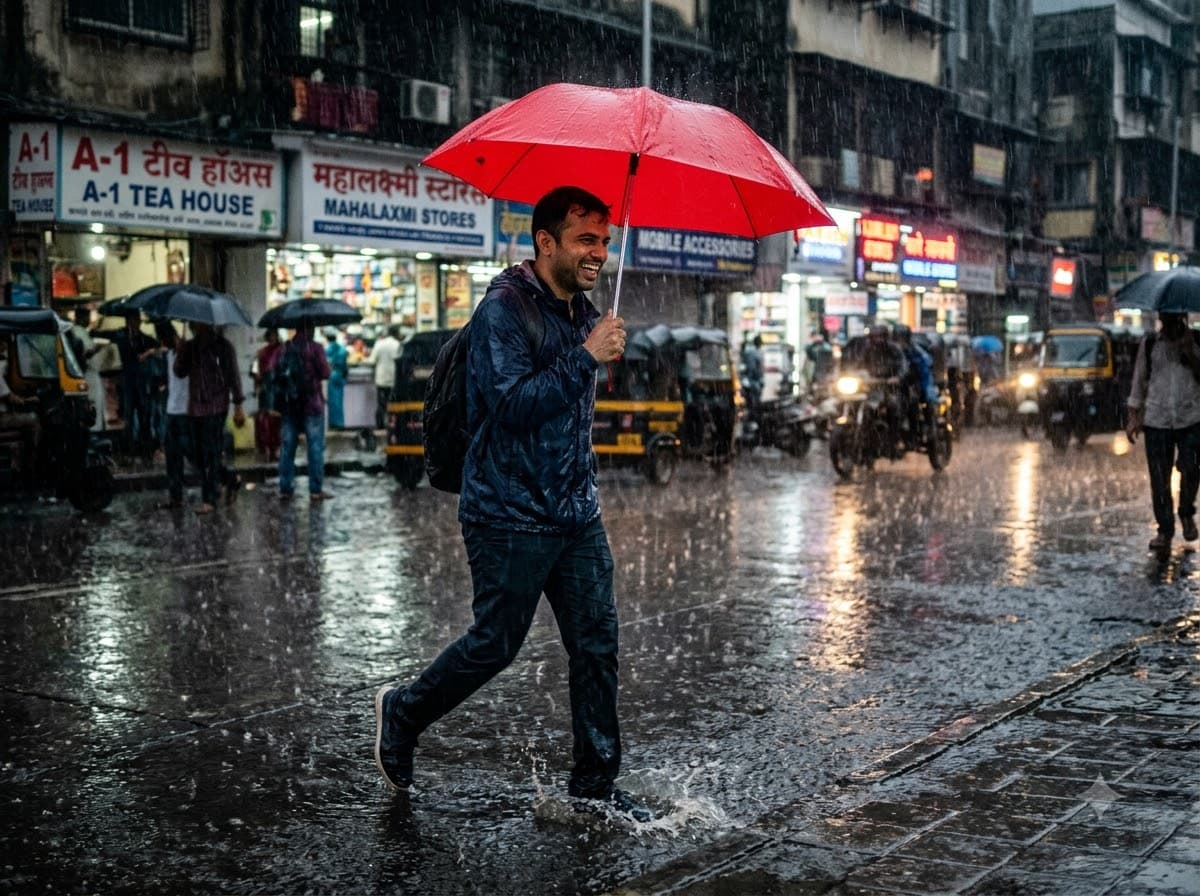
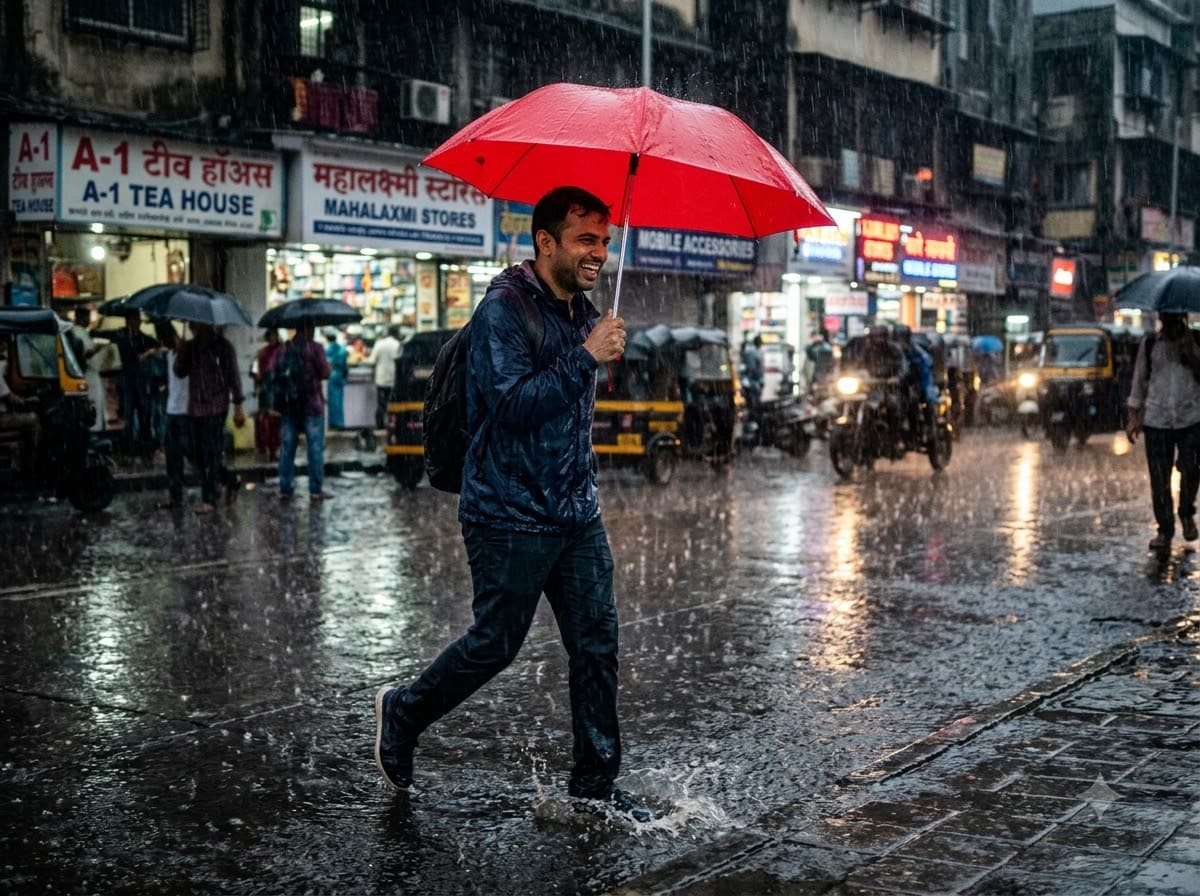
Umbrella Walk in the Rain
Upload your own photo and get edited into a street photograph walking through heavy rain under a coloured umbrella — your real face stays. The single bright umbrella against a washed-out grey street is the whole composition — it is what pulls the eye straight to you.
 +1Upload your photo
Monsoon Green Hills Travel
Upload your own photo and get edited into standing among mist-covered green hills with waterfalls in the distance — your real face stays. Monsoon turns Indian hill country an unreal shade of green — this prompt leans into that rather than fighting the grey sky.