Outfit Swap From Reference Photo
The two-photo trick everyone's using to 'try on' an outfit before buying it — upload your own photo plus a photo of any dress or outfit, and get yourself wearing that exact outfit, your real face, pose and body kept exactly the same.
This prompt edits your own photo instead of drawing a new person. Upload a clear, well-lit selfie into the AI tool first, then paste this prompt alongside it — the model keeps your face and changes everything around it.
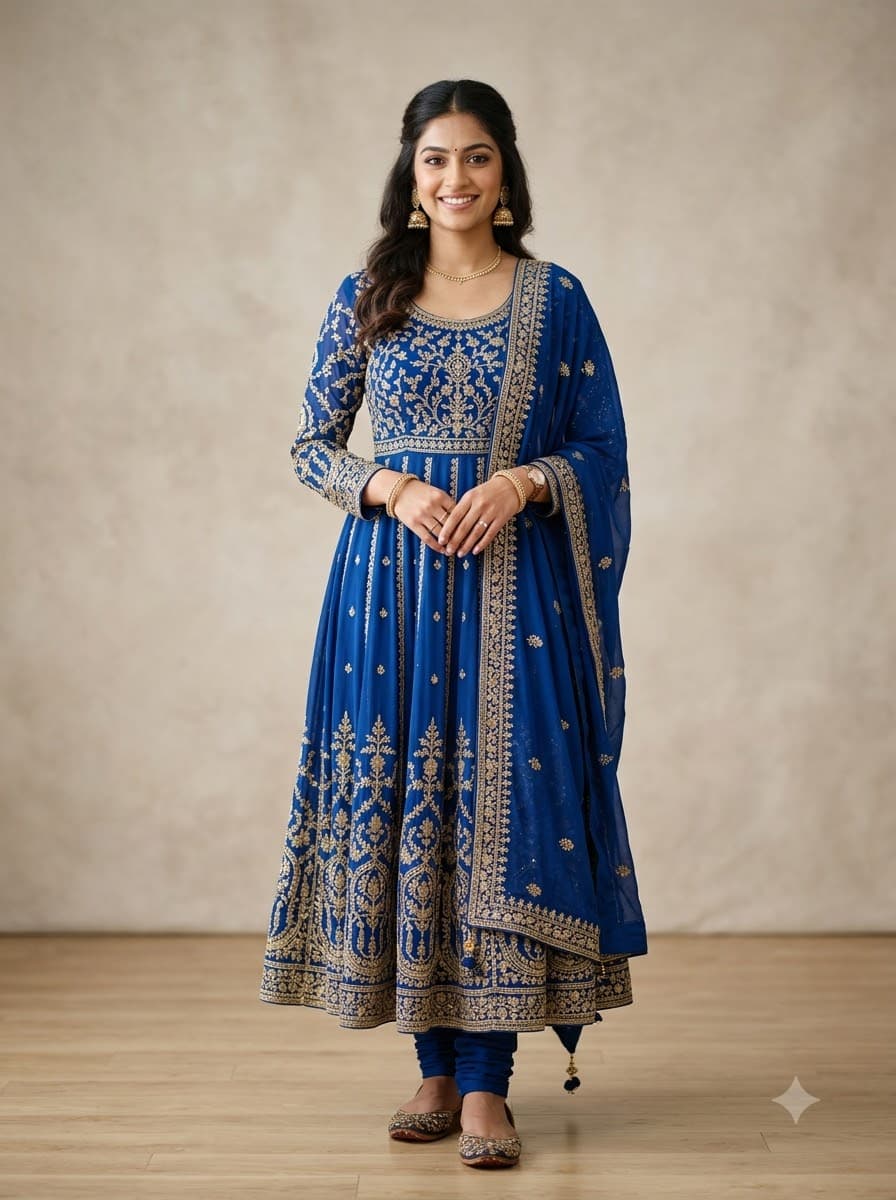
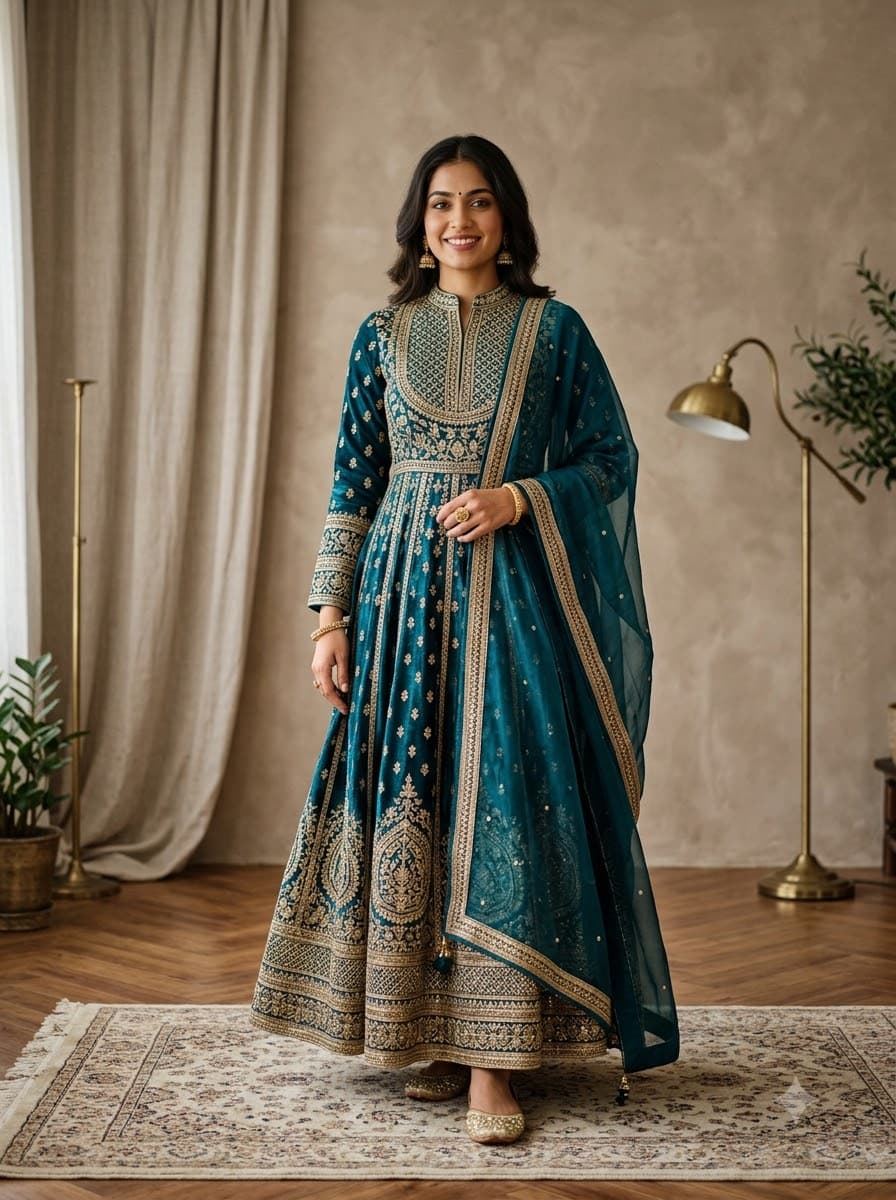
Your details
Your prompt
Edit the first uploaded photo using the second uploaded photo purely as an outfit reference — do not generate a new face or a different person, and do not copy the person, pose, or background from the second photo. Keep the face, pose, body shape, camera angle, and lighting from the first photo exactly the same: same face shape, same eyes, same eyebrows, same nose, same lips, same jawline, same skin tone, same hairline, and any visible moles or marks. Keep the exact same body type, height, and build — do not slim, bulk up, or reshape the body in any way. The subject is 25 years old. Preserve natural, realistic skin texture with visible pores and fine detail, natural minor asymmetry, and a completely unedited look — no beauty filter, no skin smoothing, no airbrushing, nothing that looks artificially perfect or AI-generated. Do not change anything in the first photo except the clothing. Replace the current outfit worn by the subject with the exact outfit shown in the second reference photo, matching its fabric, colour, pattern, embroidery, and fit as accurately as possible, with realistic natural draping and shadows so it blends seamlessly with the subject's body and the original lighting. This must read as a real, untouched photograph of this exact person now wearing that exact outfit. Composed in a portrait 4:5 frame, ideal for an Instagram feed post.
Open in
Opens the tool in a new tab with your prompt on the clipboard.
Tips for better results
- Upload two photos in the same message: a clear photo of yourself, and a clear, front-facing photo of the outfit or dress you want to try on.
- A flat-lay or mannequin photo of the outfit works best as the reference — busy backgrounds behind the garment confuse the swap.
- Full-body original photos give the most accurate result, since the model can see exactly where the garment needs to fall.
More in this category
 +1Upload your photo
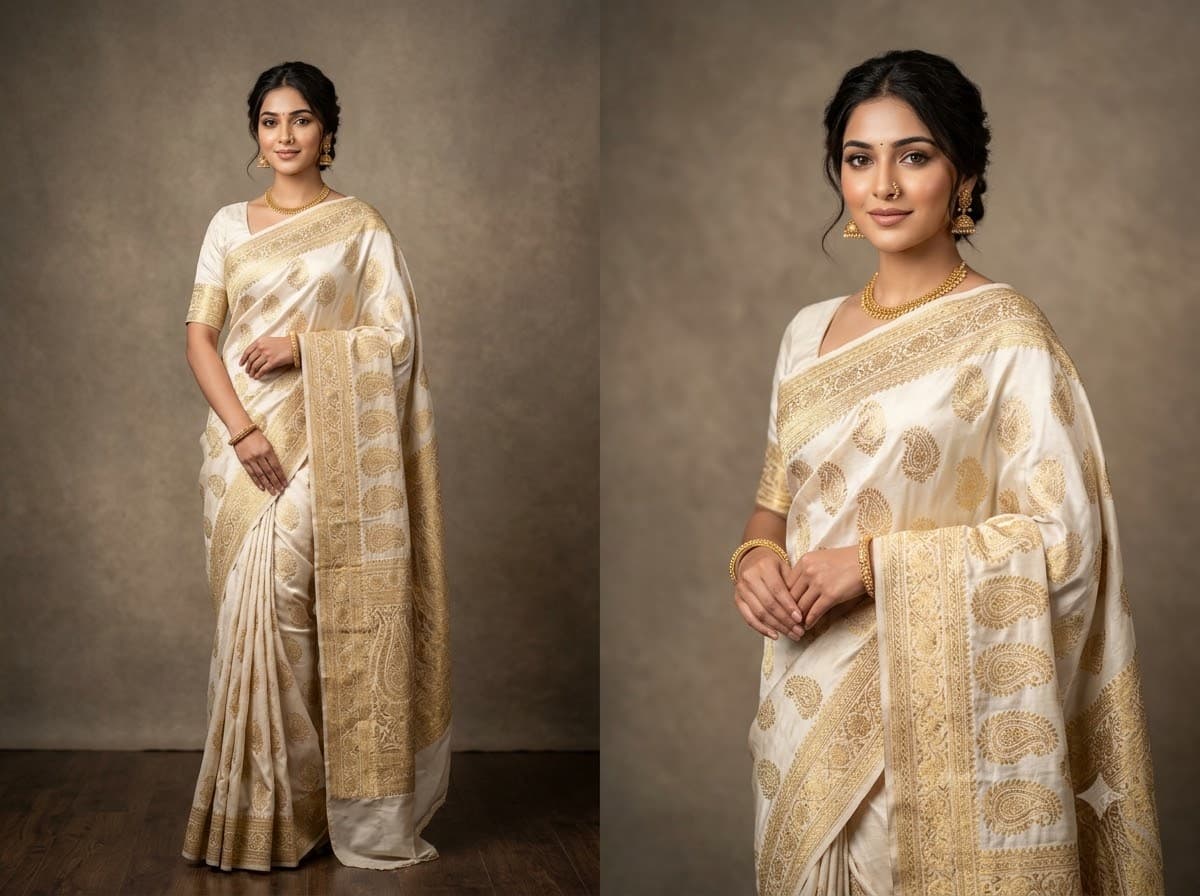
Saree AI Photoshoot
The trend every Indian woman's feed has right now — upload your own photo and Gemini or ChatGPT redresses you in a magazine-quality saree studio look, keeping your real face and body. Consistently one of the highest-shared prompts on the site.
 +1Upload your photo
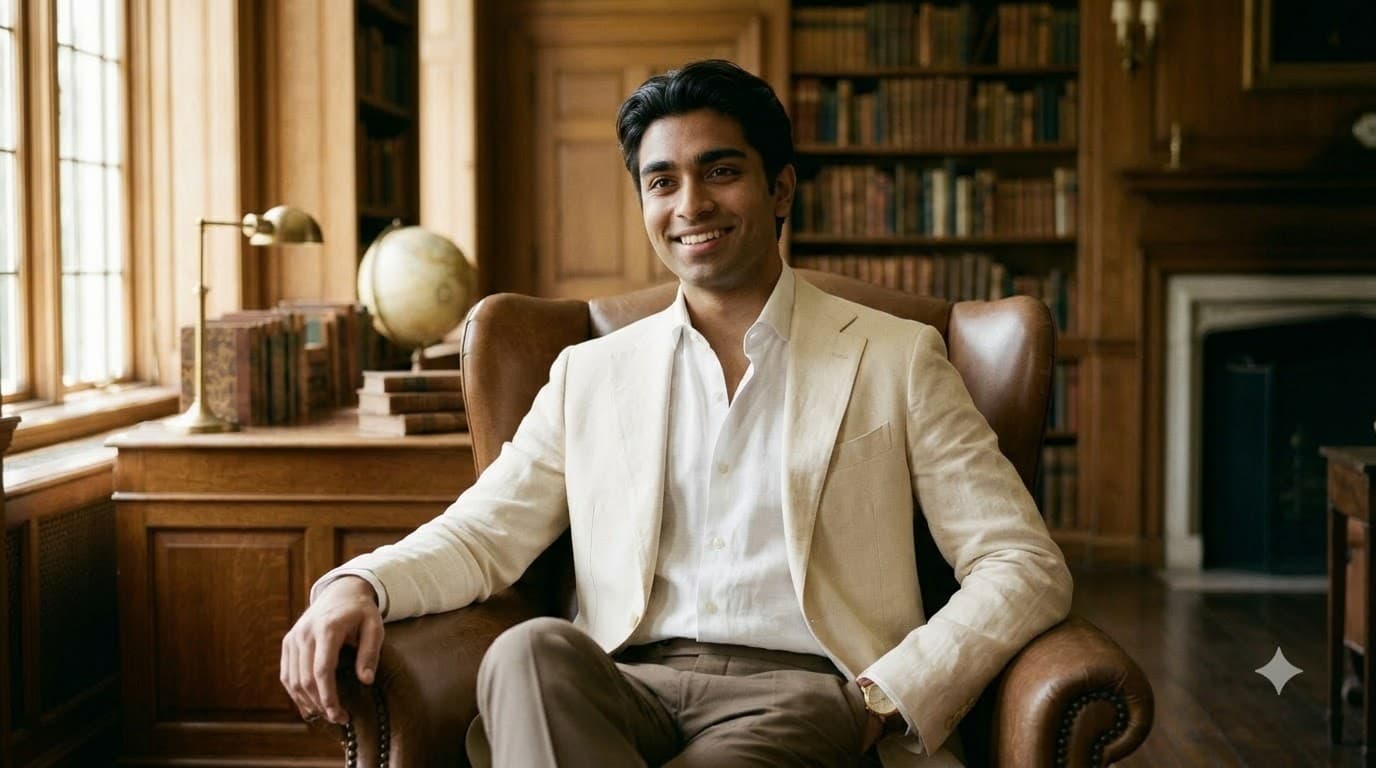
Old Money Aesthetic Portrait
The quiet-luxury look everyone's profile picture wants right now — upload your own photo and get muted neutrals, natural light and effortless posture, with your real face and body untouched.
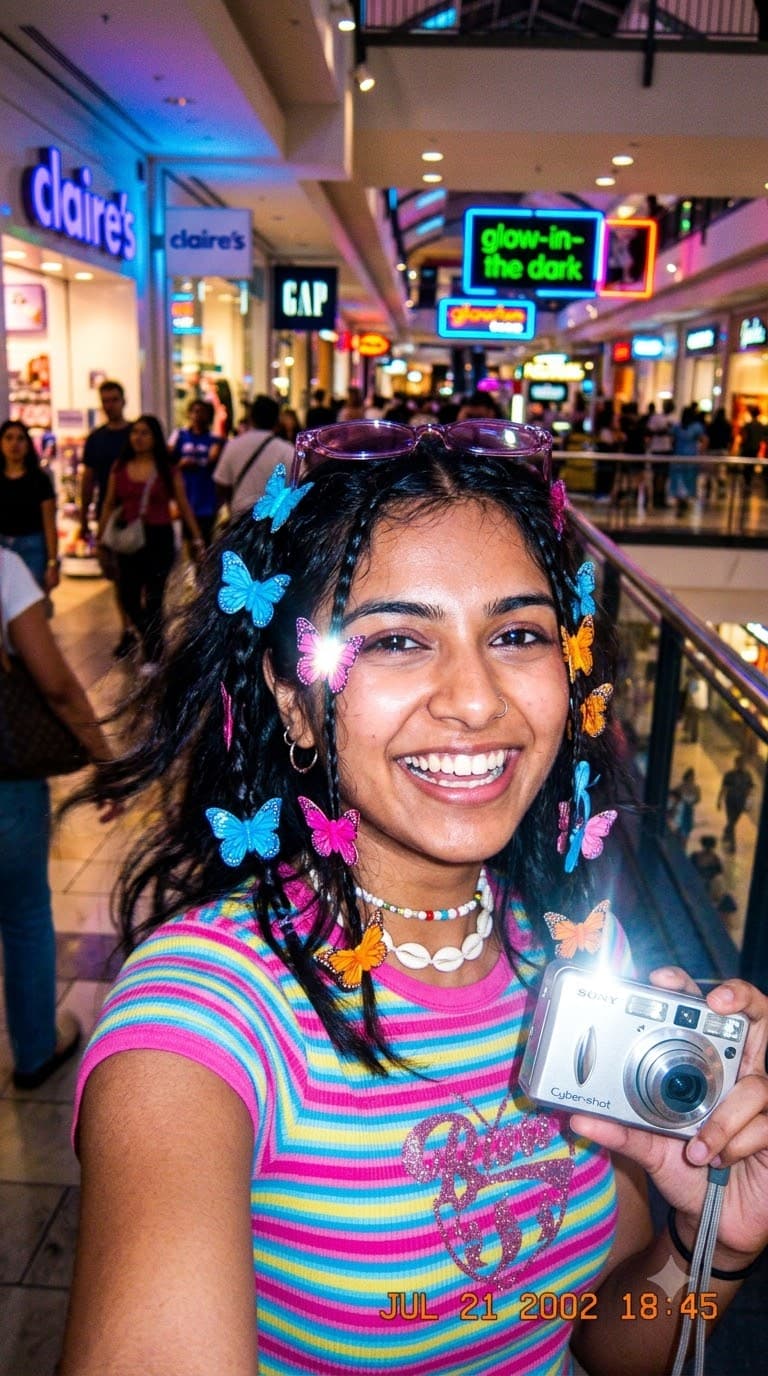 +1Upload your photo
Y2K Digicam Aesthetic Selfie
The early-2000s flash-and-grain look that's taken back over everyone's story — upload your own photo and get this deliberately low-fi, deliberately fun edit, with your real face and body kept exactly the same.