Patriotic Monument Poster
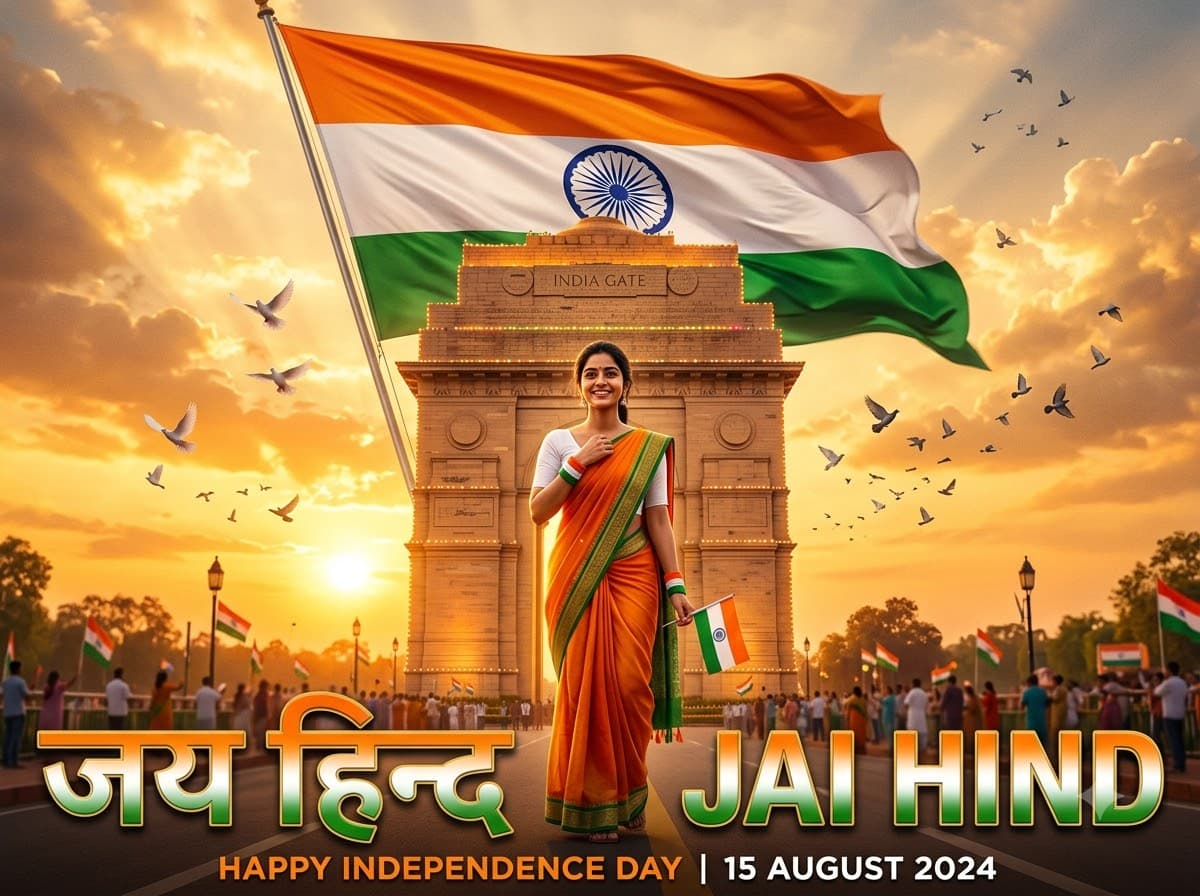
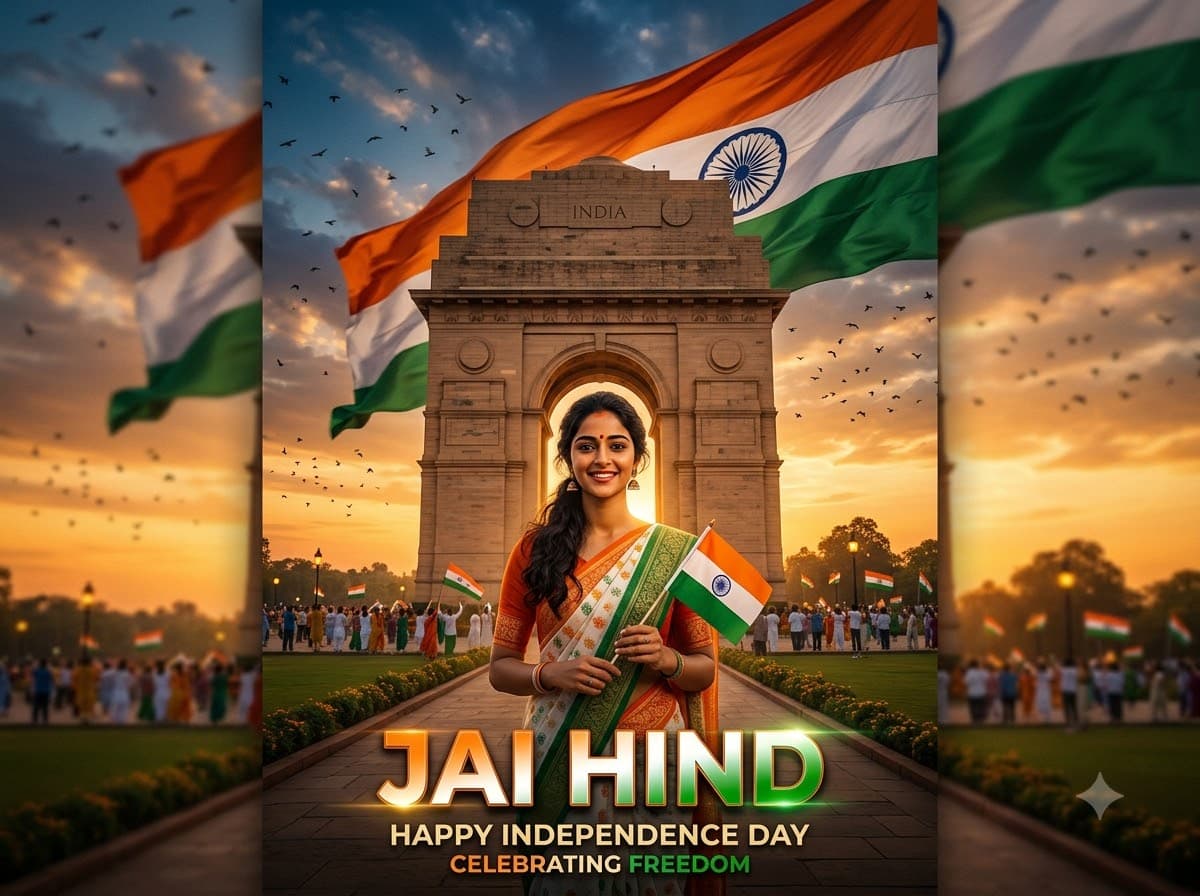
Upload your own photo and get a full poster with you in front of a national monument and the tricolour unfurling behind — your real face stays exactly as it is. Made for a WhatsApp status or Instagram post on 15 August, where the slogan text carries the message at a glance.
This prompt edits your own photo instead of drawing a new person. Upload a clear, well-lit selfie into the AI tool first, then paste this prompt alongside it — the model keeps your face and changes everything around it.
Your details
Your prompt
Edit the uploaded photo — do not generate a new face or a different person. Keep the exact facial identity from the reference photo completely unchanged: same face shape, same eyes, same eyebrows, same nose, same lips, same jawline, same skin tone, same hairline, and any visible moles or marks. Keep the exact same body type, height, and build — do not slim, bulk up, or reshape the body in any way. The subject is 24 years old. Preserve natural, realistic skin texture with visible pores and fine detail, natural minor asymmetry, and a completely unedited look — no beauty filter, no skin smoothing, no airbrushing, no plastic or waxy skin, nothing that looks artificially perfect or AI-generated. This must read as a real, untouched photograph of this exact person, with only the setting and styling changed into a bold Independence Day poster. Standing proudly in front of India Gate, with a giant tricolour flag unfurling behind them. Dramatic golden hour light, birds soaring across the sky, the words "Jai Hind" in bold poster typography along the bottom, cinematic composition, highly detailed, 8k.
Open in
Opens the tool in a new tab with your prompt on the clipboard.
Tips for better results
- Keep the slogan short — two or three words render cleanly, a full sentence usually comes out garbled.
- If the text is unreadable, generate without it and add the words yourself in any phone editor.
- Upload a clear front-facing photo — a sharp face edits far more reliably than one at an angle or partly hidden.
More in this category
 +1Upload your photo
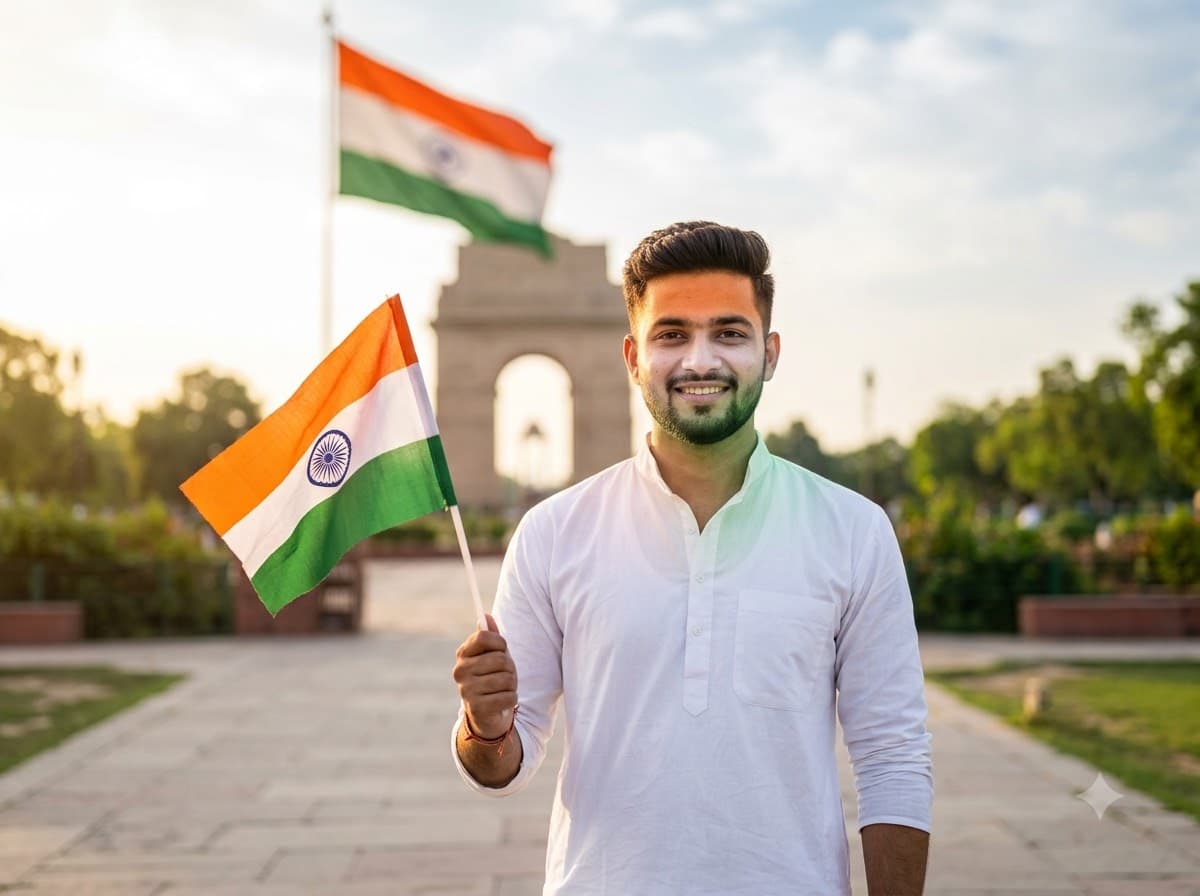
Tiranga Portrait for 15 August
Upload your own photo and Gemini or ChatGPT edits it into a proud, photo-realistic Independence Day portrait with the tricolour catching the light behind you — your real face stays exactly the same. The saffron-white-green colour cast on the face is what makes this read as a real 15 August photo rather than a flag pasted onto a picture.
 +1Upload your photo
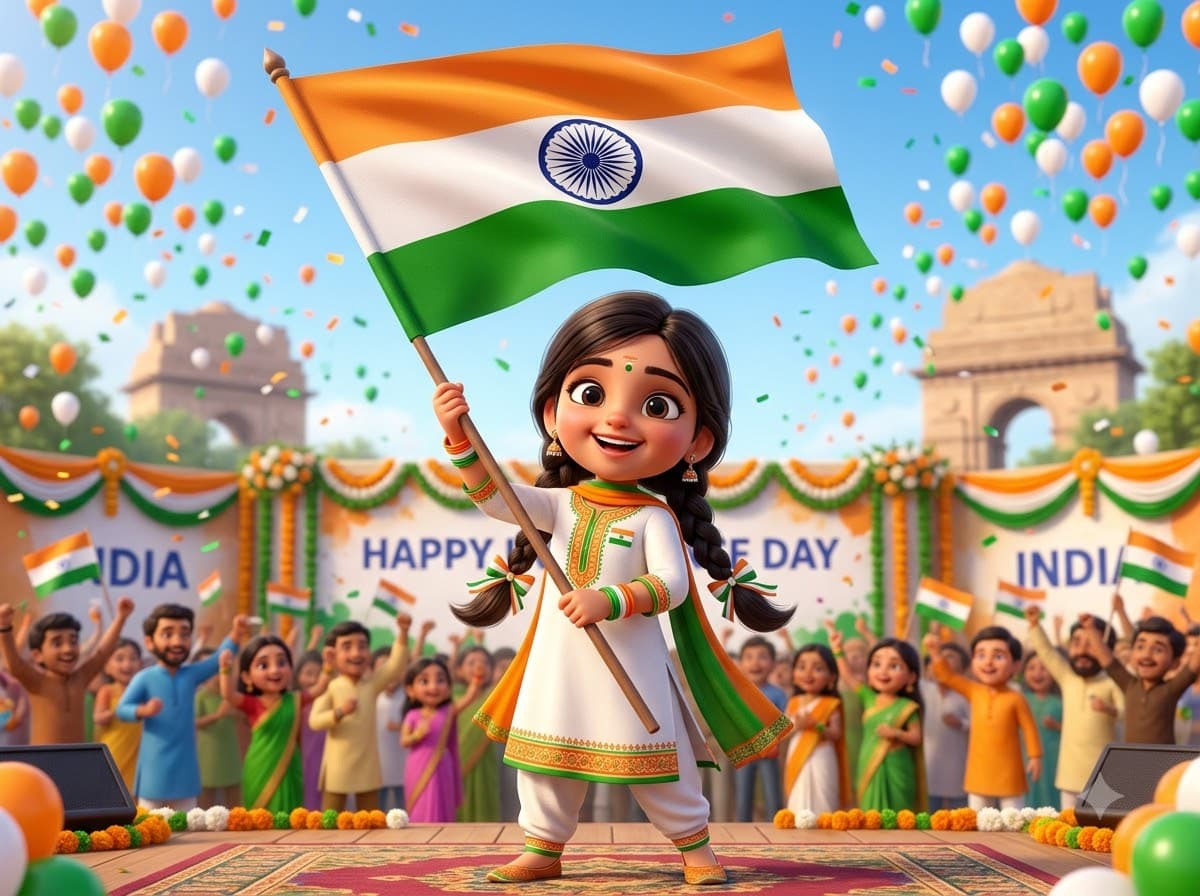
Independence Day 3D Avatar
Upload your own photo and turn it into a glossy Pixar-style 3D avatar of you celebrating 15 August. The toy-like rendering is very forgiving — this is the easiest Independence Day edit to get right on the first attempt, which makes it a good profile picture swap.
 +1Upload your photo
Freedom Era Vintage Portrait
Upload your own photo and Gemini or ChatGPT restyles it into a sepia studio portrait like one from the independence movement, in khadi and a Gandhi cap — your real face stays, only the era changes. Film grain and window light do the work here — this is the most striking 15 August post because nobody else's looks like it.