Resume & CV Passport-Style Photo
Upload your own photo and Gemini or ChatGPT edits it into a strict, government-form-ready photo: plain background, front-facing, neutral expression, your real face untouched. Not glamorous by design — this is for the box on a resume or an application form, where compliance beats flair.
This prompt edits your own photo instead of drawing a new person. Upload a clear, well-lit selfie into the AI tool first, then paste this prompt alongside it — the model keeps your face and changes everything around it.
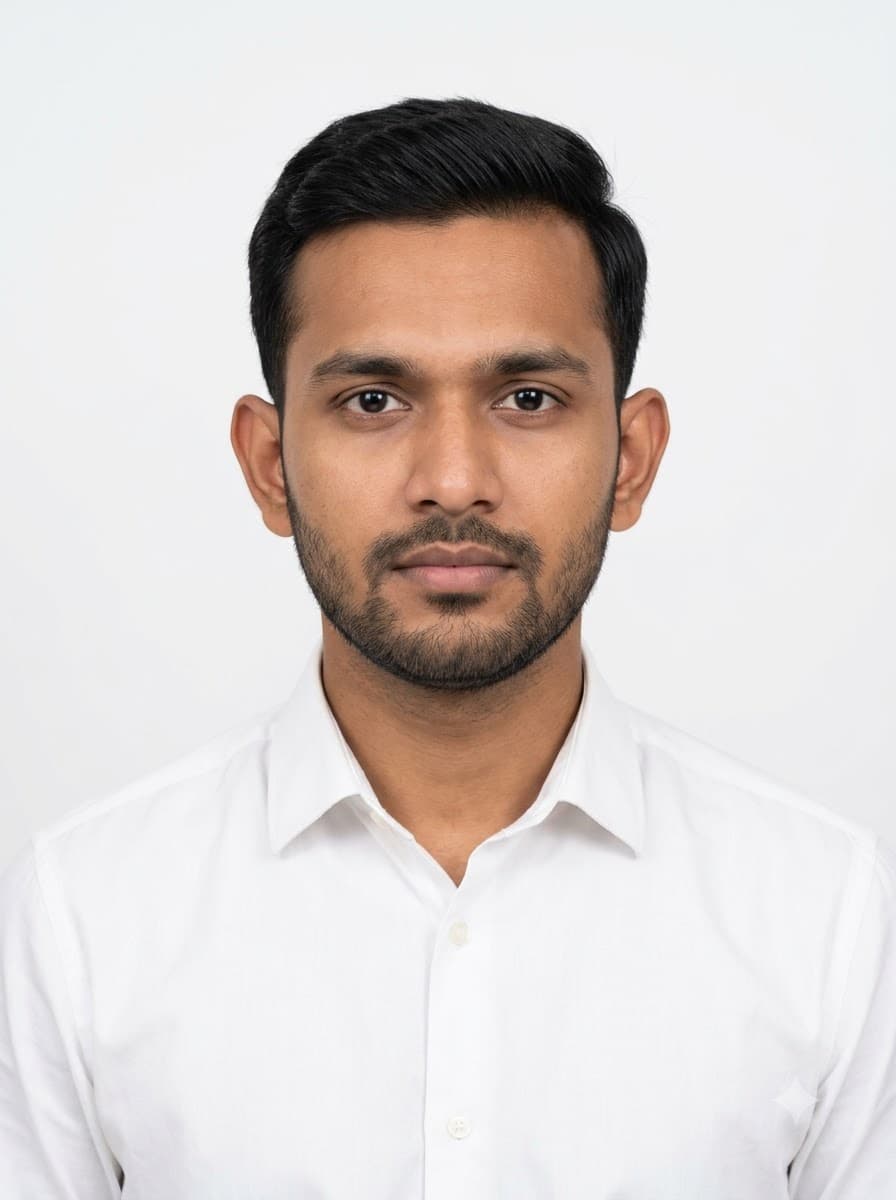
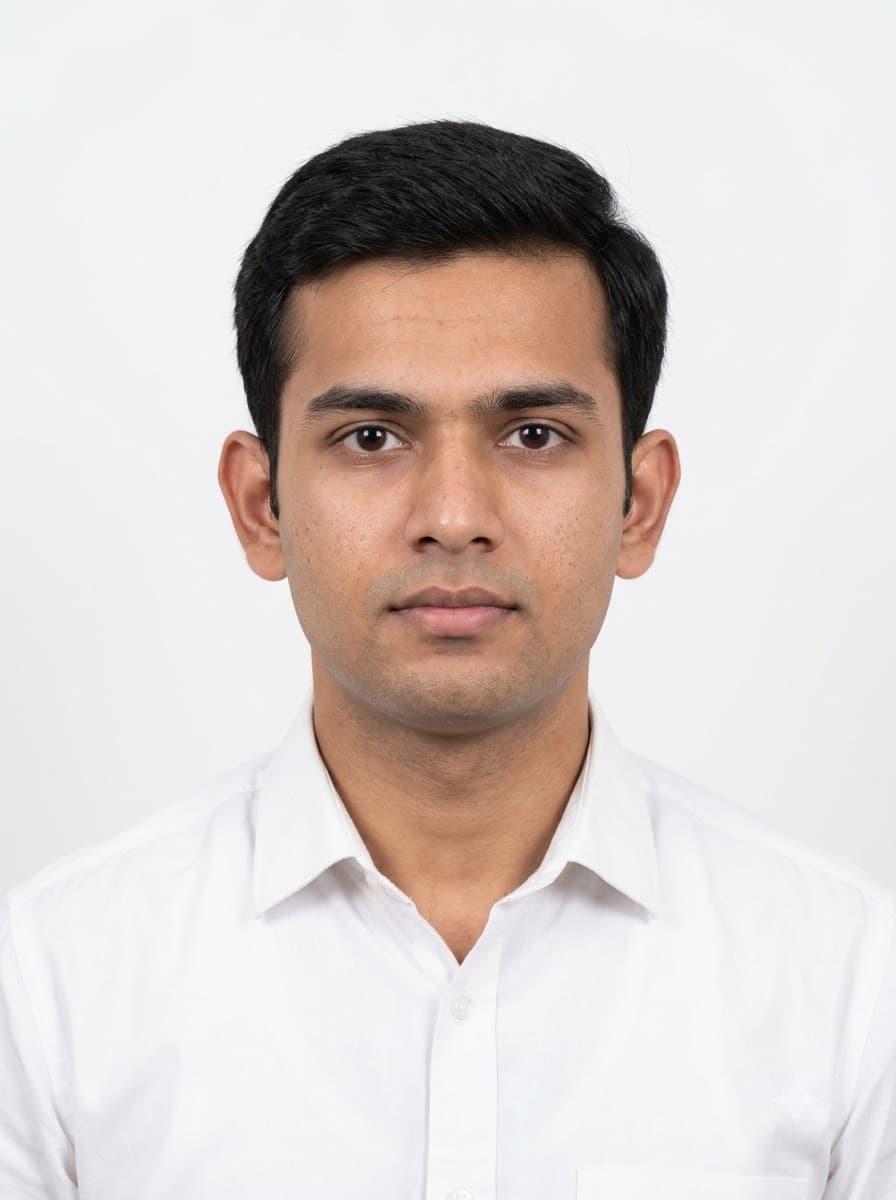
Your details
Your prompt
Edit the uploaded photo into a strict passport-style ID photograph — do not generate a new face or a different person. Keep the exact facial identity from the reference photo completely unchanged: same face shape, same eyes, same eyebrows, same nose, same lips, same jawline, same skin tone, same hairline, and any visible moles or marks. Keep the exact same body type, height, and build — do not slim, bulk up, or reshape the body in any way. The subject is 25 years old. Preserve natural, realistic skin texture with visible pores and fine detail, natural minor asymmetry, and a completely unedited look — no beauty filter, no skin smoothing, no airbrushing, no plastic or waxy skin, nothing that looks artificially perfect or AI-generated. This must read as a real, untouched photograph of this exact person, with only the clothing and background changed. Redress them in a plain white shirt, facing directly forward against a plain white background. Even flat lighting with no shadows, neutral closed-mouth expression, both ears visible, sharp focus across the whole face, no jewellery or accessories, ultra realistic, 8k.
Open in
Opens the tool in a new tab with your prompt on the clipboard.
Tips for better results
- "Even flat lighting with no shadows" is required for most official photo standards — do not ask for dramatic light here.
- Keep the expression neutral; a smile is fine for LinkedIn but often rejected on formal ID and visa photos.
- Upload a front-facing photo with even lighting and your face clearly visible — this keeps the face-preservation step accurate.
More in this category
 +1Upload your photo
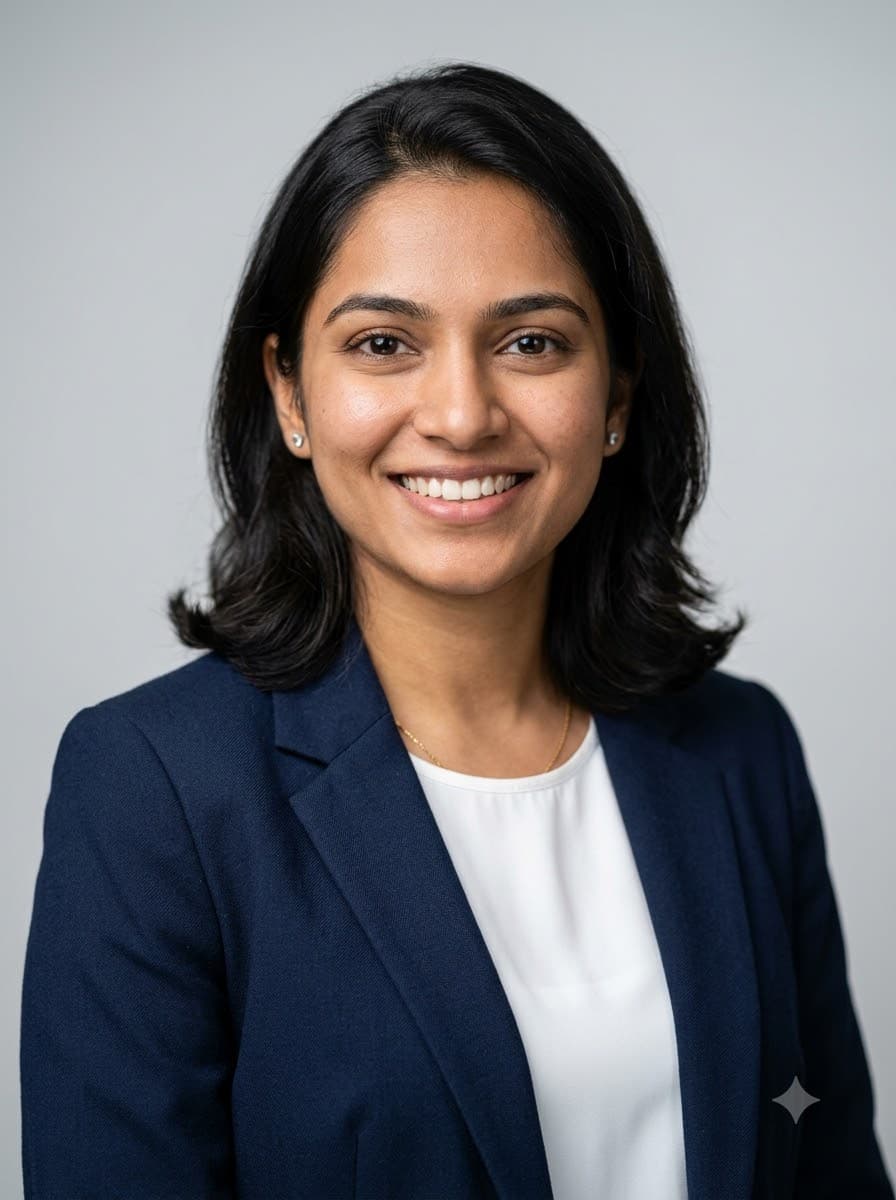
LinkedIn Corporate Headshot
Upload your own photo and Gemini or ChatGPT edits it into a studio-quality professional headshot suitable for LinkedIn, a resume or a company about page — your real face stays. Three-point lighting and sharp focus on the eyes are what make a headshot read as professional rather than as a selfie.
 +1Upload your photo
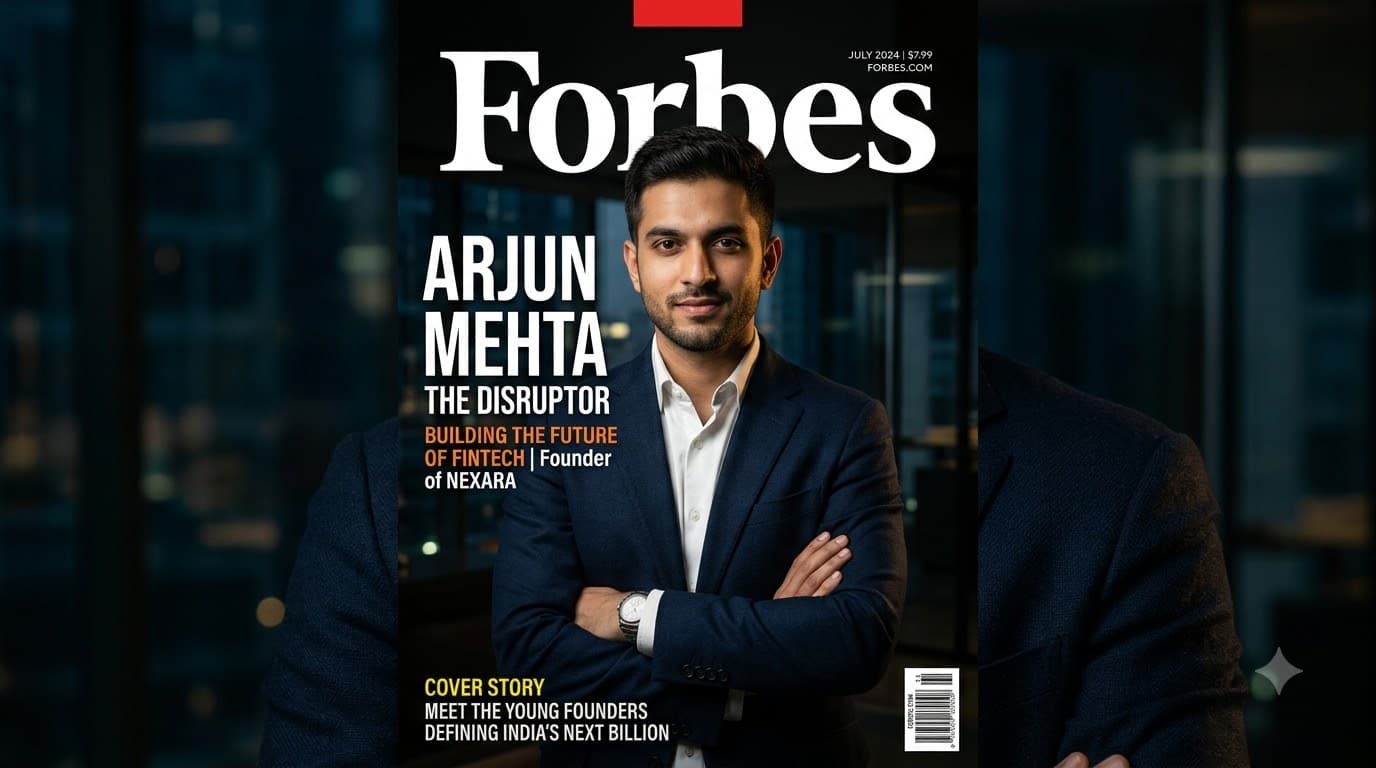
Startup Founder Magazine Cover
Upload your own photo and Gemini or ChatGPT edits it into an editorial business-magazine portrait with hard side lighting and a dark background — your real face stays. Useful for pitch decks, press kits and founder bios where a plain headshot feels too soft.
 +1Upload your photo
Doctor White Coat Portrait
Upload your own photo and Gemini or ChatGPT edits it into a trustworthy, approachable doctor portrait for a clinic website, visiting card or hospital ID badge — your real face stays. The stethoscope and clean white coat are what read as "doctor" at a glance.