Diwali 3D Avatar with Fireworks
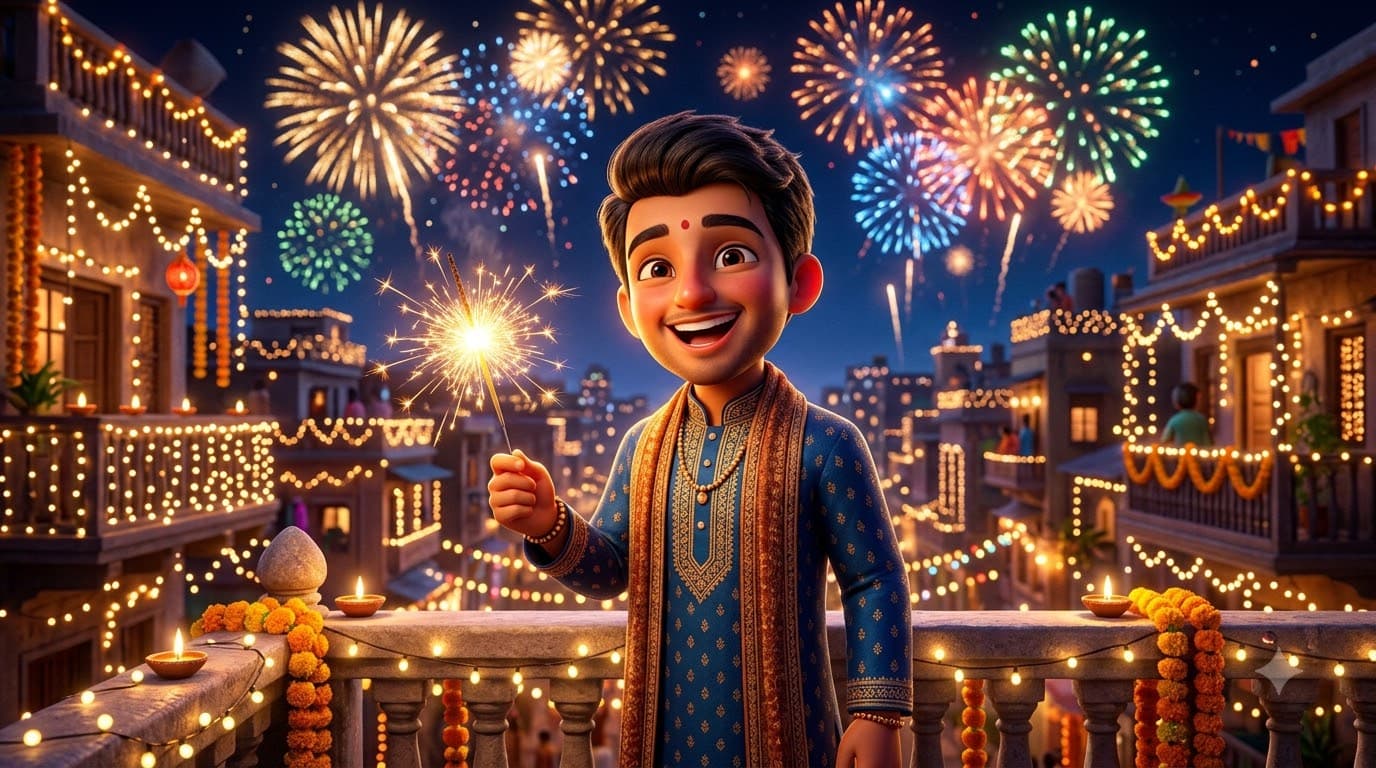
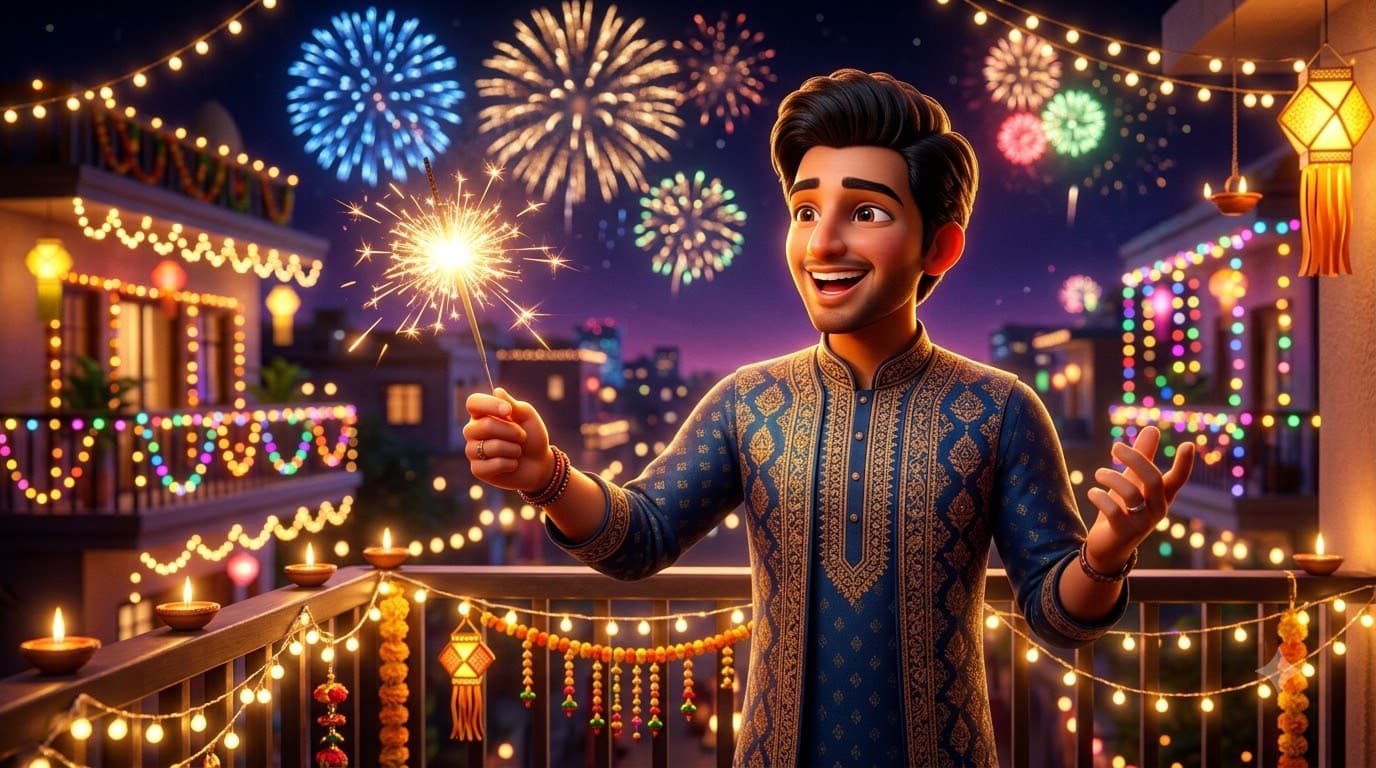
Upload your own photo and Gemini or ChatGPT edits it into a glossy Pixar-style 3D version of you lighting up the night with fireworks bursting behind — still recognisably you, just toy-like. The forgiving render is a safe pick if a photo-realistic Diwali prompt keeps coming out wrong.
This prompt edits your own photo instead of drawing a new person. Upload a clear, well-lit selfie into the AI tool first, then paste this prompt alongside it — the model keeps your face and changes everything around it.
Your details
Your prompt
Edit the uploaded photo into a cute 3D Pixar-style character — do not invent a different-looking character. Keep the person's facial likeness clearly recognizable as the same individual from the reference photo: same face shape, same eyes, same eyebrows, same nose, same jawline proportions, same hairstyle, and same skin tone, translated faithfully into the 3D style. Keep the same body type, height and build, just re-rendered in the stylized medium — do not slim, bulk up, or reshape the body. The subject is 24 years old; keep the proportions age-appropriate for that age. This must read as a stylized 3D version of this exact person, with only the art style and setting changed. Celebrating Diwali, holding a golden phuljhadi sparkler. Colourful fireworks bursting in the night sky behind, strings of fairy lights on nearby balconies, glossy toy-like rendering, warm golden rim light, expressive delighted face, octane render, 8k, ultra detailed.
Open in
Opens the tool in a new tab with your prompt on the clipboard.
Tips for better results
- Keep the fireworks in the background, not in the hands — foreground pyrotechnics confuse the render.
- A dark navy sky makes the firework colours and the character both pop harder.
- Upload a clear, front-facing photo so the 3D version stays recognisable as you.
More in this category
 +1Upload your photo
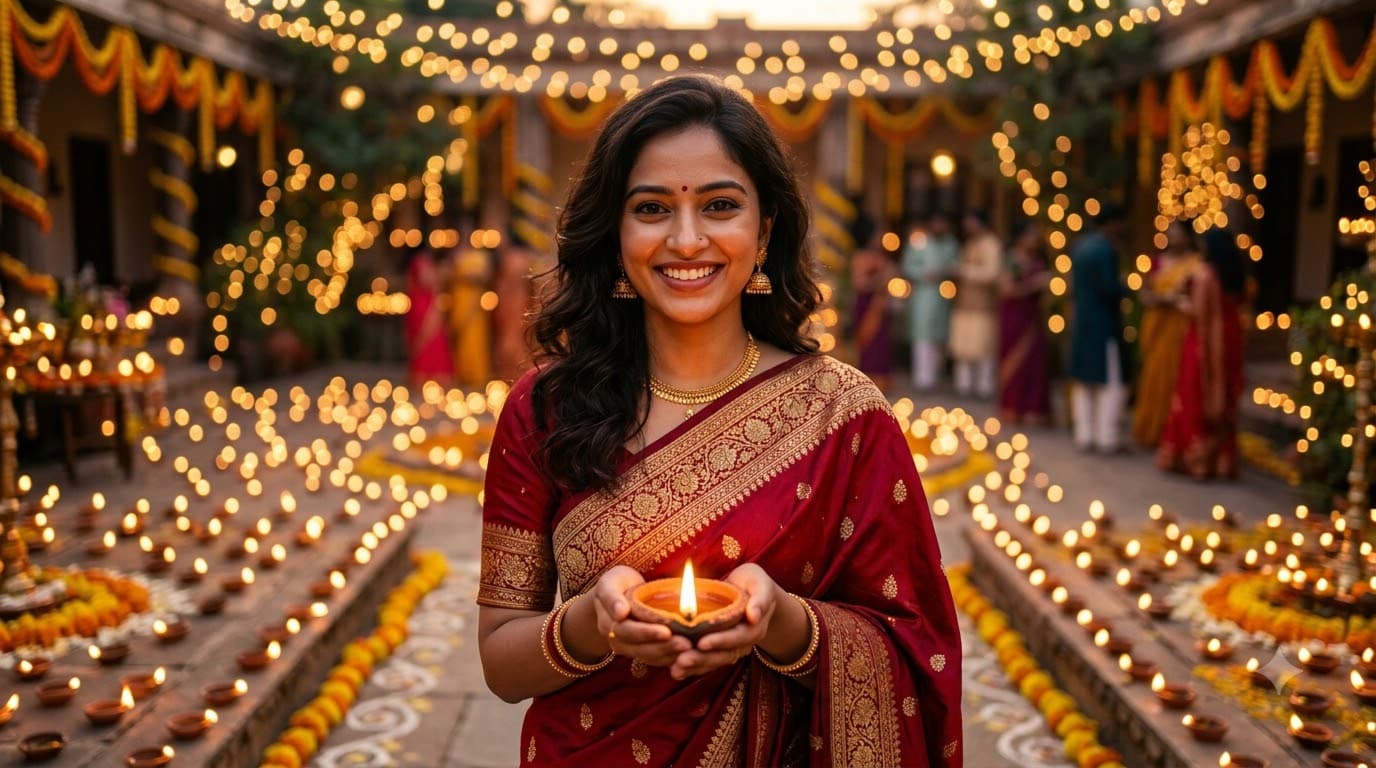
Diwali Portrait with Diyas
Upload your own photo and Gemini or ChatGPT edits it into a warm, photo-realistic Diwali portrait lit by hundreds of clay diyas — your real face stays, only the outfit and lighting change. The bokeh background and 85mm lens instruction are what separate this from a flat AI snapshot.
 +1Upload your photo
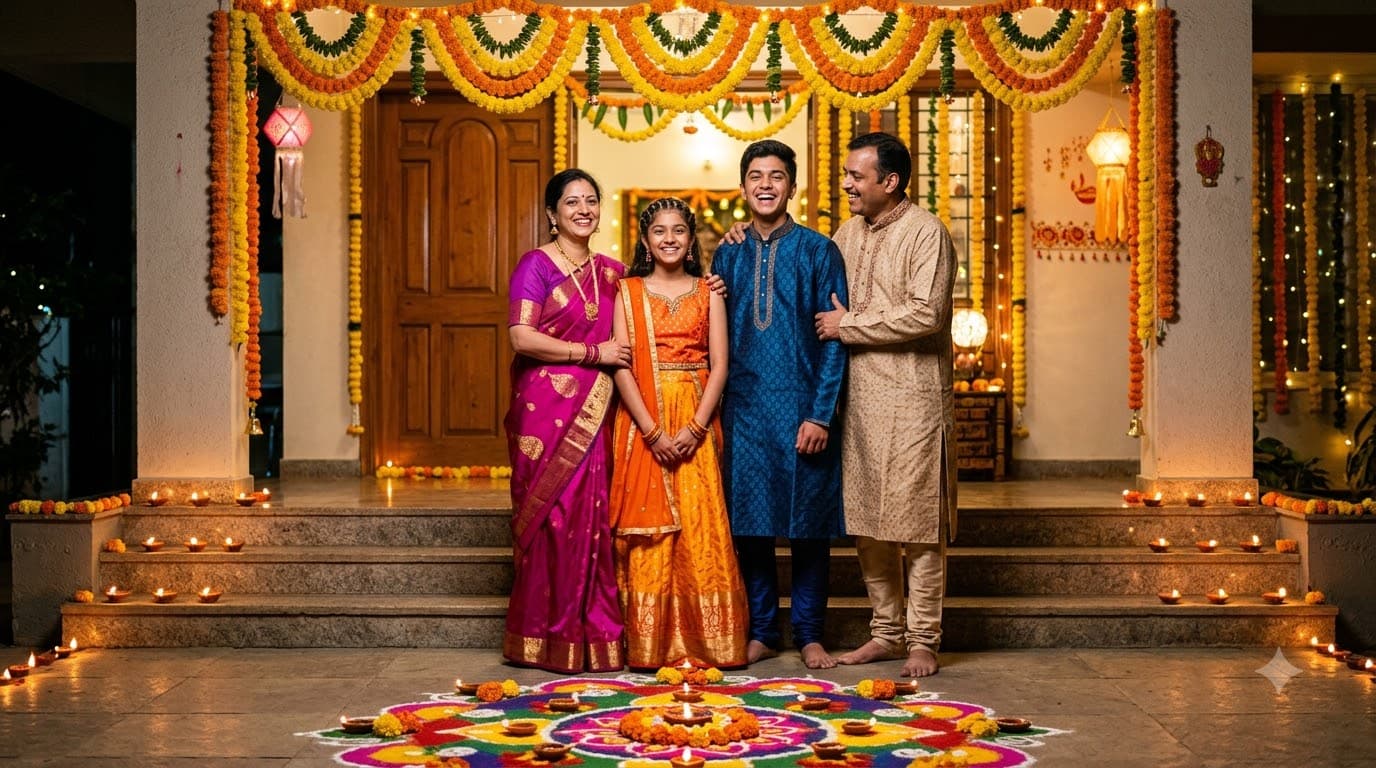
Diwali Family Rangoli Photo
Upload your family photo and Gemini or ChatGPT edits it into a full family portrait around a fresh rangoli at the doorstep, the way Diwali photos actually get taken at home — every real face preserved, only the scene changes.
 +1
+1Diwali Sweets Thali
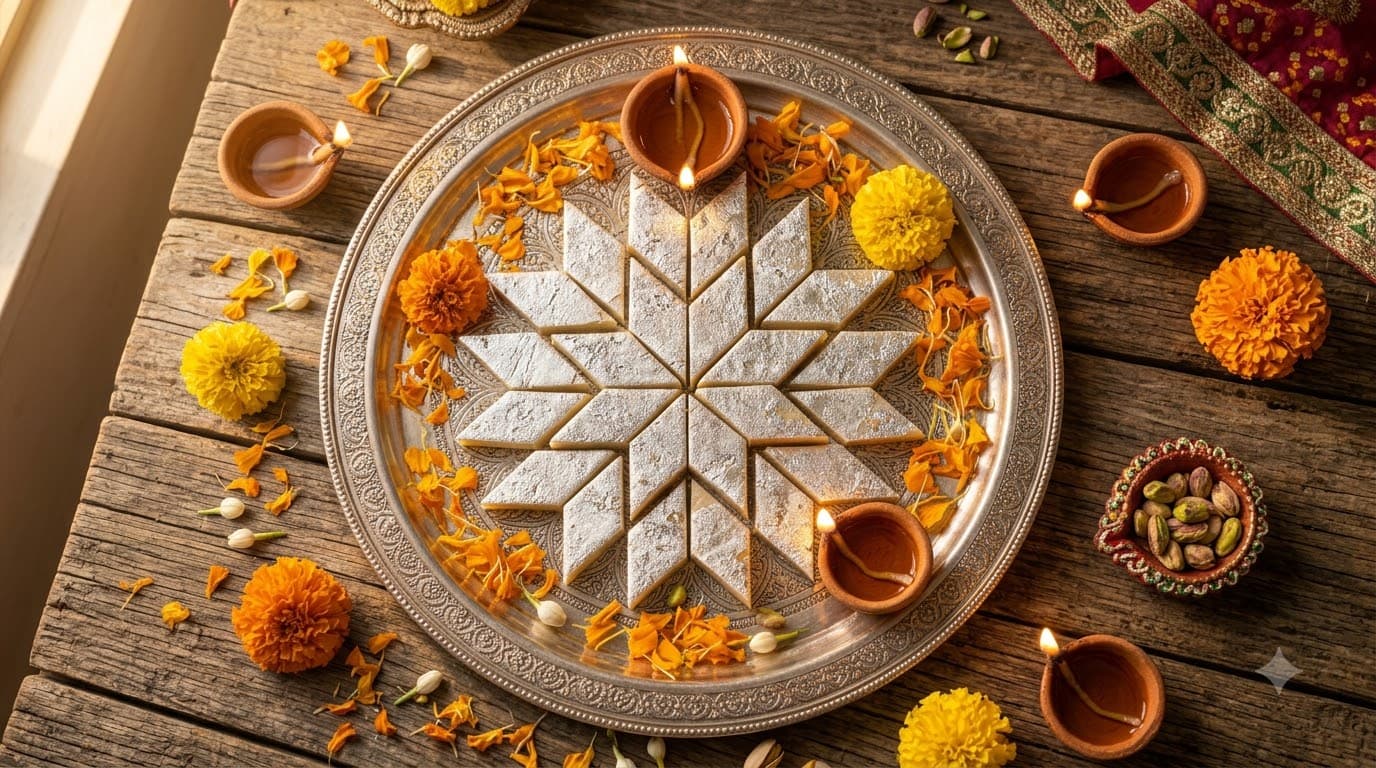
A food-photography plate of Diwali mithai with diyas glowing softly around it. No faces at all, so this is the most dependable image in the whole category — useful for sweet shops and home bakers too.