Diwali Family Rangoli Photo
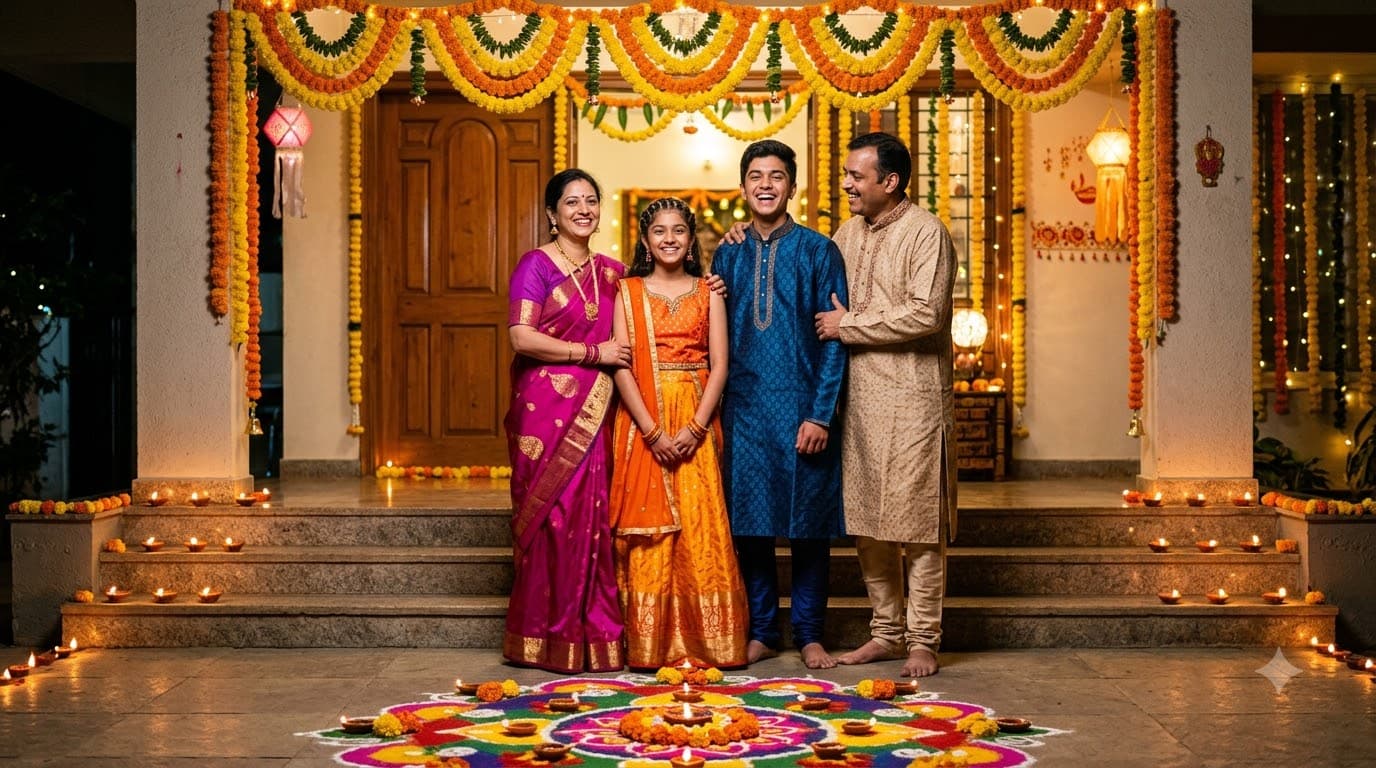
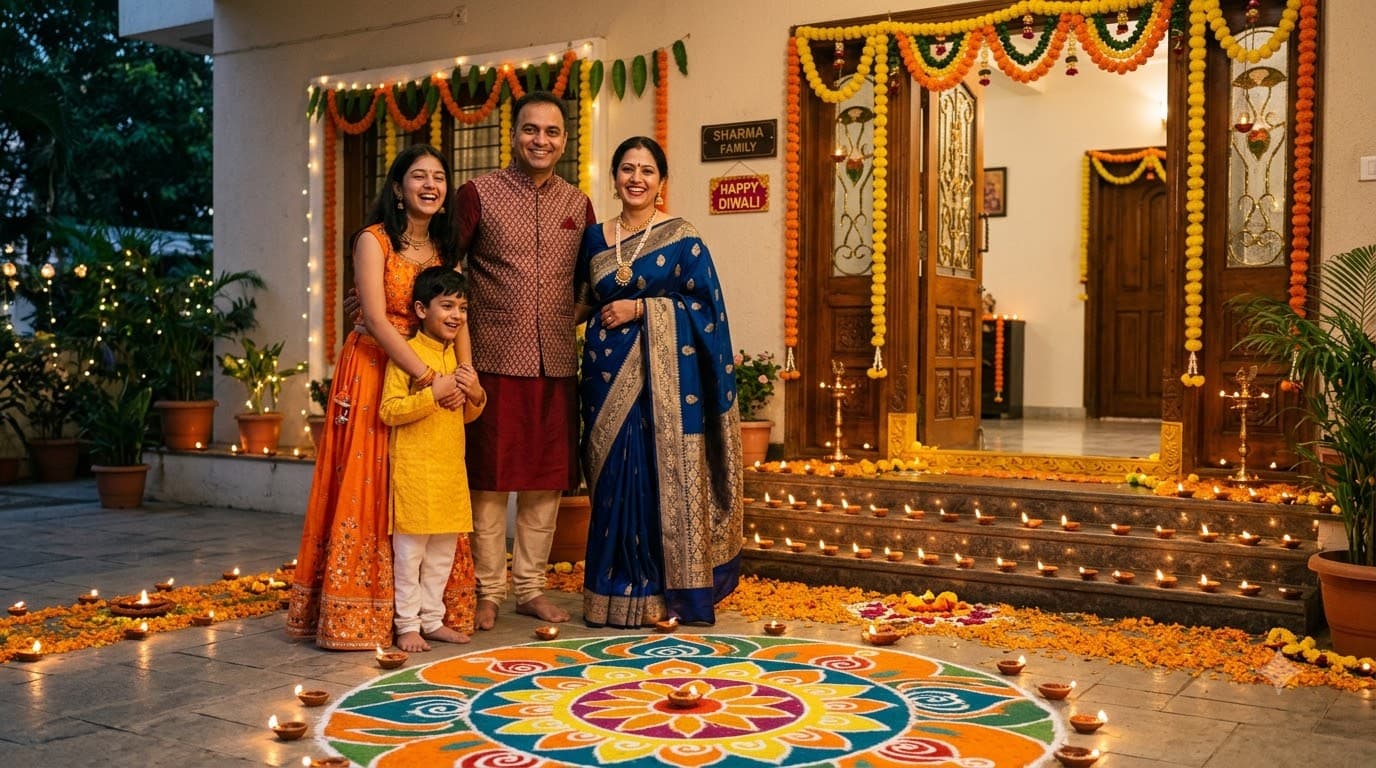
Upload your family photo and Gemini or ChatGPT edits it into a full family portrait around a fresh rangoli at the doorstep, the way Diwali photos actually get taken at home — every real face preserved, only the scene changes.
This prompt edits your own photo instead of drawing a new person. Upload a clear, well-lit selfie into the AI tool first, then paste this prompt alongside it — the model keeps your face and changes everything around it.
Your details
Your prompt
Edit the uploaded family photo — do not generate new faces or different people. Keep everyone's facial identity from the uploaded photo completely unchanged: same face shape, same eyes, same eyebrows, same nose, same lips, same jawline, same skin tone, same hairline, and any visible moles or marks, for every person in the photo — no one's identity altered. Keep everyone's exact same body type, height, and build — do not slim, bulk up, or reshape anyone's body. The primary person in the photo is 35 years old; keep age-appropriate proportions and styling for the whole family as shown. Preserve natural, realistic skin texture with visible pores and fine detail for everyone, natural minor asymmetry, and a completely unedited look for the whole group — no beauty filter, no skin smoothing, no airbrushing, no plastic or waxy skin, nothing that looks artificially perfect or AI-generated. This must read as a real, untouched photograph of this exact family, with only the clothing and setting changed. four members of the Sharma family, standing together around a colourful rangoli at their decorated doorstep. Rows of lit diyas along the steps, marigold torans hanging above, everyone in bright traditional clothes, genuine happy expressions, soft evening light, shot on 35mm lens, ultra realistic, 8k.
Open in
Opens the tool in a new tab with your prompt on the clipboard.
Tips for better results
- Groups drift fastest — expect to generate several times before every face looks right.
- "Genuine happy expressions" beats "smiling"; it produces less stiff, more natural faces.
- Upload a clear family photo where every face is visible for the most reliable result.
More in this category
 +1Upload your photo
Diwali Portrait with Diyas
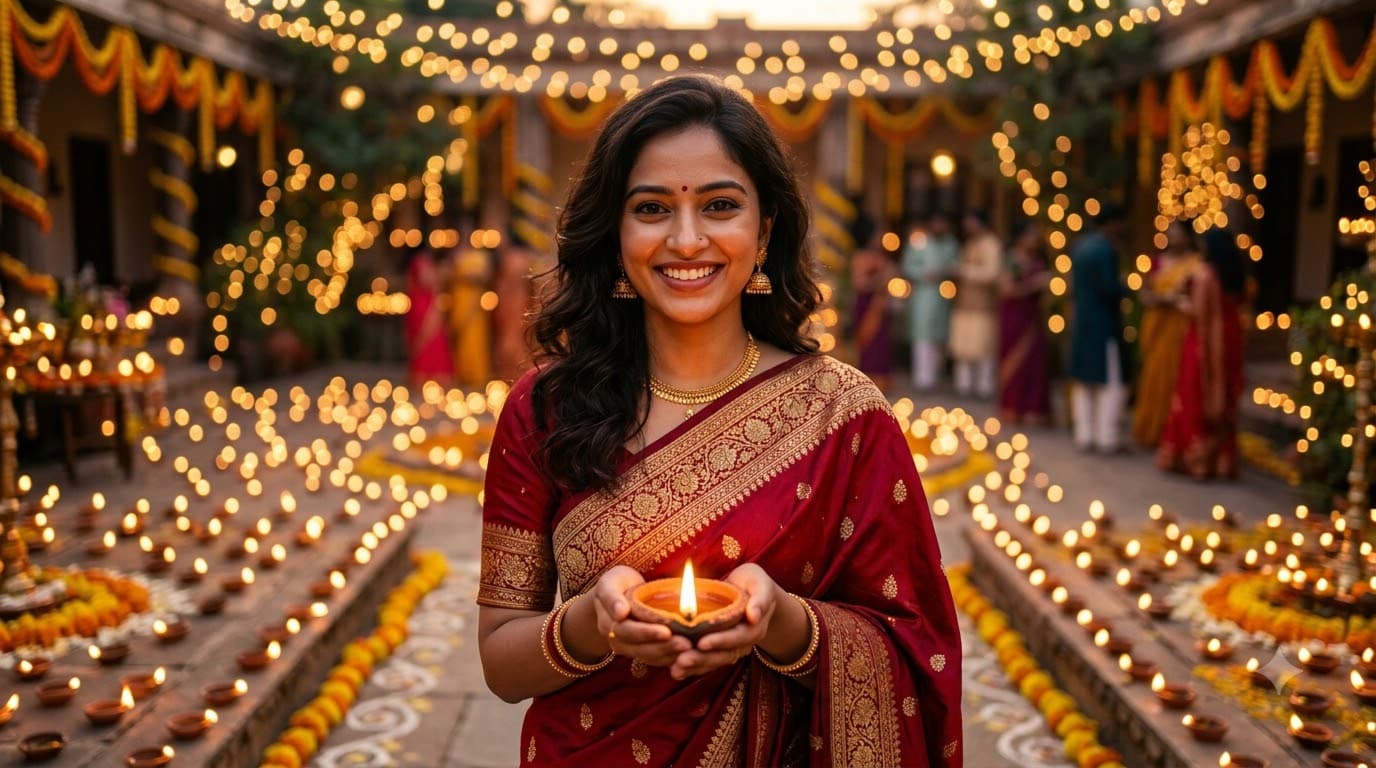
Upload your own photo and Gemini or ChatGPT edits it into a warm, photo-realistic Diwali portrait lit by hundreds of clay diyas — your real face stays, only the outfit and lighting change. The bokeh background and 85mm lens instruction are what separate this from a flat AI snapshot.
 +1Upload your photo
Diwali 3D Avatar with Fireworks
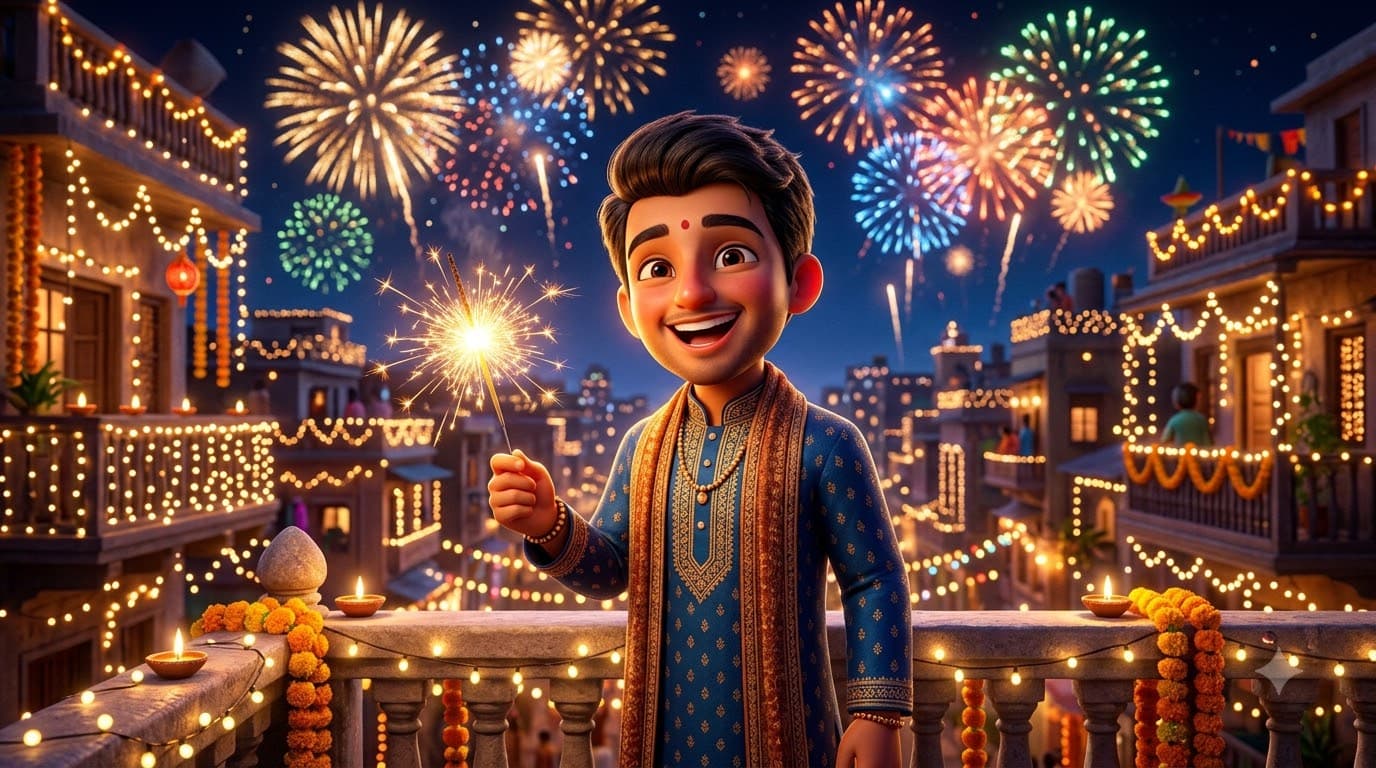
Upload your own photo and Gemini or ChatGPT edits it into a glossy Pixar-style 3D version of you lighting up the night with fireworks bursting behind — still recognisably you, just toy-like. The forgiving render is a safe pick if a photo-realistic Diwali prompt keeps coming out wrong.
 +1
+1Diwali Sweets Thali
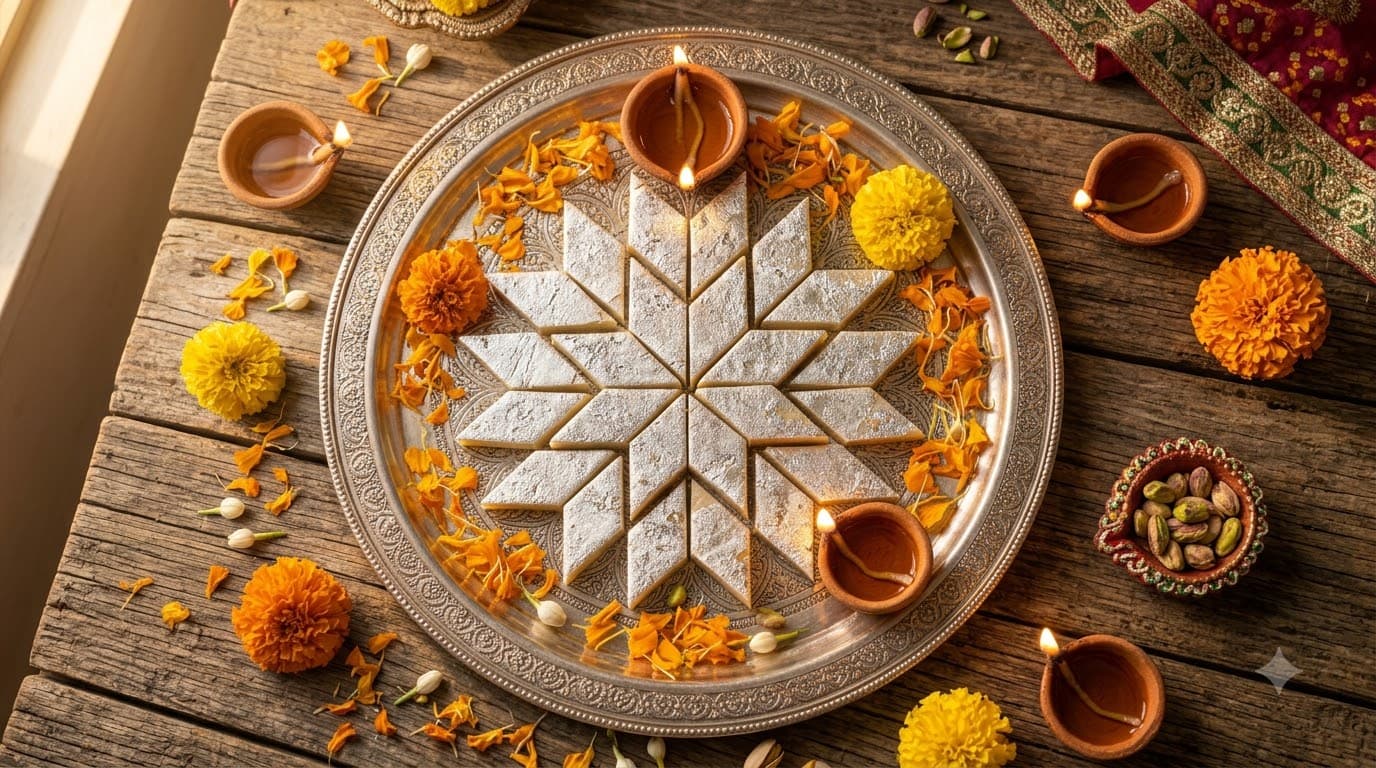
A food-photography plate of Diwali mithai with diyas glowing softly around it. No faces at all, so this is the most dependable image in the whole category — useful for sweet shops and home bakers too.