Selfie Grid Collage Edit (Upload Your Photo)
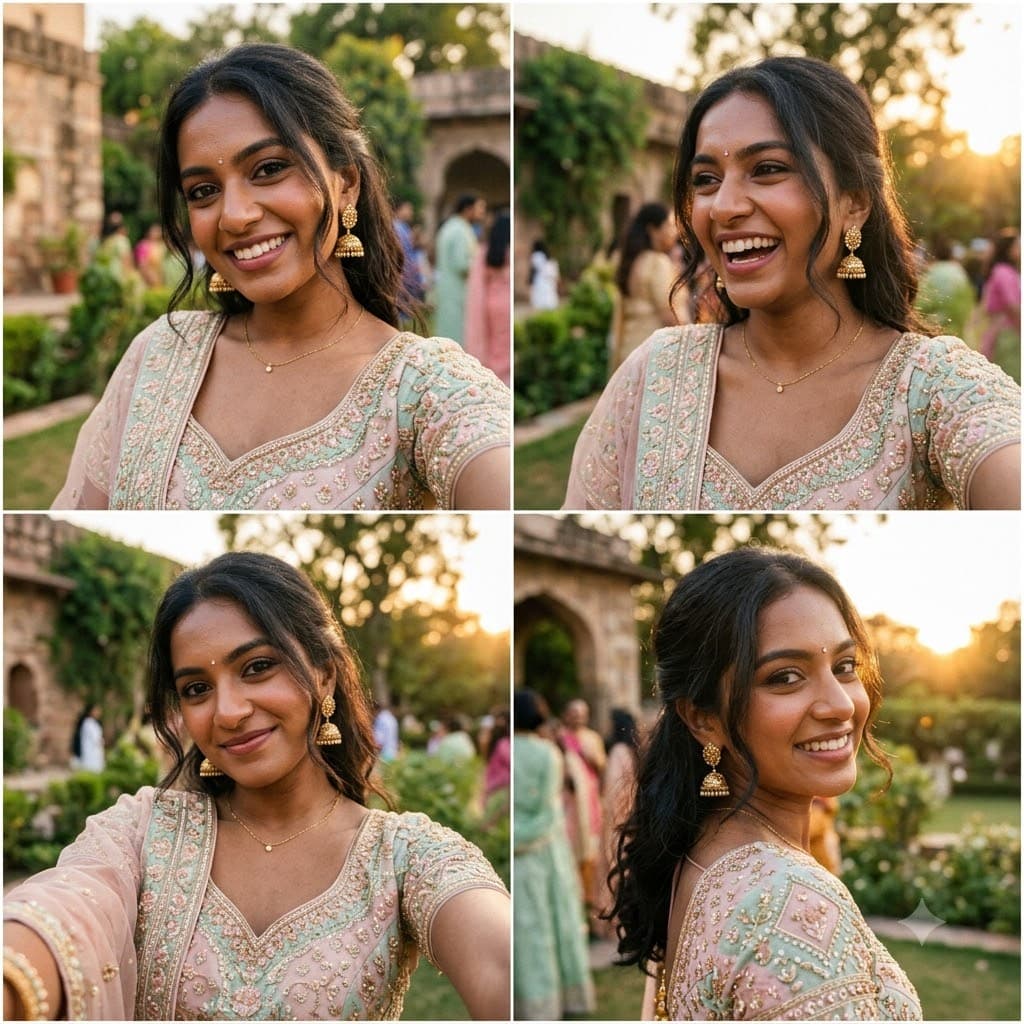
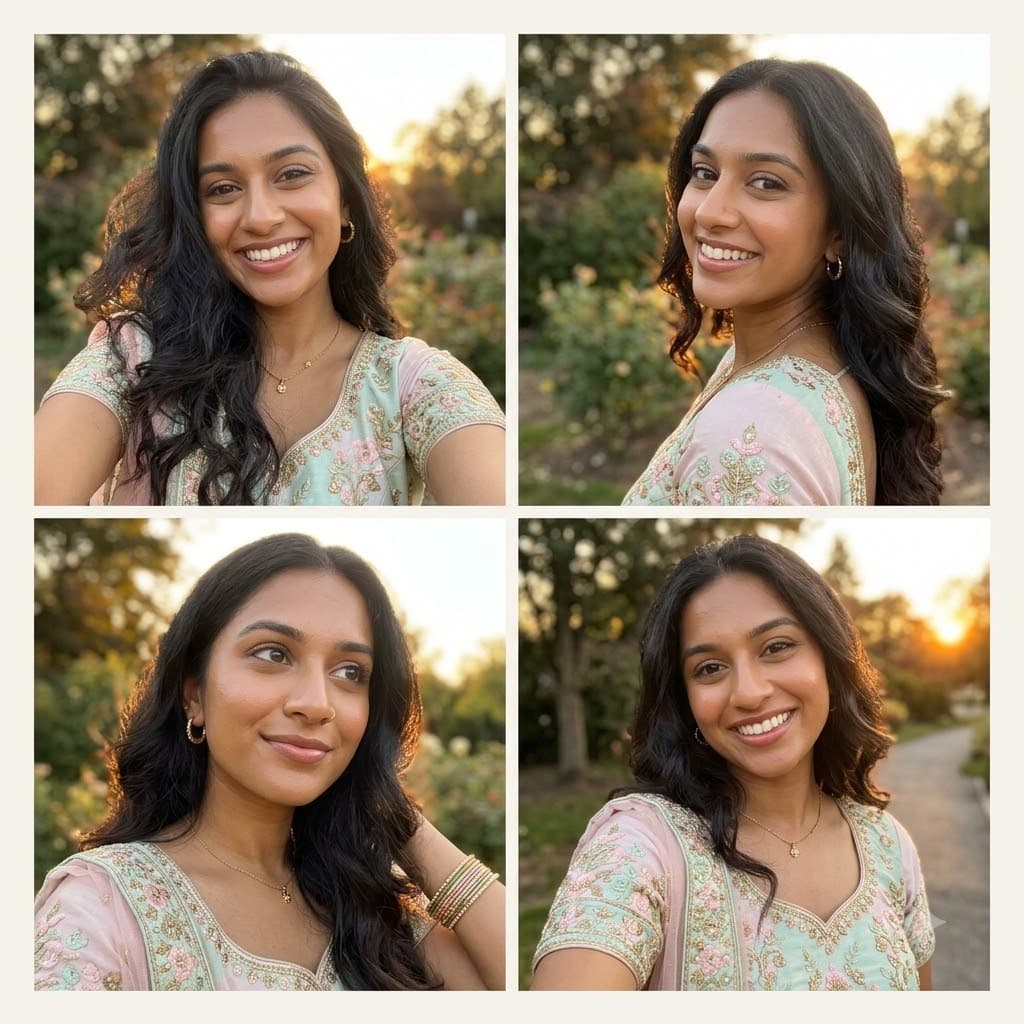
The four-frame selfie collage format taking over Pinterest and Instagram — one uploaded photo becomes four consistent close-up angles in a single grid.
This prompt edits your own photo instead of drawing a new person. Upload a clear, well-lit selfie into the AI tool first, then paste this prompt alongside it — the model keeps your face and changes everything around it.
Your details
Your prompt
Edit the uploaded photo into a 2x2 grid of four close-up portraits from slightly different angles and distances, all clearly the same person. Keep the exact facial identity from the reference photo completely unchanged across all four frames: same face shape, same eyes, same eyebrows, same nose, same lips, same jawline, same skin tone, same hairline, and any visible moles or marks — no facial changes in any frame. Keep the exact same body type, height, and build in every frame. The subject is 22 years old. Preserve natural, realistic skin texture with visible pores and fine detail, natural minor asymmetry, and a completely unedited look in each frame — no beauty filter, no skin smoothing, no airbrushing, no plastic or waxy skin, nothing that looks artificially perfect or AI-generated. Dress the subject in a pastel lehenga throughout, warm golden-hour tones lighting. Natural phone-camera realism, slight grain, each frame a clean square, assembled into one collage image.
Open in
Opens the tool in a new tab with your prompt on the clipboard.
Tips for better results
- Consistency across all four frames is the whole point — if one frame looks like a different person, regenerate rather than mixing outputs from different attempts.
- A higher-resolution uploaded photo holds up much better once split across four close-up crops.
More in this category
 +1Upload your photo
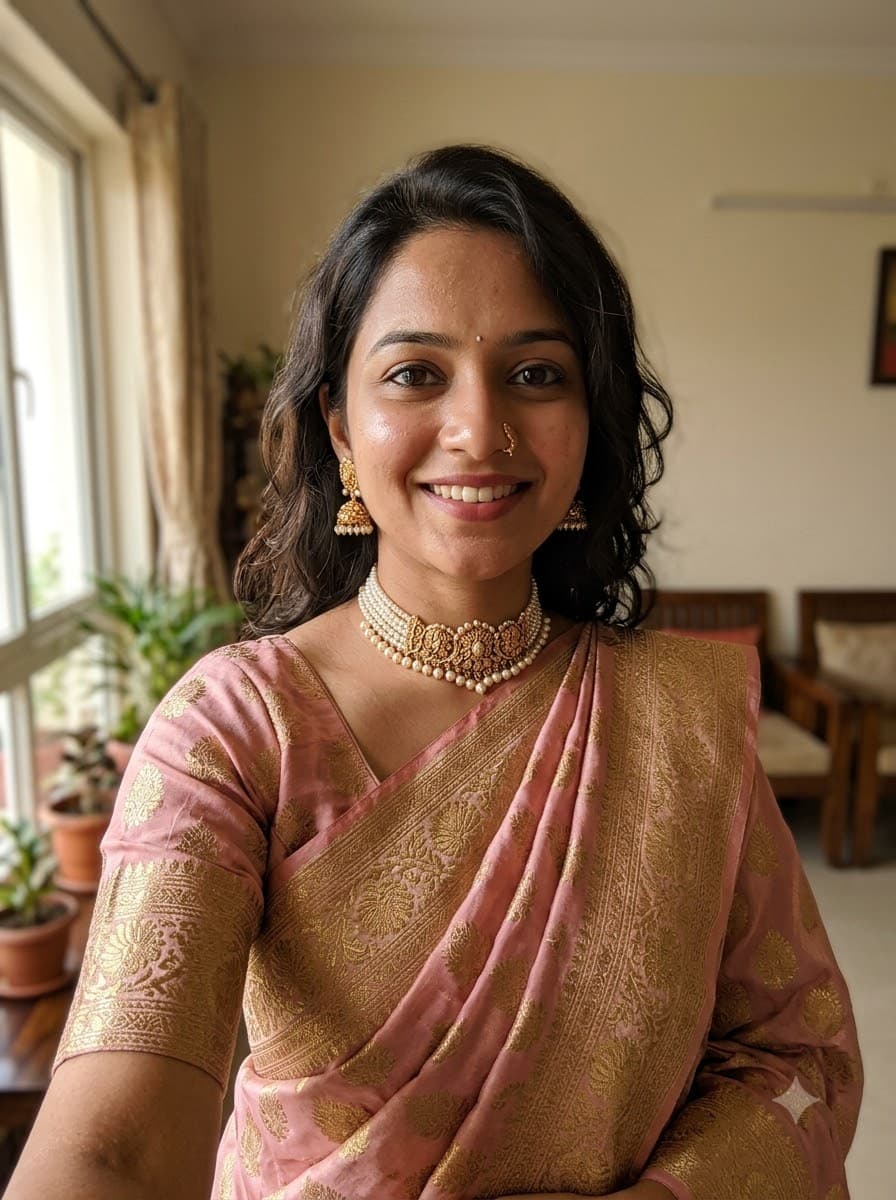
Saree Selfie Edit (Upload Your Photo)
The saree-transformation trend sweeping Instagram — upload your own selfie and let Gemini or ChatGPT redress you in a studio-quality saree look while keeping your actual face. No fictional model, it's really you.
 +1Upload your photo
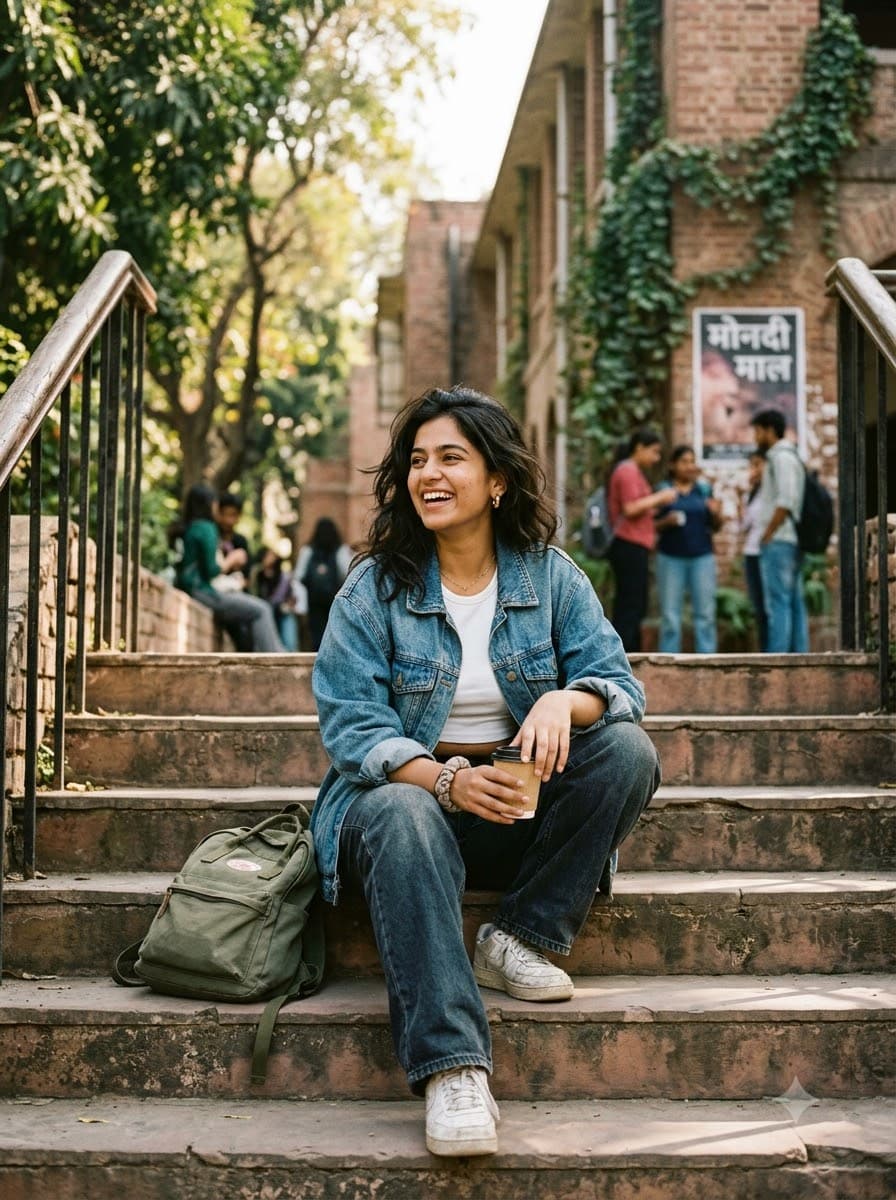
College Aesthetic Photo Edit (Upload Your Selfie)
The candid, unposed "campus core" look filling everyone's Instagram grid. Upload your own photo and get that soft, sunlit, friend-took-this feel — without staging an actual photoshoot.
 +1Upload your photo
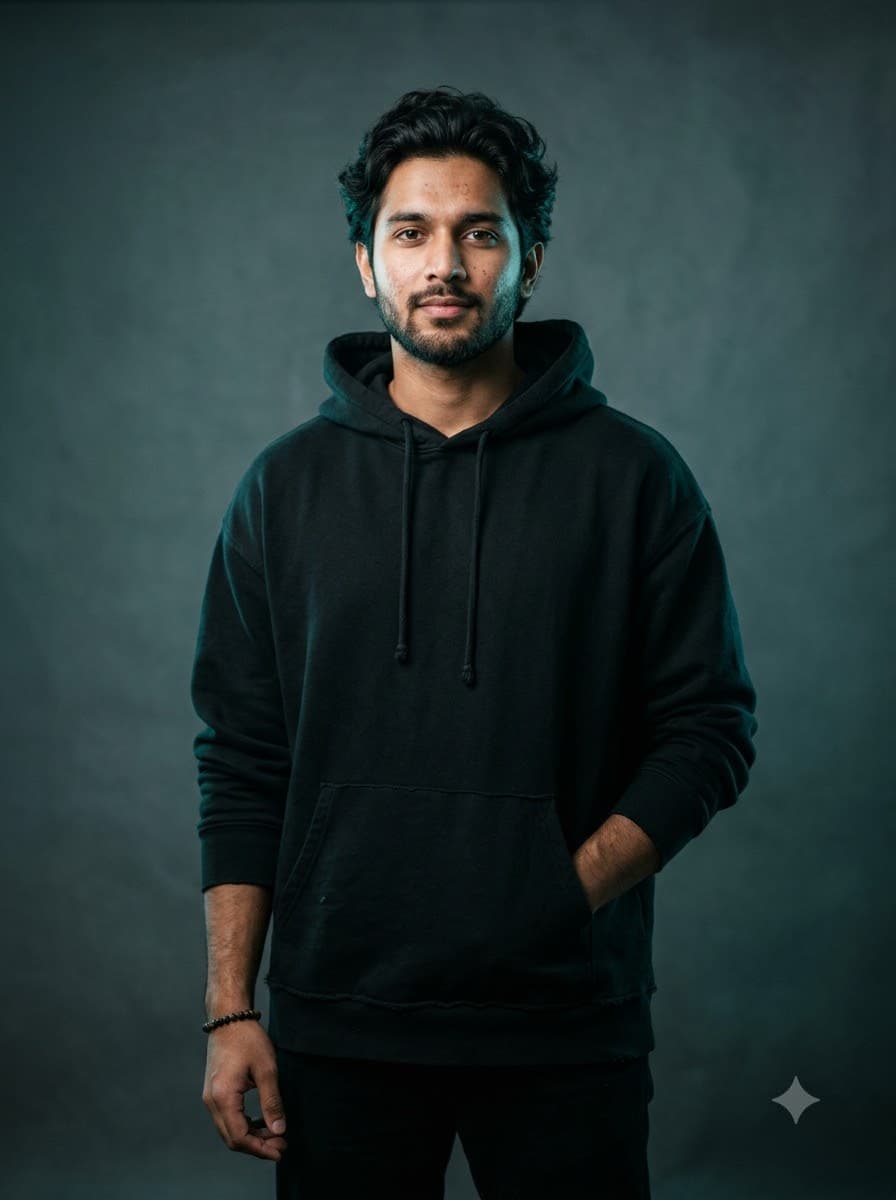
GQ Studio Portrait Edit (Upload Your Photo)
The magazine-cover studio look — moody rim light, cinematic colour grading — built around your actual face instead of a generated stranger's.